
20 Best Data Source Tools for B2B Lead Generation (+ Why You Should Build Your TAM Instead)


In this post:
Most B2B sales and marketing teams approach data sourcing backwards.
They open Apollo, punch in a few filters like VP of Sales plus SaaS plus 50 to 200 employees, export 1,000 contacts, and call it a day.
Or they pay 15,000 dollars for a ZoomInfo seat, scrape LinkedIn Sales Navigator with their target job titles for a few hours, and call that a prospect list.
We talk to a lot of sales and RevOps teams, and almost every B2B team starts there.
It feels productive on Monday. By Friday, the story is the same one we keep hearing on calls. A handful of replies, fewer real conversations, and the quiet realization that nothing meaningful actually moved.
The whole industry is set up like this. Search “best data source tools” right now, and you will get the same recycled list of Apollo, ZoomInfo, Lusha, Cognism, and a few others.
None of those tools are bad. The problem most teams fail to see is that they are not building a list with that approach. They are just scraping the same recycled database that every other sales team in the industry is hammering with cold emails.
The other way of looking at it is that you are competing for the same 2,000 accounts while your real total addressable market is 50,000 companies or more. Or that you are stuck on the noisy platforms while the B2B leads actually ready to buy are somewhere else.
We know from doing the work that the companies winning at B2B lead generation are not the ones with the biggest Apollo budget or the fanciest ZoomInfo plan. They are the ones who understand that the best data sources are rarely the traditional B2B databases.
Sometimes it is an industry directory. Sometimes it is a news platform tracking funding rounds. Sometimes it is a site like 10times.com that literally tells you which companies are hosting events right now.
This post is not another list of random tools. We want you thinking differently about the whole problem.
So we lay out why you are better off building your entire TAM than scraping random one-off lists, and why qualified ICP accounts that turn into real conversations come from creative, systematic data orchestration, not from generic tools.
Let’s get into it.
Note: Struggling to build a prospect list that converts?
The tools on this list are the same ones everyone else is exporting from. Same filters, same companies, same emails landing in the same inbox.
At Nebor we do GTM engineering and RevOps. We will map your market from the best sources for your business, the niche ones included, then build the data infrastructure that keeps it current and feeds everything downstream, from your outbound to your CRM.
We build everything in your own accounts, so it stays yours.
Book a 15-minute call and we'll show you where your market is hiding.
Why the best data source tools are rarely the popular ones, and why traditional data sourcing is broken
Walk into any B2B sales team and ask them how they build prospect lists. Nine times out of ten you will hear the same answer. "We use Apollo." "We have ZoomInfo." "LinkedIn Sales Navigator."
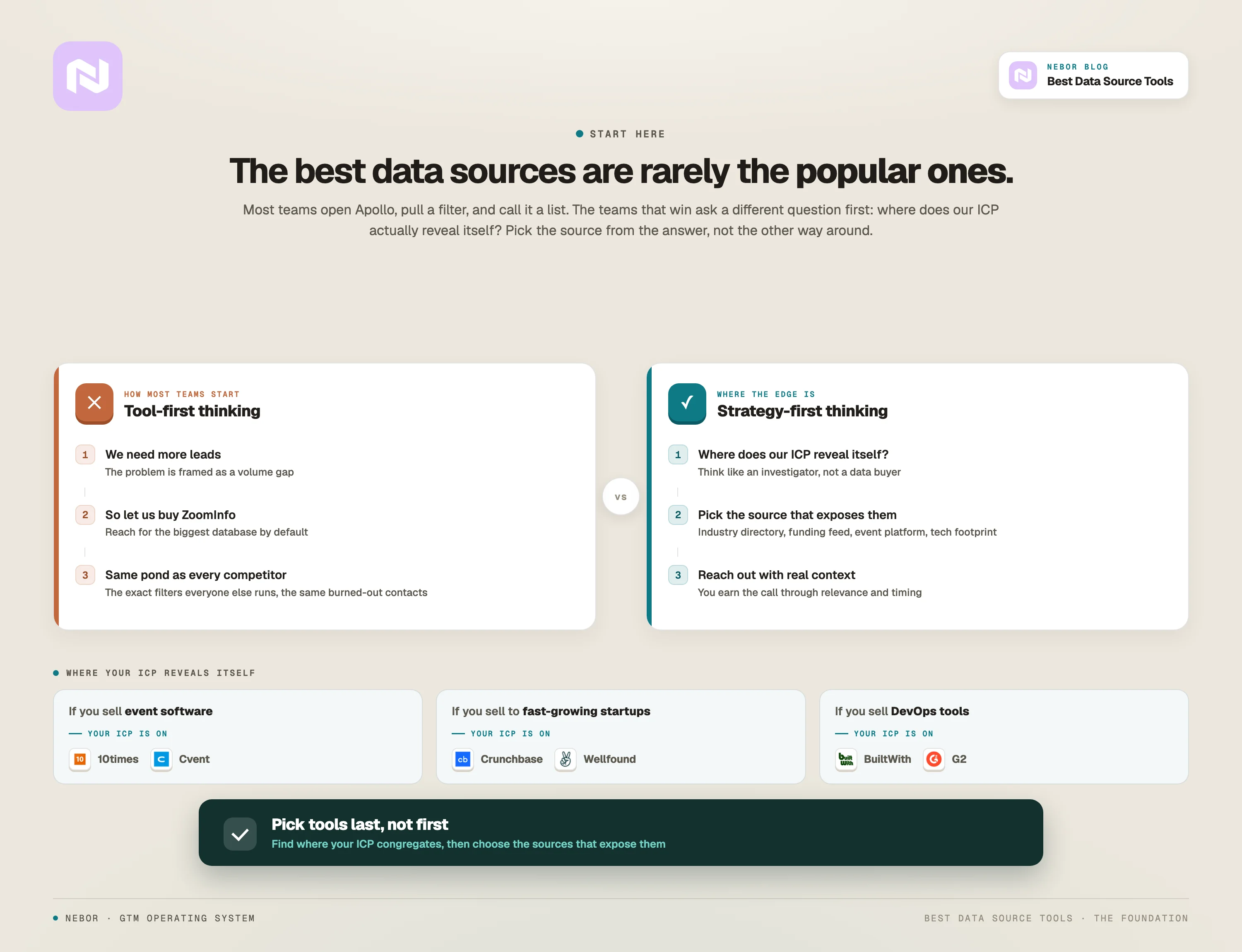
Nothing wrong with those tools on their own. They have their place. But here is what is actually happening underneath.
Tool-first thinking instead of strategy-first thinking, which kills your results before you start
Most sales leaders approach data sourcing like this. We need more leads. Let us buy ZoomInfo.
That is tool-first thinking. The right question is not "which tool should we buy" but "where does our ICP actually spend time, show intent, and signal that they are in-market for our solution?" Sometimes the answer is a traditional database. Often it is not.
If you sell event management software, your ICP is on 10times.com researching venues and planning conferences.
If you sell to fast-growing startups, your ICP is showing intent on Crunchbase by raising funding rounds. If you sell DevOps tools, your ICP is active on GitHub or using specific infrastructure that BuiltWith can pick up.
The best data source for your business is wherever your ICP reveals themselves.
That requires thinking like an investigator, not a data buyer. Before you even shortlist B2B lead generation companies or pick a tool, you should be asking where the people solving the problems you solve actually congregate, what platforms they use, what actions they take right before they need your solution, and whether any platform lists or talks about them publicly. Once you have answers, you pick tools. Not the other way around.
Every sales and marketing team you compete with is also fishing in the same pond
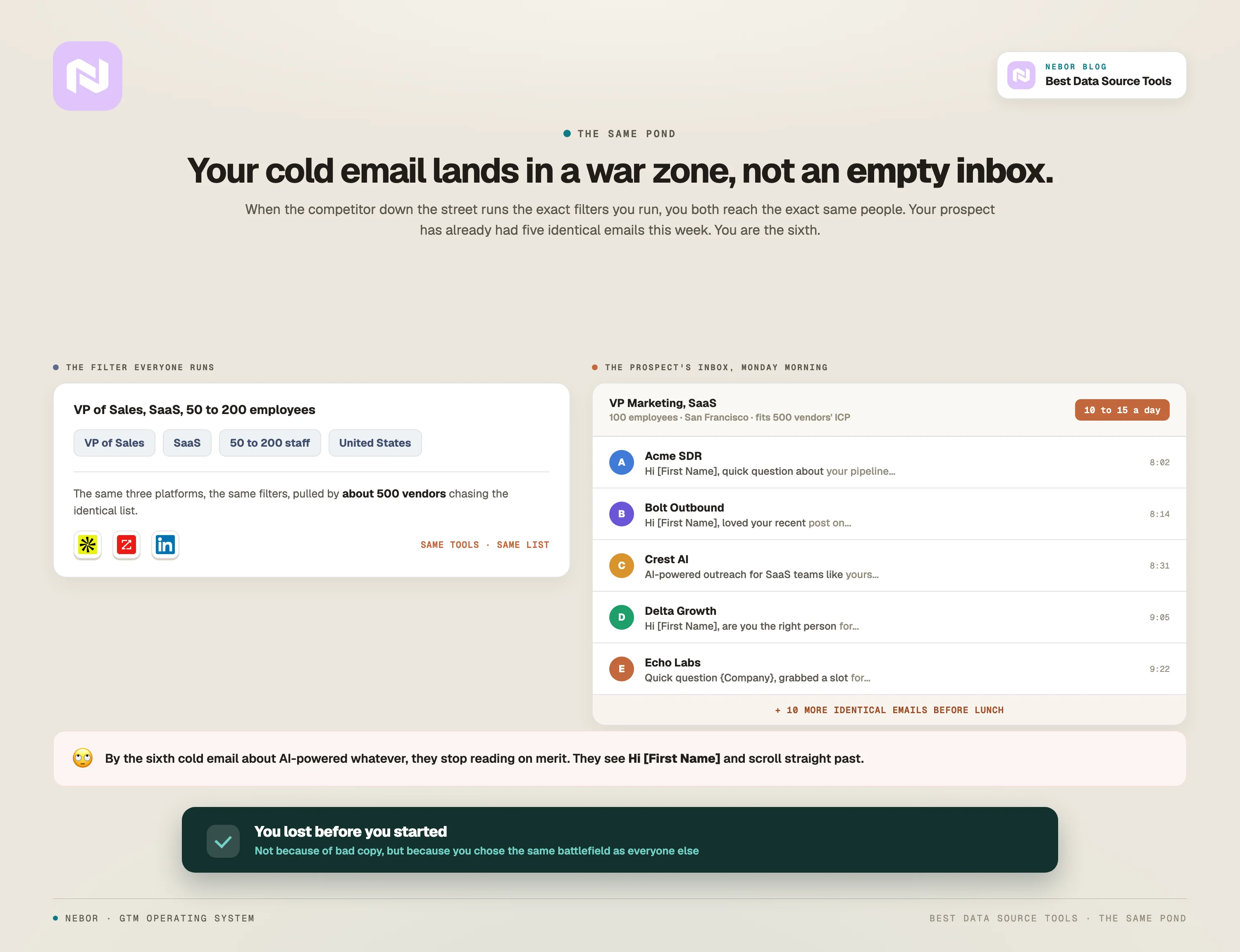
Here is a pattern we see constantly at Nebor.
A new client comes to us frustrated. They have been doing outbound for six months. They are using all the right tools. Apollo, LinkedIn Sales Navigator, maybe even a ZoomInfo seat.
They are sending thousands of emails and their pipeline is anemic. Reply rates are under two percent. Meetings are rare. The CEO is asking questions.
We audit their process and find the same problem every time. They are doing exactly what their competitors are doing.
When the competitor down the street uses the exact Apollo filters you use, you are both reaching out to the exact same people. Your prospect has already received five identical cold emails this week.
So you are not getting meetings because of bad copy. You are not getting meetings because you are the sixth person to contact them about the same thing.
Think about it from the prospect's perspective for a second.
If you are a VP of Marketing at a SaaS company with 100 employees in San Francisco, you fit the ICP for about 500 different vendors. All of them are pulling the same filters on the same platforms to find you. You are getting 10 to 15 cold emails a day. Probably more.
Your beautifully written cold email or LinkedIn message is not landing in an empty inbox. It is landing in a war zone.
What happens psychologically is that when someone gets their sixth cold email about AI-powered whatever in a week, they stop evaluating each one on its merits.
They develop a pattern. They see Hi [First Name] and immediately scroll past. You lost before you ever started, because you chose the same battlefield as everyone else.
Most marketing and sales data tools are jacks of all trades, masters of none
This is our biggest issue with these tools, and the reason we do not trust them as a primary source at Nebor. Apollo and the rest cover every industry, which means their data on any single industry will be thin and almost always less effective than data from a dedicated source for that industry.
These platforms also have millions of contacts, and contacts are mostly all you get. They are not monitoring which companies just hired their first sales leader (a massive buying signal).
There are no signals attached to the data by default, or you have to pay extra for them, and once you do they are still the same signals every other customer of that tool is acting on.
Commoditization eats every data source eventually
Call it the commoditization curve of data sources. It is a framework worth holding in your head, and most people miss it.
When a new data source enters the market, it gives a real edge to early adopters. ZoomInfo in 2008 was a secret weapon. LinkedIn Sales Navigator in 2012 was a gold mine. Apollo in 2018 gave scrappy startups access to data previously available only to enterprises.
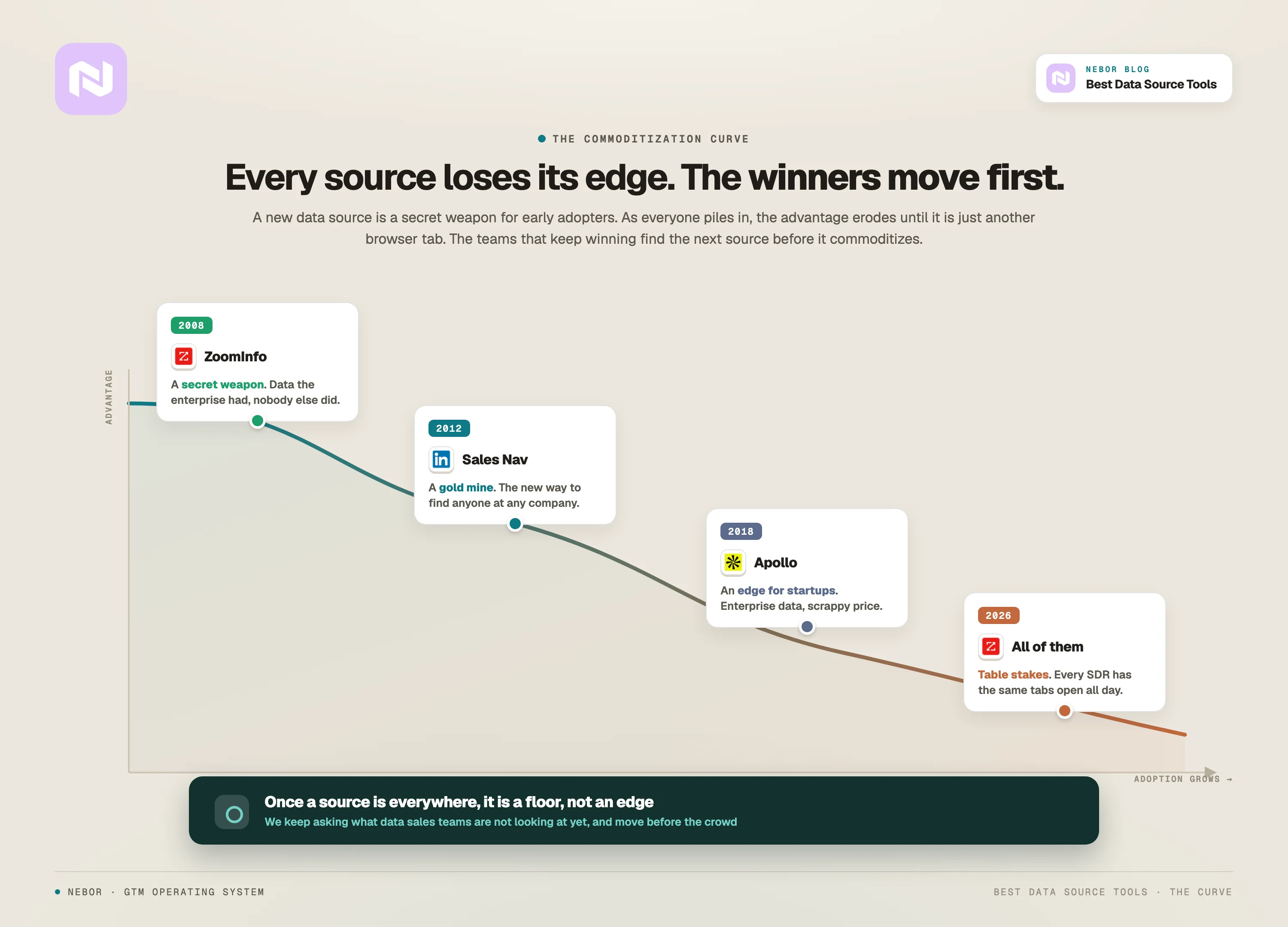
Over time, as adoption grows, the advantage erodes. Today ZoomInfo is standard. Sales Navigator is table stakes. Apollo is just another browser tab every SDR has open all day.
Once a data source becomes ubiquitous, it stops being an edge and becomes a minimum requirement. The prospects inside those databases get burned out too. The data source still works on paper, but the returns shrink because every other team is using the same plays.
The companies that keep winning are not the ones doubling down on commoditized sources. They are the ones finding new sources before they become commoditized.
It is 2026. We do not need to tell you about all the AI-driven platforms entering the market right now. That is just how we work at Nebor.
We are constantly asking what data exists that sales teams are not looking at yet, where the gaps are in traditional databases, and which platforms reveal buying intent that most people ignore.
Most data source platforms optimize for quantity, not quality
You can export 10,000 contacts in 20 minutes. That feels productive until you realize 8,000 of those contacts do not actually match your ICP, and your sales team wastes the next three weeks chasing dead ends.
Here is a real example from one of our clients.
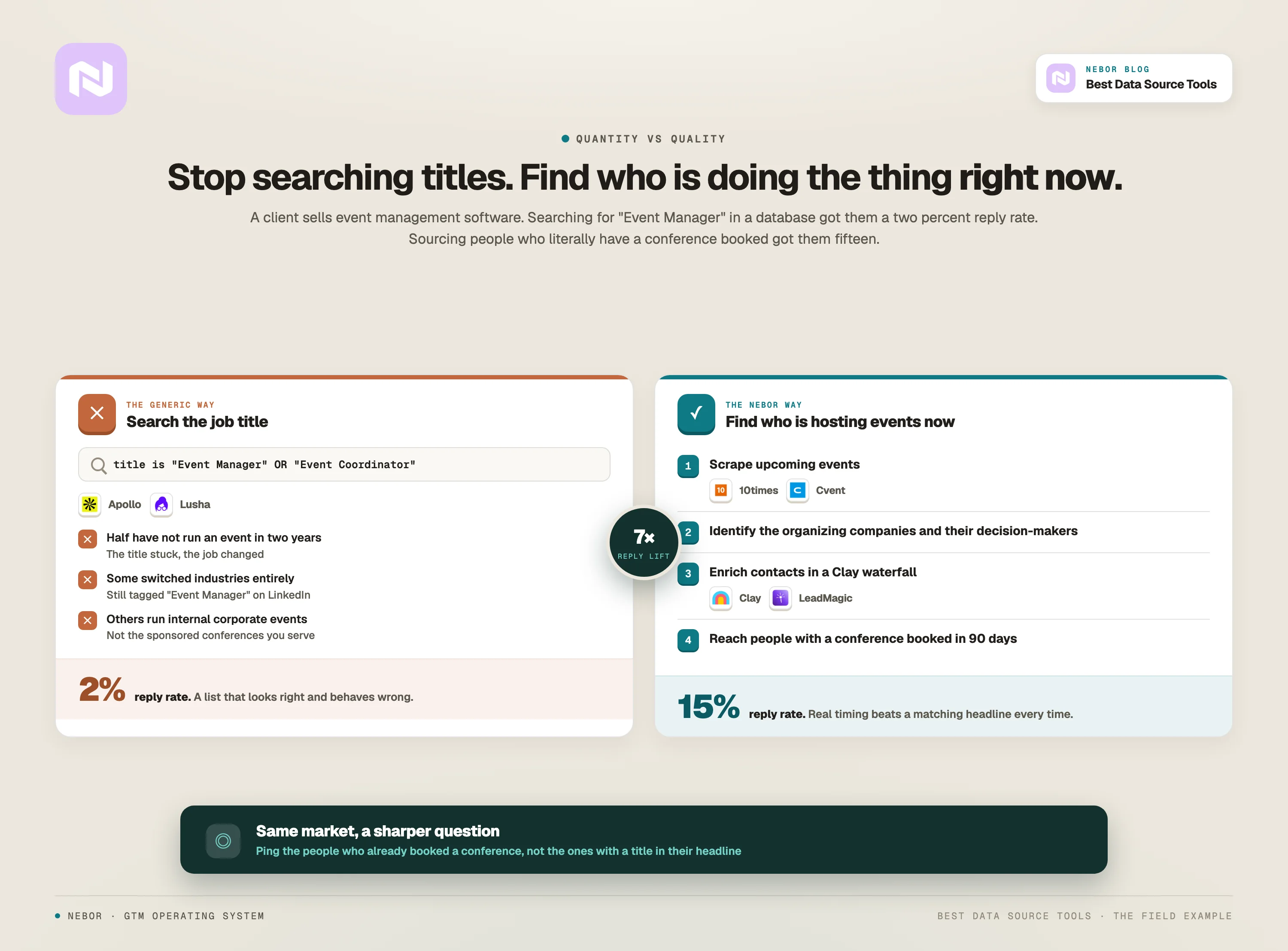
We were working with a client who sells event management software. Their data sourcing process (and frankly, the process of the typical lead gen agency) was to use Apollo or Lusha to search for profiles with "Event Manager" or "Event Coordinator" in the title. Standard stuff.
The problem? Half those people had not organized an event in two years. Some had switched industries. Others were organizing internal corporate events, not the large-scale conferences with sponsors and exhibitors our client specialized in.
So we asked a different question. Instead of finding people whose LinkedIn says "Event Manager," why not find people who are literally hosting events right now?
That is when we built a workflow around 10times.com and Cvent.
10times.com is a global platform that lists trade shows, conferences, and expos. It tells you who is organizing them, when they are happening, and what industry they belong to. Cvent works the same way from the organizer side. It is an event management platform where organizers publish their events.
Here is what we did.
Scraped 10times.com and Cvent for upcoming events in our client's target industries.
Identified the organizing companies and the relevant decision-makers.
Enriched that data with contact info using Clay, LeadMagic, and a couple of other sources in a Clay waterfall.
Reached out to people who were actively planning events in the next three to six months.
The difference is that we were not pinging someone with "Event Manager" in their LinkedIn headline who might be planning something next year. We were pinging people who had a conference scheduled for September and needed software to manage it.
That is the difference between a generic data tool that gets you a two percent reply rate and a specific industry platform that gets you 15 percent.
Most agencies and sales reps would never think to do this. They default to Apollo because it is easier. Easier does not mean better.
The best data sources are rarely specific tools. Sometimes they are industry inventories. Sometimes they are news platforms. Sometimes they are niche directories that no one in sales has heard of.
Your job is to figure out where your ICP actually lives, and go there.
Why you should always build your entire TAM (instead of paying for random tools and renting one-off lists)
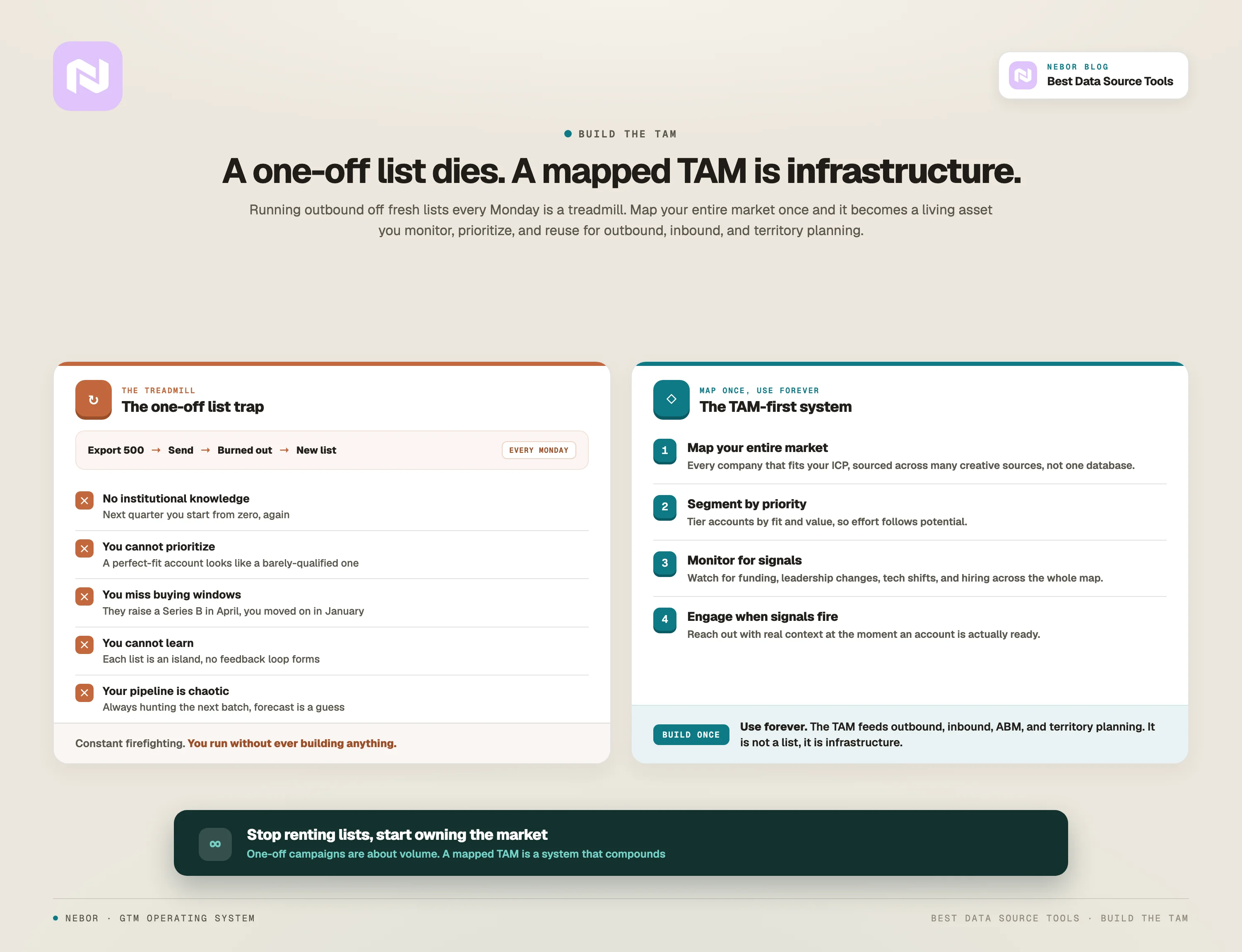
Here is a truth most sales leaders do not want to hear. If you are still doing outbound off one-off lists, you are already losing to competitors with better systems.
That is true even if you find better data sources. As long as you are still building one-off lists, you are missing the point.
The companies dominating B2B lead generation in 2026 are not launching campaigns. They are building systems instead of adding headcount. The foundation of any world-class system is a complete TAM map.
Let us walk through it.
The one-off campaign list trap, and how it keeps most sales and RevOps teams stuck on a treadmill
Picture this scenario.
It is Monday morning. Your SDR opens Apollo, builds a search, exports 500 contacts, and uploads them to Instantly.ai. They write a sequence, hit send, and the campaign is live.
By the end of week, they have burned through the list. Now they need a new list.
So next Monday, they do it again with different filters and a different segment, repeating the exact same process.
This is the treadmill. You are constantly moving and never actually building anything.
Underneath that, here is what is happening.
You have no institutional knowledge. Six months from now, you will not remember which companies you reached out to, how they responded, or whether they showed interest. Everything starts from zero every cycle.
You cannot prioritize. All 500 contacts look the same to your SDR. You treat a perfect-fit ICP account the same as a company that barely qualifies. You are not allocating effort based on potential value.
You miss buying windows. Company A was not ready to buy in January when you reached out. In April they raised a Series B and started hiring fast, which is a massive buying signal. You have no system to catch that. You moved on weeks ago.
You cannot learn and improve. Each list is independent. You are not building a feedback loop that helps you understand which types of companies convert best, which industries are most responsive, or which signals predict buying intent.
Your pipeline is chaotic. This is the most damning of all. You are always hunting for the next batch of contacts. Your deal flow is inconsistent. Your sales forecast is a guess.
Your prospecting and top-of-funnel lead generation process is constant firefighting.
Now flip the paradigm.
Our TAM-first approach: map your total market opportunity once and use it forever
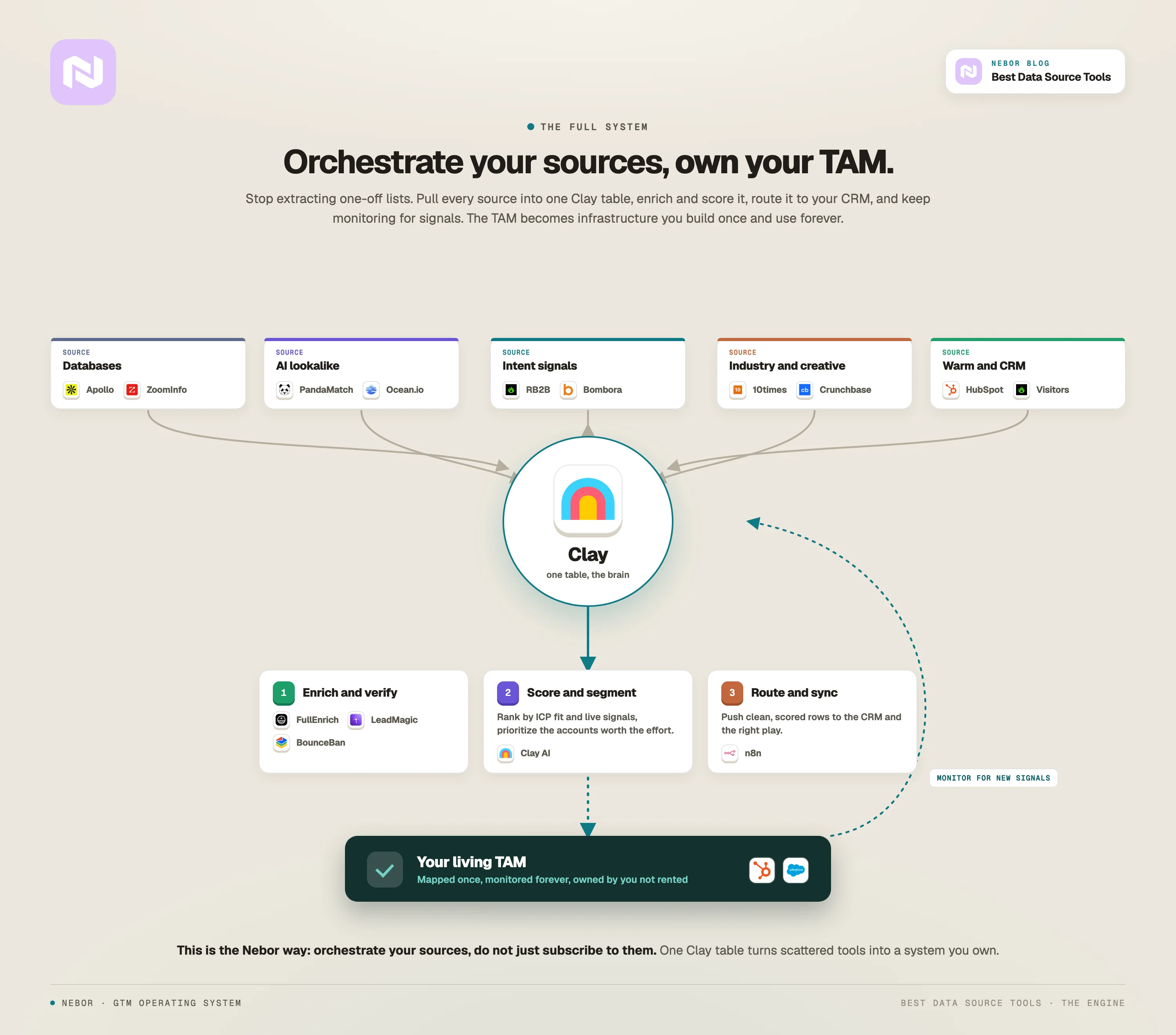
While you are working the approach we just walked through, the company that is dominating your market has mapped out their entire total addressable market.
That means they know and watch every company that fits their ICP. They can segment those companies by priority.
They build workflows that monitor when accounts show buying signals like new funding, leadership changes, tech stack shifts, or job postings. And they engage systematically when those signals show up.
You are launching one-off campaigns. They have a system. TAM mapping changes the game because of four things.
One: you source your data from multiple sources
The element that makes TAM building so important, and the one that ties directly to how you select your data source tools, lives in the second phase of building the TAM.
The first step is to get your ICP right down to the smallest details.
Once that box is checked, you orchestrate your data sourcing across dozens of creative sources in phase two. You then tie the whole thing back to your CRM through a tool like Clay.
It is more layered than we can fully describe here. The shape of it is that you build a working data pipeline that connects and orchestrates diverse sources (databases, niche SaaS apps, RSS feeds, scraped directories, signal feeds) into a single flow that lands cleanly in your CRM.
Modern setups support batch processing, real-time streaming, and API-based syncs, and you need that mix so your view of the market is always fresh.
The point is that you are not relying on one database anymore. You are orchestrating multiple sources to build the most complete picture of your total market opportunity. That matters most when your pipeline is inconsistent and your sales team is stretched thin.
You pull from news sites tracking Series A funding. You monitor industry forums. You scrape government contract databases if you sell to public sector. The exact mix depends on your business, your ICP, and which platforms reveal them most clearly.
What you end up with is a system composed entirely of businesses that match your ICP, that you can reach out to with real context, and that you can actually win.
Two: you build once, use forever
A one-off list dies after you send your campaign. A TAM is a living asset.
Once you have mapped your entire market, you do not start from scratch next quarter. You monitor it. You track which companies are showing intent signals. You prioritize based on fit and timing. You layer in inbound traffic data, CRM activity, and third-party signals.
Your TAM becomes the foundation for everything. Outbound, inbound, account-based marketing, sales territory planning. It is not a list. It is infrastructure.
Three: you stop competing for recycled leads and you start beating your competitors
When your competitors are exporting Apollo lists and sending batch-and-blast emails, you are doing something entirely different.
You are watching your entire market. You are spotting buying windows in real time. You are reaching out when companies are actually ready to buy, not when your cadence schedule says to send the next email.
You are not relying on public databases that everyone else uses. You are finding companies through creative sources. Industry registries, association directories, niche platforms, web scraping, lookalike modeling. You are playing chess while they are playing checkers.
The prospects feel the difference. When you reach out, you are not some random SDR who found them on LinkedIn.
You are someone who clearly understands their business, knows what stage they are at, references specific things happening in their company, and reaches out at the right moment.
They take your call because you earned it through relevance and timing.
Four: you focus on qualified ICP accounts who turn into conversations
One-off lists are filled with noise. You export 1,000 contacts and maybe 200 actually fit your ICP. Your sales team wastes time on the other 800.
When you build your TAM properly, you apply multiple layers of qualification.
Do they match our ICP?
Are they in a growth stage where they would need our solution?
Do they have the budget and authority to buy?
Are they showing buying signals?
Have they engaged with our content or visited our site?
You are not just collecting names from a tool. You are identifying accounts that are actually ready for a conversation.
Top 20 data source and data integration tools to consider for B2B sales and lead generation in 2026
Now that you have the philosophy and the system, let us talk tools.
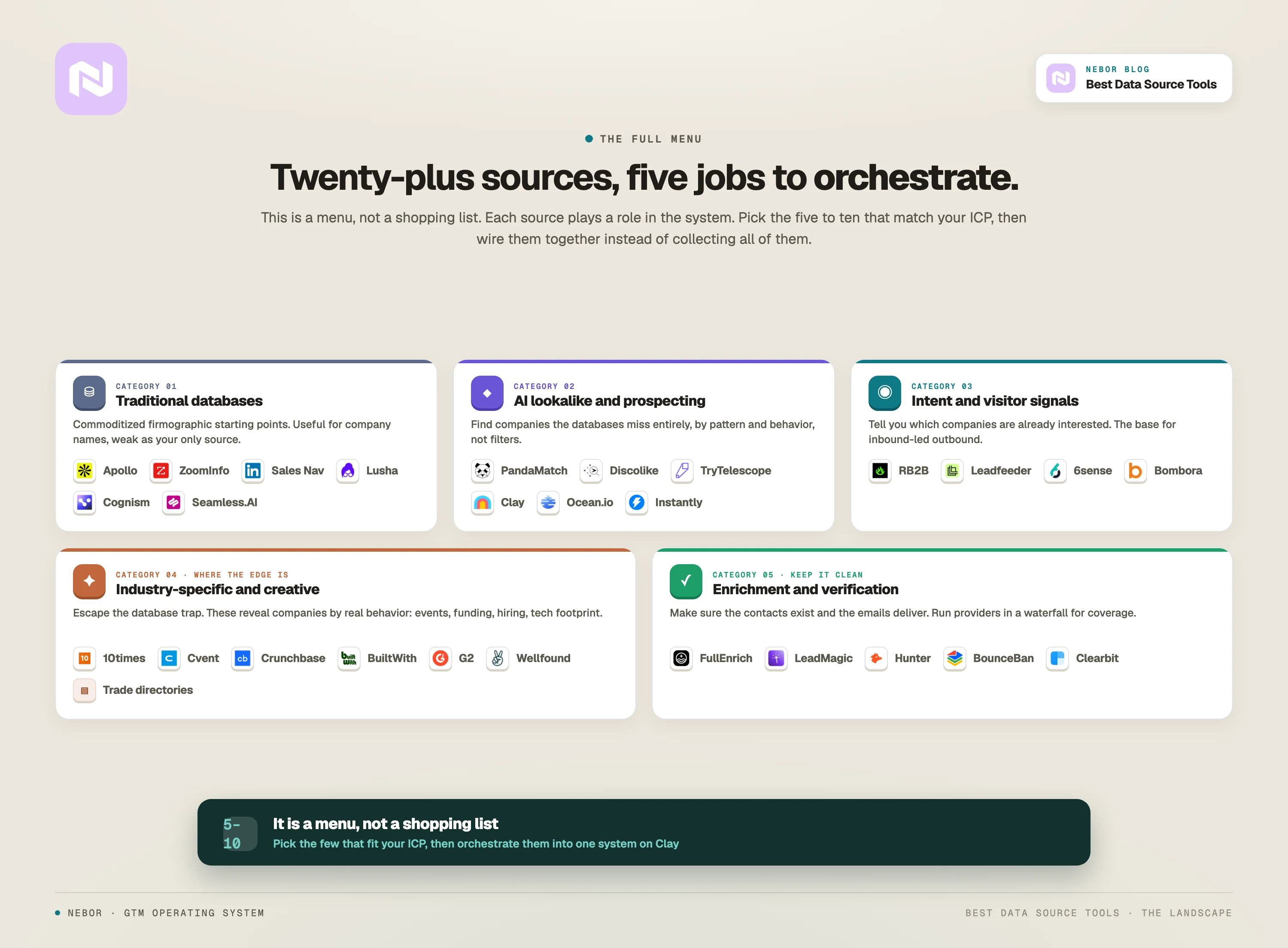
Below is a list of more than 20 data source tools (traditional databases, AI-powered platforms, and creative sources) you should consider when building your TAM and orchestrating your data workflows. For each tool, we cover the key features and where it fits.
We grouped them into categories so you can see where each one belongs in the bigger picture. Treat this as a menu. Do not try to use all of them. Pick the five to ten that fit your ICP and orchestrate them into a system.
Note: Struggling to build a prospect list that converts?
The tools on this list are the same ones everyone else is exporting from. Same filters, same companies, same emails landing in the same inbox.
At Nebor we do GTM engineering and RevOps. We will map your market from the best sources for your business, the niche ones included, then build the data infrastructure that keeps it current and feeds everything downstream, from your outbound to your CRM.
We build everything in your own accounts, so it stays yours.
Book a 15-minute call and we'll show you where your market is hiding.
Traditional B2B databases (do not rely on them alone)
These are your starting points for basic firmographic data. They are commoditized, but they still pull their weight when you are orchestrating across multiple sources.
1. Apollo.io
What it is: All-in-one sales platform with around 275M contacts and 73M companies. Built-in email sequencing and dialer.
Best for: Quick list building and basic prospecting when you need volume fast.
Why we recommend it: Decent starting point for company names and basic firmographics. We rarely use Apollo's contact data directly, since it is stale and everyone else is using it. But it is useful for identifying companies that you then enrich elsewhere.
Pricing: Free plan available. Paid plans start at 49 dollars per user per month.
Pro tip: Use Apollo to build your initial company list, then enrich those companies through other sources for actual contact data.
2. ZoomInfo
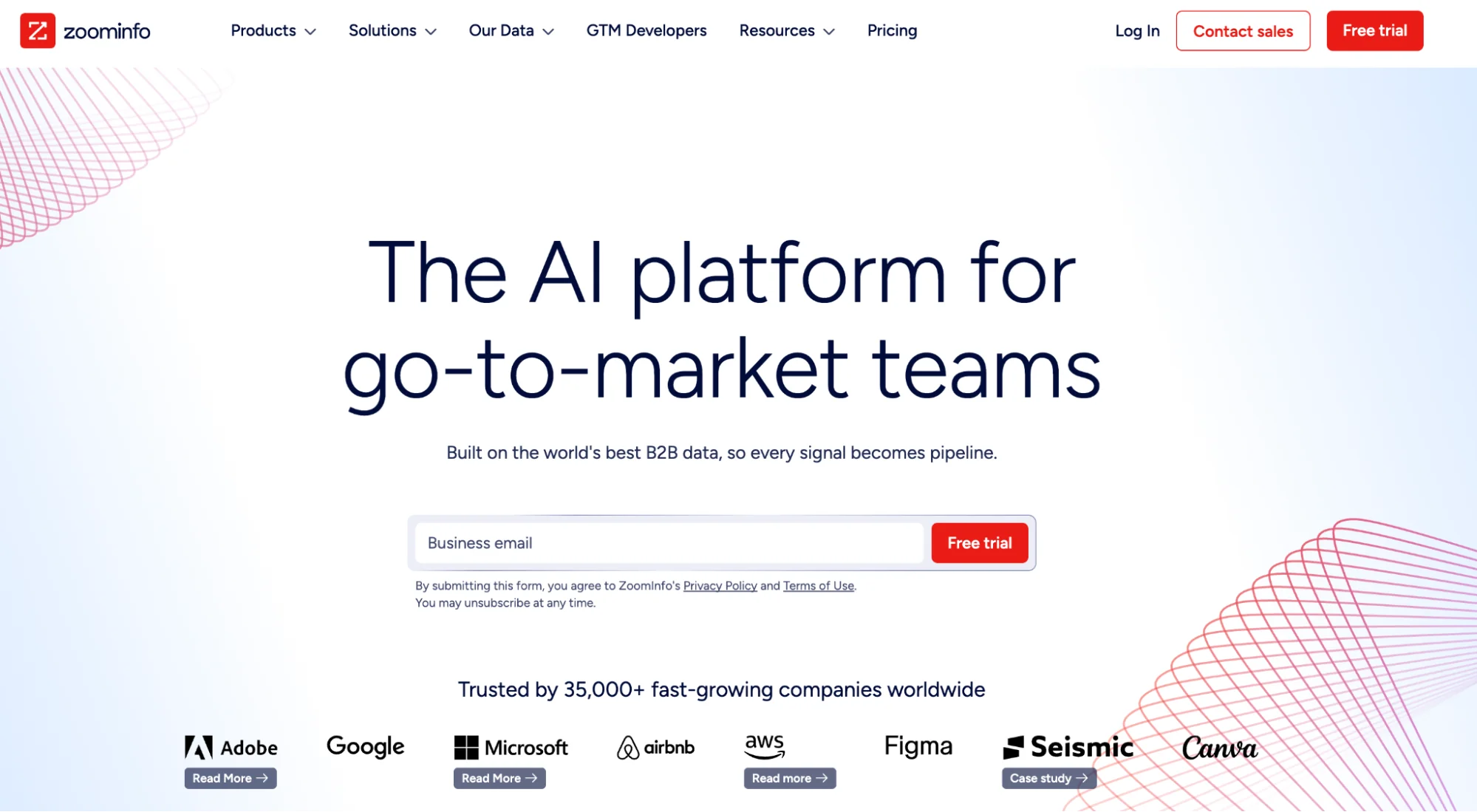
What it is: The 800-pound gorilla. 321M professional profiles, deep firmographics, intent data, organizational charts.
Best for: Enterprise teams with big budgets who need deep company intelligence and compliance.
Why we recommend it: When you need comprehensive data on large enterprises or hard-to-reach executives, ZoomInfo delivers. For startups and mid-market companies it is overkill and overpriced.
Pricing: Custom pricing. Expect 15,000 to 40,000 dollars or more annually.
Pro tip: If you have ZoomInfo, use it for enrichment and intent data, not as your only source. Layer it with other tools.
3. LinkedIn Sales Navigator
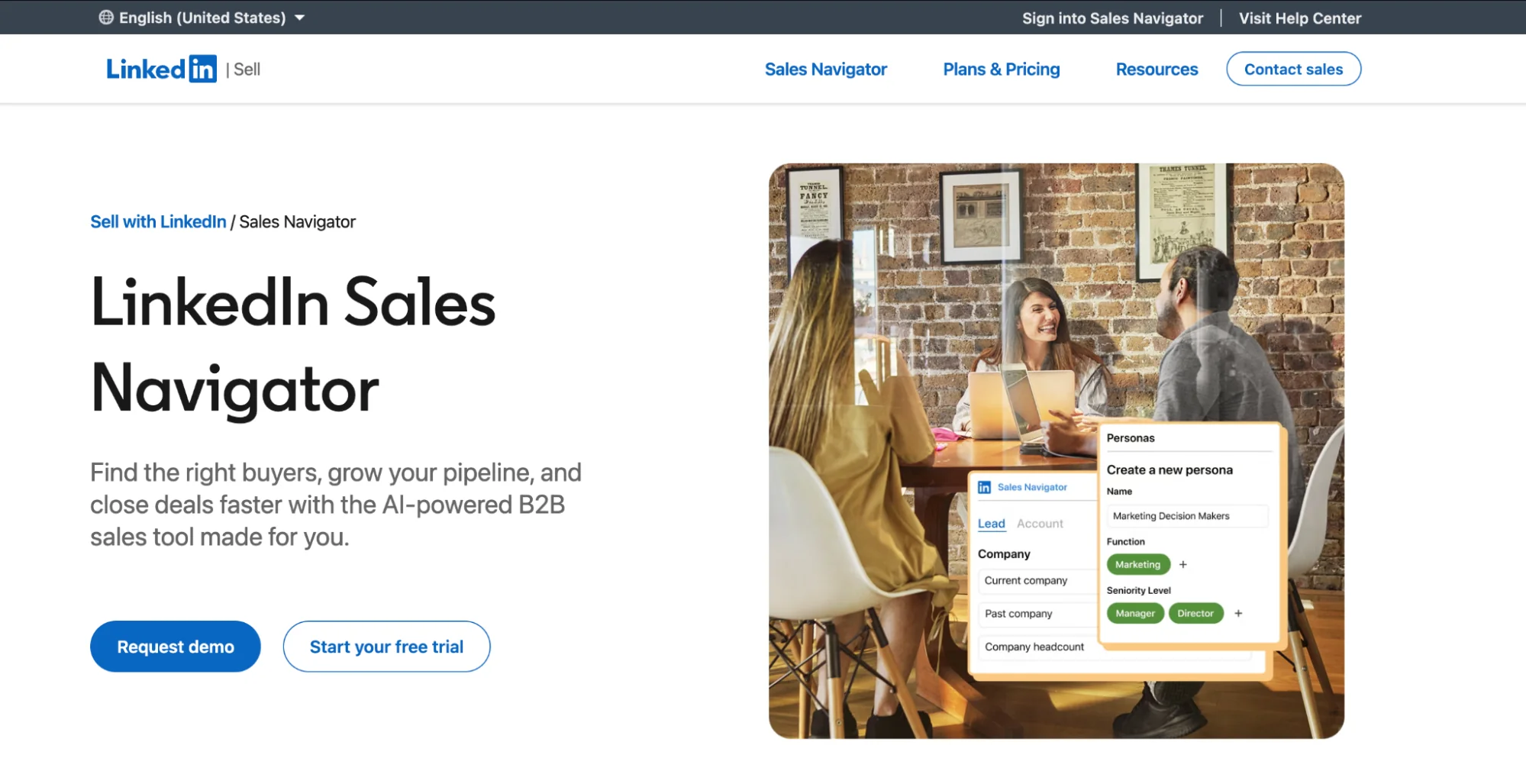
What it is: LinkedIn's premium tool for B2B prospecting. Advanced search filters, InMails, lead recommendations, CRM integration.
Best for: Relationship-building, warm outreach, and researching people at companies you already identified elsewhere.
Why we recommend it. Essential for finding the right decision-makers at target companies. We do not use it to find companies (everyone does that), but once we know which company we want to reach, Sales Nav helps us find the right person.
Pricing: 79.99 to 125 dollars per month depending on tier.
Pro tip: Do not use Sales Nav for discovery. Use it for drilling down into accounts you have already qualified through other methods.
4. Lusha
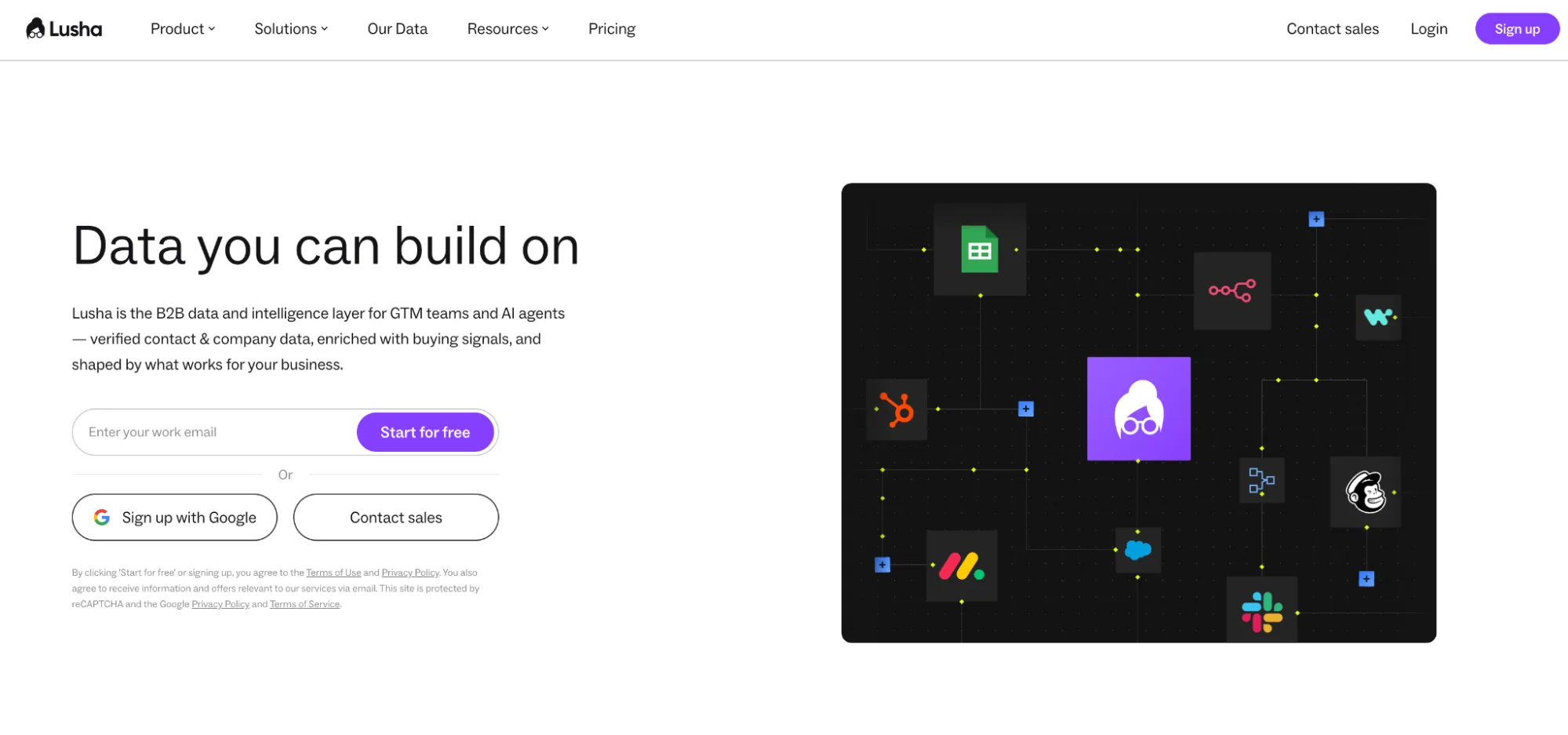
What it is: Lusha is a contact enrichment tool with around 45M North American profiles and 21M European profiles. You get a chrome extension for quick lookups.
Best for: Finding direct phone numbers and emails while you are browsing LinkedIn or company websites.
Why we recommend it. The Chrome extension is fast and accurate. Useful for one-off enrichment when you need someone's contact info immediately.
Pricing: Free plan with limited credits. Paid plans start at 29 dollars per month.
Pro tip: Lusha works best for European contacts because of GDPR compliance. For US contacts, we usually prefer LeadMagic or FullEnrich.
5. Cognism
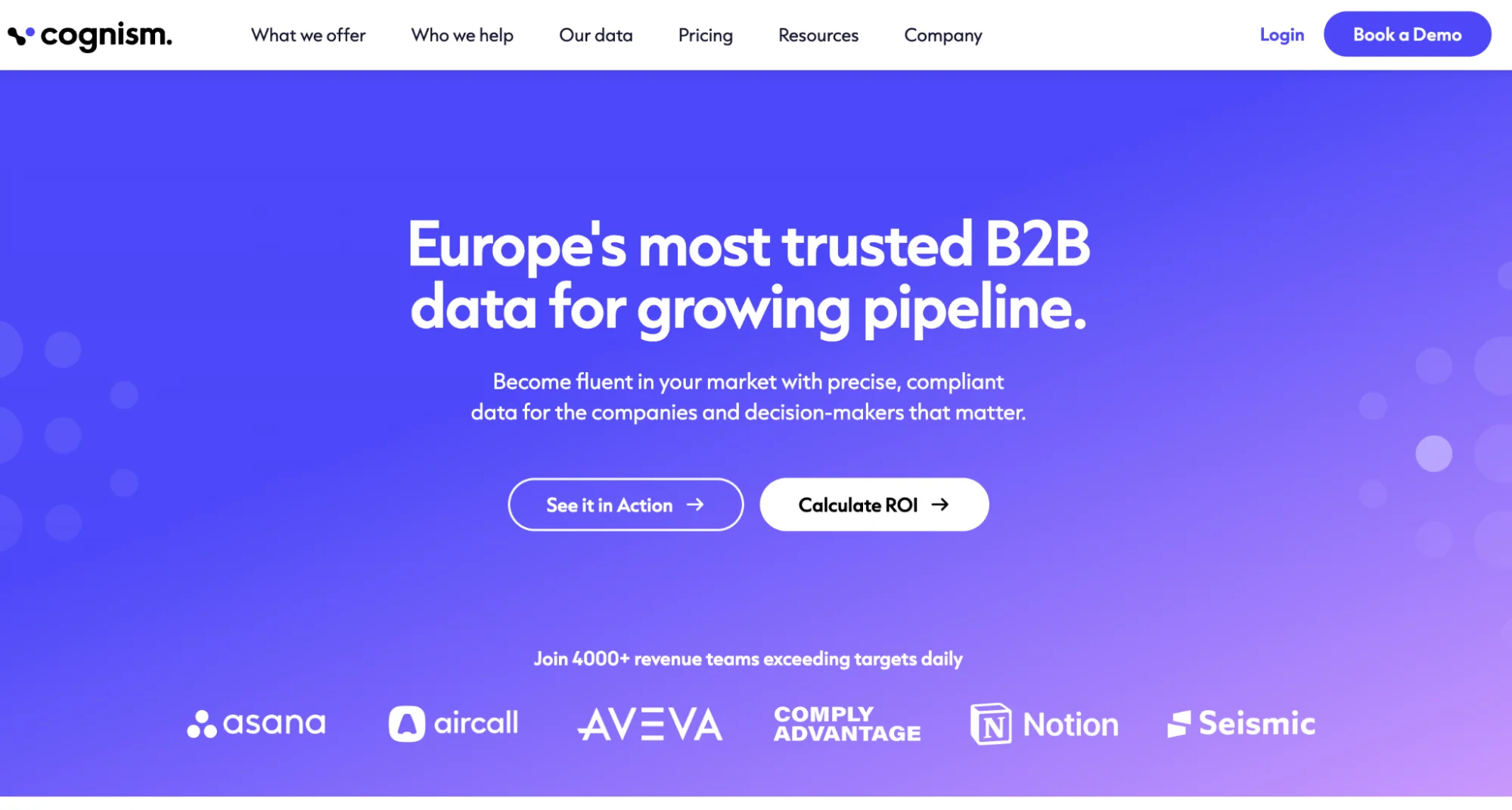
What it is: Cognism is a B2B data platform focused on compliance and data quality, particularly for EMEA markets.
Best for: European prospecting and teams that need GDPR or CCPA-compliant data with mobile numbers.
Why we recommend it. When you target European companies, Cognism's mobile phone data is far better than US-focused tools. Their intent data also helps prioritize accounts.
Pricing: Custom pricing.
Pro tip: If you sell into Europe, Cognism plus Lusha gives you the best contact coverage with compliance baked in.
6. Seamless.AI
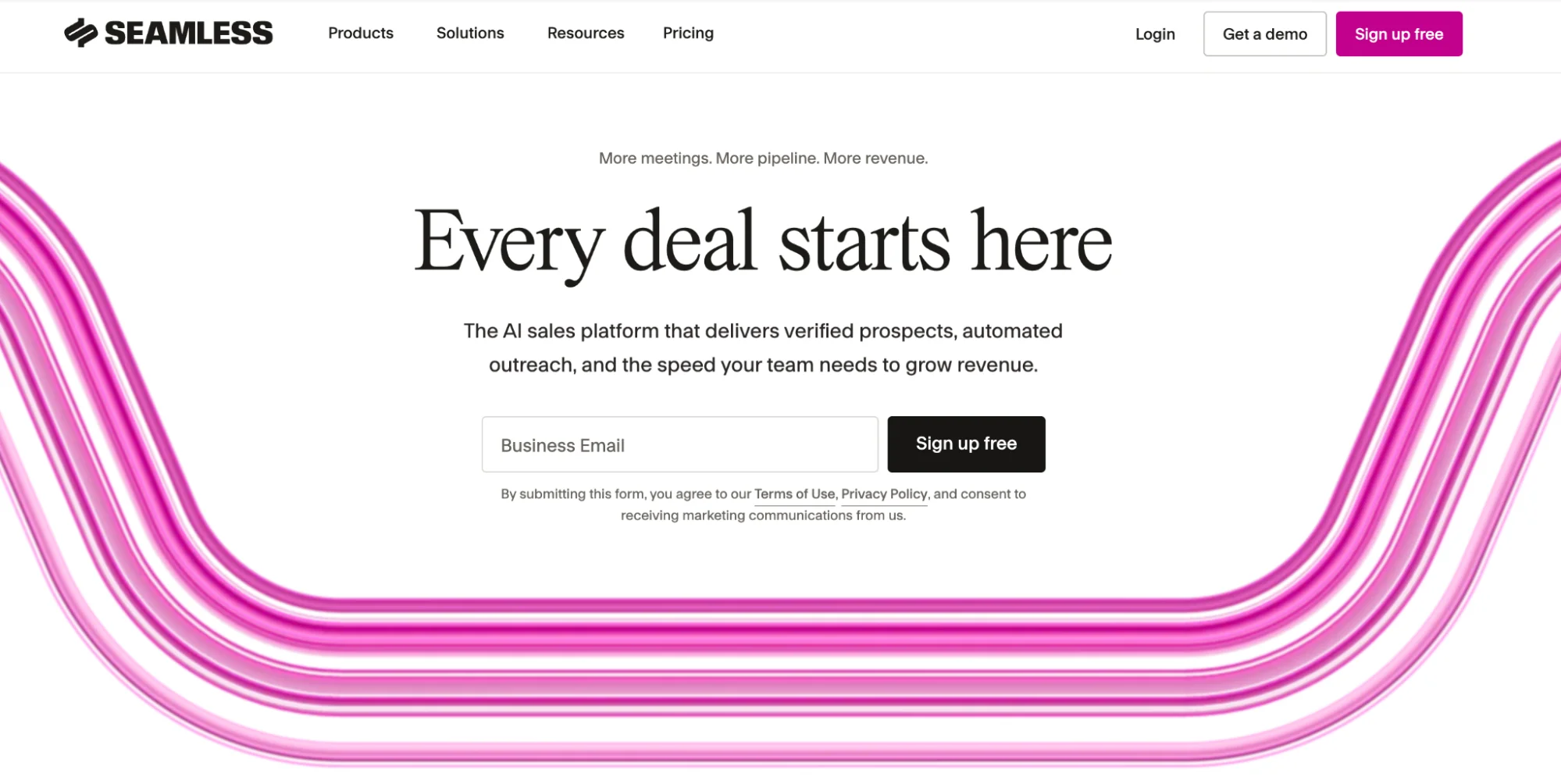
What it is: Real-time B2B data platform with around 1.3B contacts and AI-powered search that validates data as you pull it.
Best for: Teams that need verified contact data fast and want to track job changes automatically.
Why we recommend it. The job change tracking is gold. When your champion leaves their company and joins a new one, Seamless catches it and you can follow them.
Pricing: Free plan and custom pricing for teams.
Pro tip: Use the job change alerts to re-engage old opportunities that stalled when your champion left.
AI-powered prospecting and ICP lookalike tools
This is where it gets interesting. These tools find companies that traditional databases miss entirely.
Many of them function as data pipeline tools as well, which means they can work on a schedule, pull from multiple inputs, and feed cleaned data into the rest of your stack.
7. PandaMatch.io
What it is: Lookalike company discovery tool that finds businesses beyond LinkedIn, Apollo, and the public databases. Uses consumer-grade data and web analysis.
Best for: Mapping your complete TAM and finding companies your competitors do not know exist.
Why we use it. PandaMatch finds retail, industrial, and local businesses that have no LinkedIn presence.
Upload your best customer domains, and it surfaces 2,000 similar companies you have never heard of. This is one of the cleaner ways to escape the commoditized databases.
Pricing: Custom. Typically 500 to 2,000 dollars per month depending on usage.
Pro tip: Use PandaMatch after you have exhausted traditional sources. It will roughly double your TAM by finding companies in the blind spots.
8. Discolike
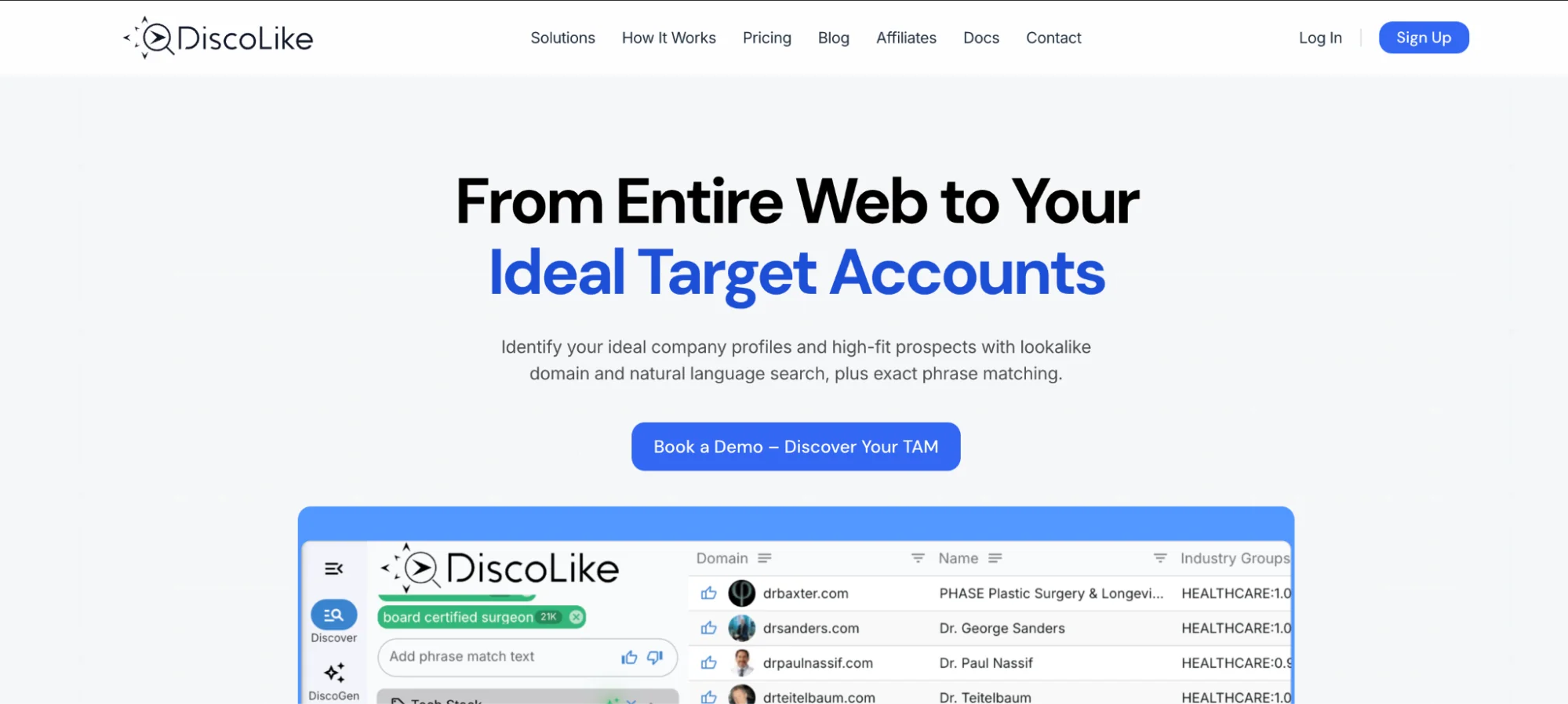
What it is: Discolike is a web-based company discovery tool with 60M+ companies built from SSL certificate data. Natural language search and lookalike modeling.
Best for: Finding niche companies, international businesses, or companies in industries poorly covered by LinkedIn.
Why we use it. Around 98 percent accuracy because it is not scraping LinkedIn. It is analyzing actual company websites. The lookalike search finds companies that operate like your customers even if they belong to a different category, which we find useful.
Pricing: Around 1,000 dollars per month for up to 10 users. API access at roughly 0.10 dollars per call.
Pro tip: Use Discolike when you target industries or geographies where LinkedIn coverage is weak (e.g. manufacturing in Asia, retail in Latin America).
9. TryTelescope.io
What it is: TryTelescope is an AI prospecting tool that works in natural language, like ChatGPT. Describe your ideal customer in plain English and it finds matches.
Best for: Non-technical teams who do not want to wrestle with complex Boolean filters.
Why we use it: Their “smart criteria” feature lets you search for things like “companies that recently switched from HubSpot to Salesforce” or “businesses expanding into new markets” without building queries by hand.
Pricing: Free tier with 25 credits per month. Paid plans start at 99 dollars per month.
Pro tip: Use TryTelescope for hypothesis testing. When you have a hunch about a new segment, describe it in plain English and see what comes back.
10. Clay
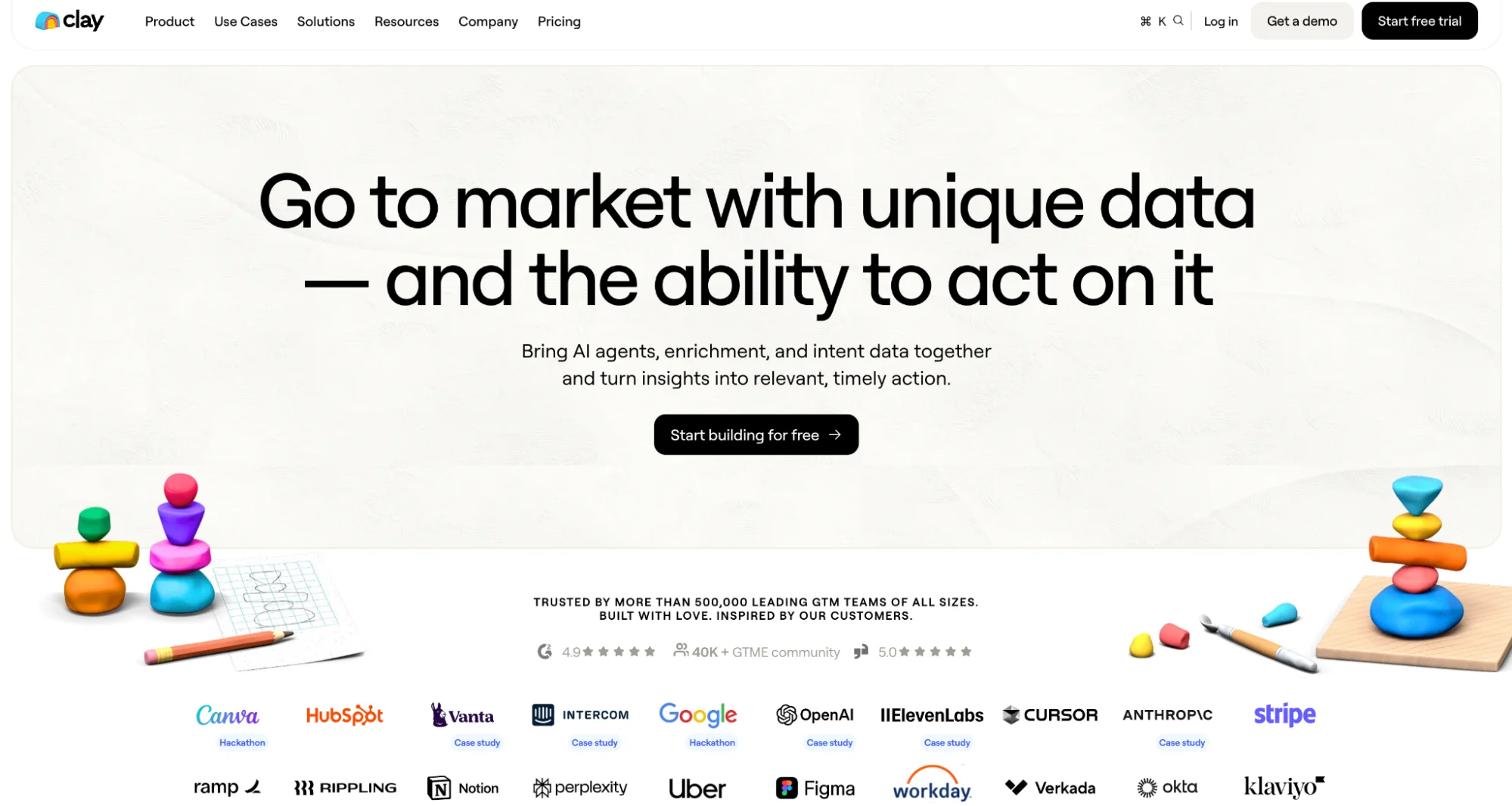
What it is: Clay is not a data source in the traditional sense. It is a programmable workflow engine for lead generation. It combines data from 75+ providers and lets you build custom enrichment logic.
Best for: Sales and RevOps teams that need to build sophisticated, automated systems that orchestrate multiple data sources.
Why we love it. Clay is the brain of our operation. It is where we combine PandaMatch lookalikes with LinkedIn data, layer on BuiltWith technographics, enrich through multiple providers, score leads, personalize outreach, and trigger sequences.
Clay changed how we build campaigns. We have written about why most Clay implementations fail if you want the longer version.
Pricing: Free plan available. Pro plan is 149 dollars per month.
Pro tip: Do not use Clay as just another enrichment tool. Use it to build complete lead gen machines that combine 10+ data sources with conditional logic.
11. Ocean.io
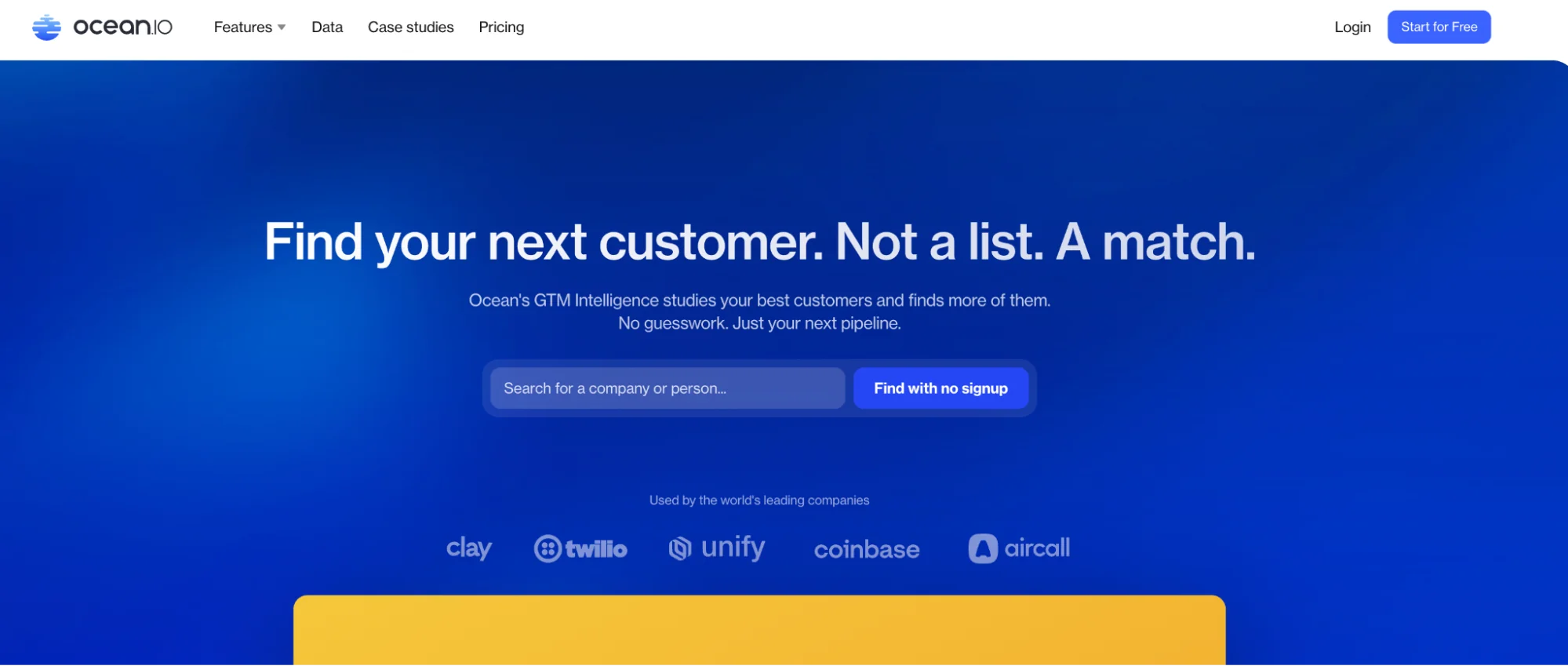
What it is: Lookalike search engine for B2B with 60M+ companies. AI-driven segmentation and a vertical-sales focus.
Best for: Account-based marketing and finding companies similar to your best customers.
Why we recommend it. The lookalike algorithm is strong, and the data quality keeps improving thanks to their team of 25+ data scientists.
Pricing: 14-day free trial. Pricing not public, typically starts around 300 to 500 dollars per month.
Pro tip: Ocean works best when you already have 10+ ideal customers. Feed them in and let Ocean find 1,000 more that look exactly like them.
12. Instantly.ai (SuperSearch)
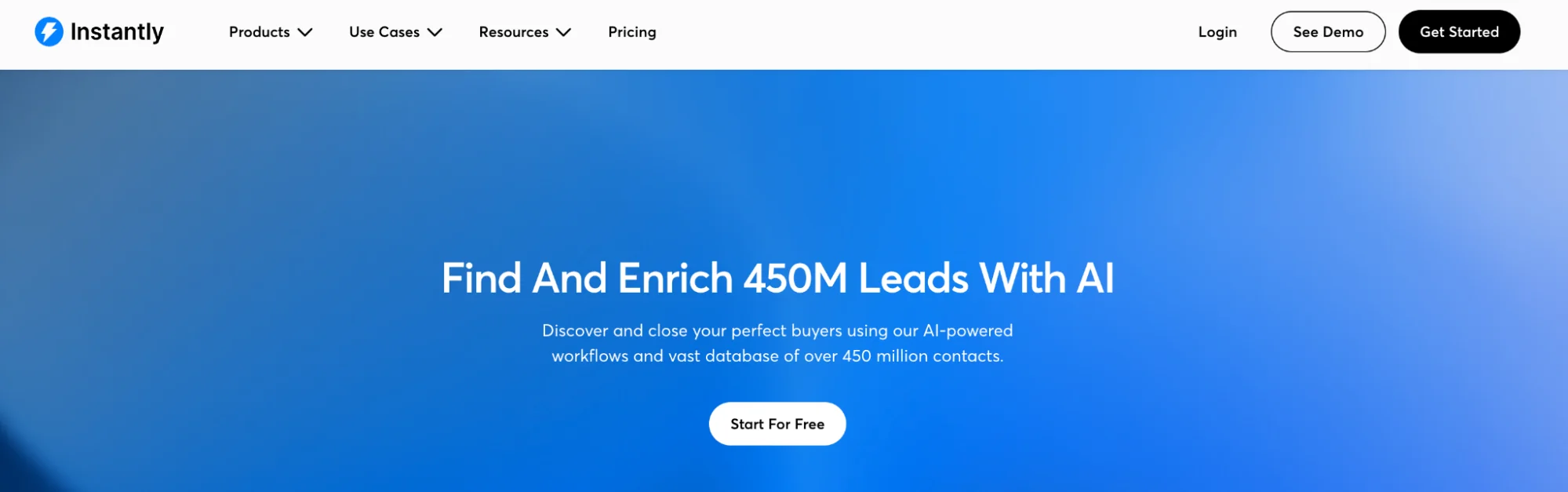
What it is: AI-powered prospecting with around 450M B2B leads. Waterfall enrichment across five or more providers, plus native cold email sending.
Best for: High-volume outbound teams who want lead sourcing and email sending in one platform.
Why we recommend it. SuperSearch's lookalike company feature combined with waterfall enrichment gives you verified contacts fast. Since it is integrated with Instantly's email sending, you can go from search to campaign in minutes.
Pricing: Plans start at 37 dollars per month for email sending. SuperSearch credits are an add-on.
Pro tip: Use Instantly's inbox rotation and warmup features alongside SuperSearch to protect deliverability while scaling volume.
Intent data and visitor intelligence (for catching buying signals and inbound interest)
These tools tell you which companies are already interested in solutions like yours. They are also the foundation of inbound-led outbound, which is warm outreach disguised as cold outreach.
13. RB2B
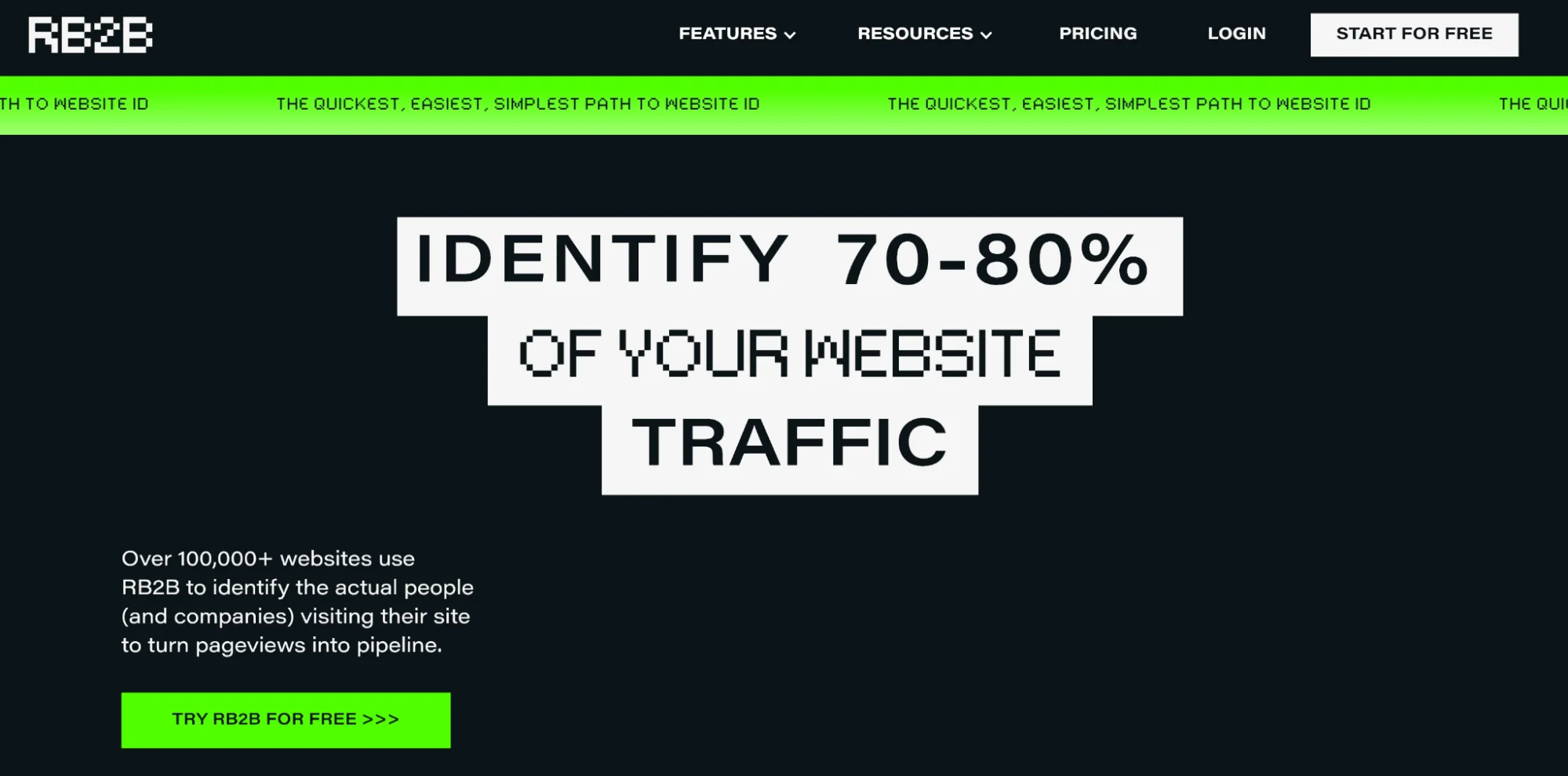
What it is: De-anonymization tool that identifies companies visiting your website and shows you which pages they viewed.
Best for: Converting anonymous website traffic into outbound opportunities.
Why we recommend it. When a company in your TAM visits your pricing page, that is a massive buying signal. RB2B catches it and you can trigger immediate outreach. You are not reaching out cold. You are reaching out to someone who is already researching you.
Pricing: Free tier available. Pro plans from 399 dollars per month.
Pro tip: Set up alerts so your sales team gets notified within an hour when a Tier 1 company visits your site. Strike while the iron is hot.
14. Leadfeeder (now part of Dealfront)
What it is: Website visitor tracking that shows company names, pages viewed, traffic source, and engagement score.
Best for: Inbound-led outbound where you prioritize warm traffic over cold prospecting.
Why we recommend it. Leadfeeder does not just tell you who visited. It scores their interest based on behavior. Someone who visited 10 pages including pricing is hotter than someone who bounced after reading one blog post.
Pricing: Free tier tracks 100 companies per month. Premium from 139 dollars per month.
Pro tip: Integrate Leadfeeder with your CRM so website visits automatically enrich existing accounts and trigger workflows.
15. 6sense
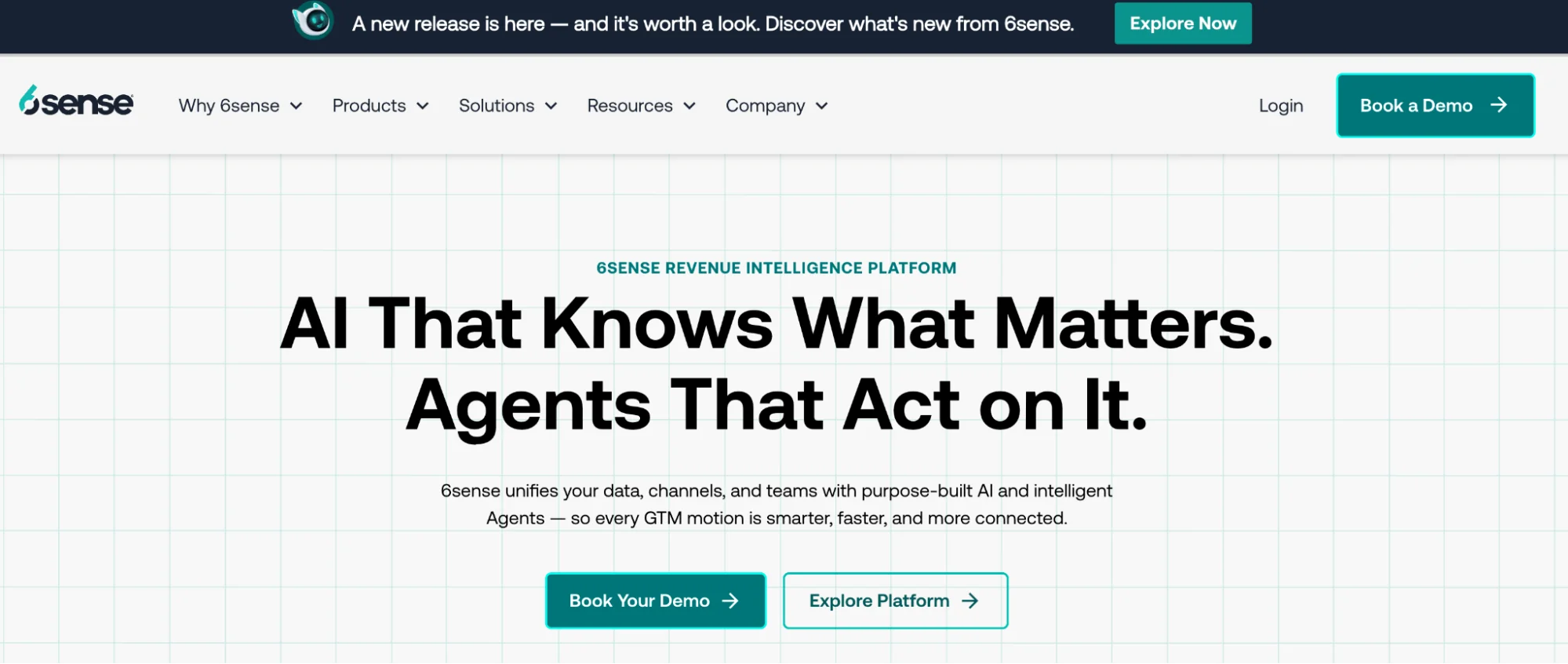
What it is: Enterprise account intelligence platform that tracks intent across thousands of sites to predict which accounts are in-market.
Best for: Large ABM programs where you need to prioritize hundreds of target accounts based on buying stage.
Why we recommend it. 6sense’s predictive AI is genuinely strong at identifying accounts that are actively researching. It catches intent signals from review sites, content consumption, web searches, and competitor research.
Pricing: Enterprise pricing only. Expect 50,000 dollars or more annually.
Pro tip: Only worth it if you have 500+ target accounts and a deal size big enough to justify the spend. For SMB sales it is overkill.
16. Bombora
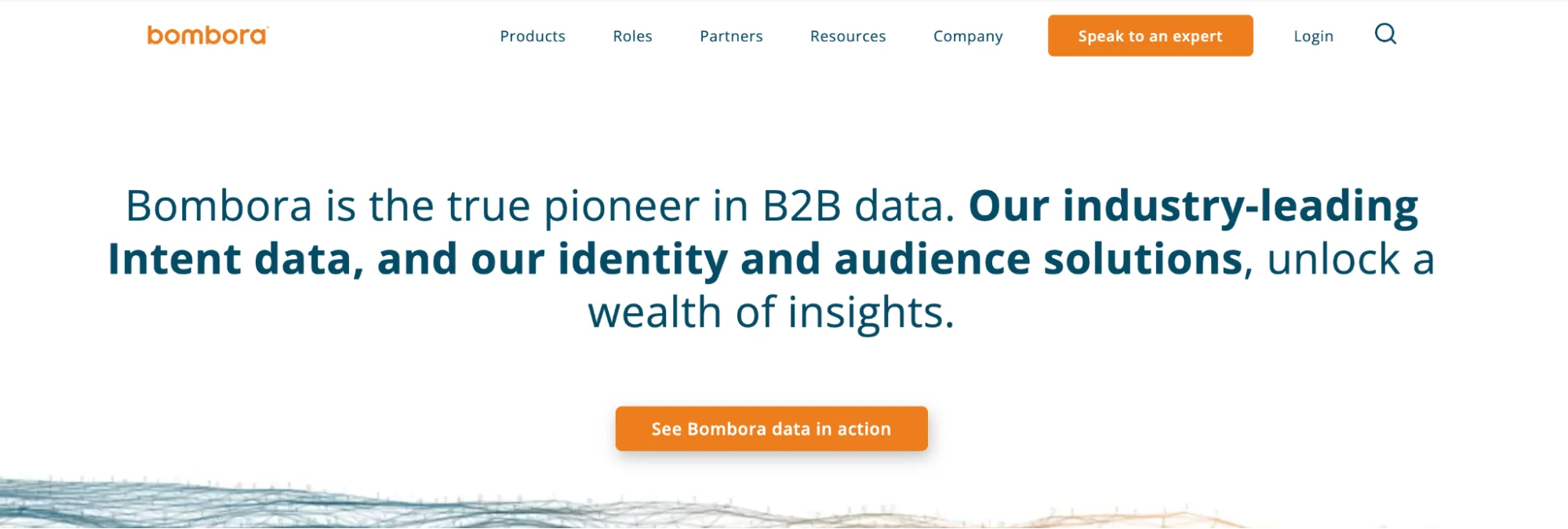
What it is: Intent data provider that monitors content consumption across 5,000+ B2B sites to identify companies researching specific topics.
Best for: Timing your outreach based on what accounts are currently researching.
Why we recommend it. Bombora’s surge scores tell you when a company is suddenly consuming a lot of content about a topic. If they are surging on "sales automation," that could be your window to reach out.
Pricing: Custom pricing based on volume.
Pro tip: Combine Bombora intent data with your TAM workflow. Filter for companies in your market that are showing intent spikes, and you have a perfect target list.
Industry-specific and creative data sources
This is where you escape the database trap entirely. These sources reveal companies based on actual behavior, not demographic filters.
17. Crunchbase
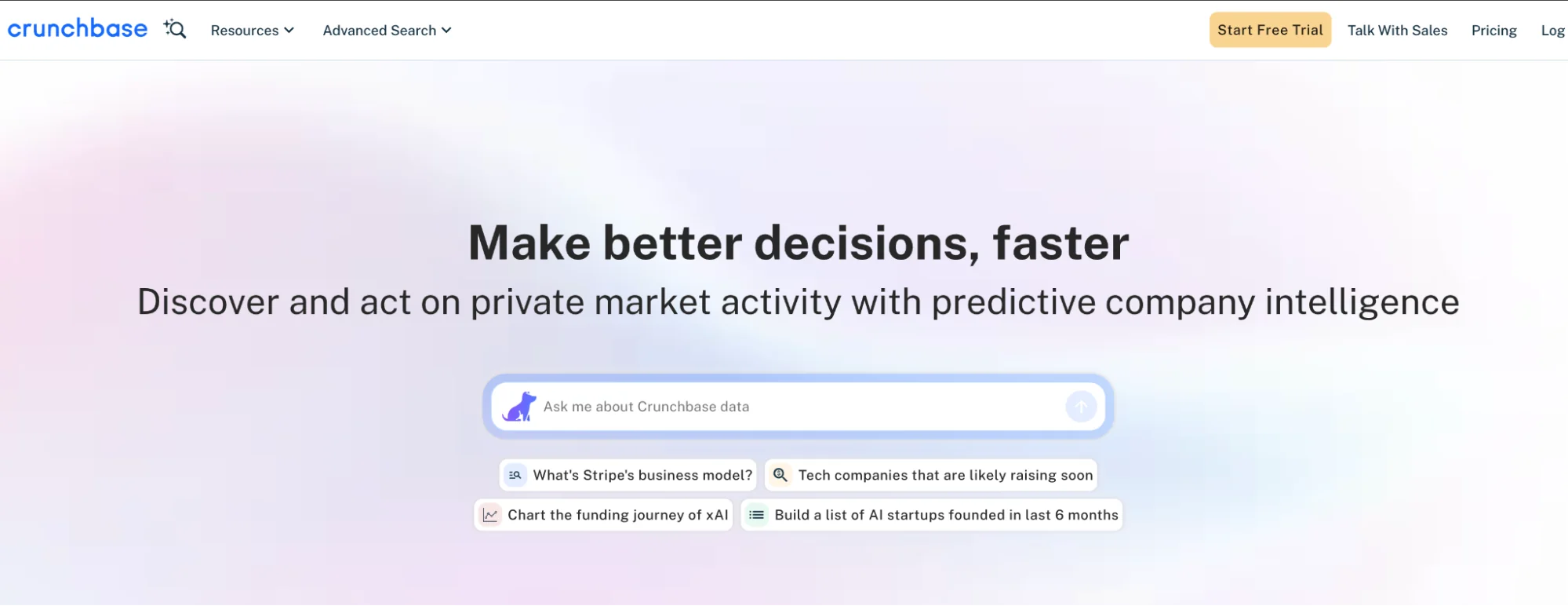
What it is: Crunchbase is the definitive database for startup funding, leadership, and growth metrics. Tracks funding rounds, acquisitions, IPOs, hiring, and company news.
Best for: Targeting fast-growing startups based on funding stage, growth trajectory, or recent milestones.
Why we recommend it. Funding events are buying triggers. A company that just raised a Series A has money to spend and is in active growth mode. They are evaluating new tools. That is your window.
Pricing: Free tier available. Pro at 49 dollars per month. Enterprise custom pricing.
Pro tip: Set up RSS alerts for companies in your TAM raising funding. Be the first to reach out after their press release goes live.
18. BuiltWith
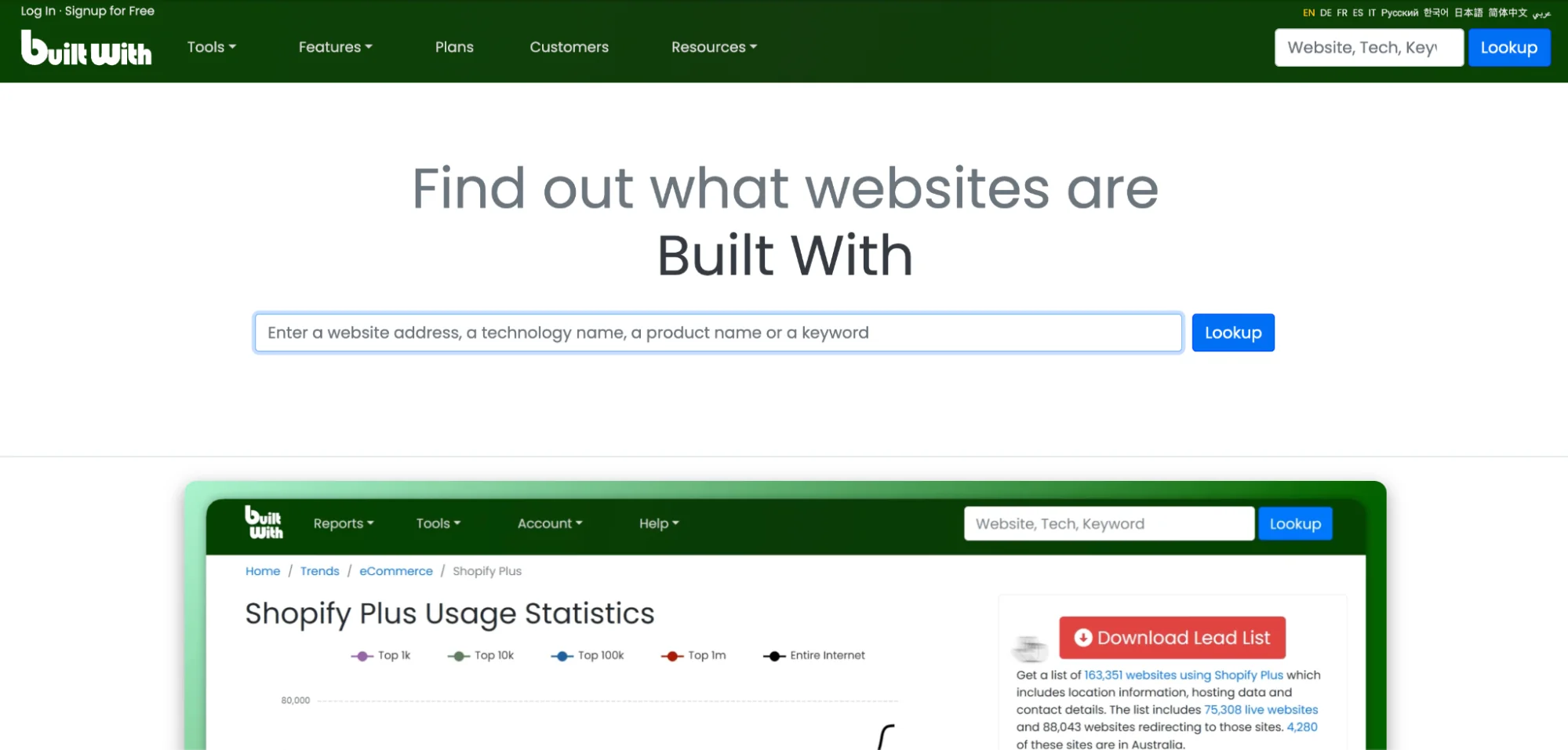
What it is: Technology tracking tool that reverse-engineers websites to see what software they are using.
Best for: Finding companies using specific tech stacks, especially for competitive displacement plays.
Why we use it. If you sell a Salesforce alternative, BuiltWith tells you every company using Salesforce. If you sell to companies using Shopify, BuiltWith finds them. Technographic data is a strong lever for targeted selling.
Pricing: Free tier shows basic tech. Pro from 295 dollars per month for bulk data.
Pro tip: Use BuiltWith to find companies using old versions of software. Technical debt usually means an open window to modernize.
19. G2
What it is: B2B software review platform where buyers research and compare tools.
Best for: Identifying companies actively researching your solution category or reading reviews of your competitors.
Why we recommend it. G2 intent data tells you which companies are comparing your product to competitors. They are in active buying mode. This is one of the hottest intent signals you can get.
Pricing: G2 Buyer Intent data is enterprise-level pricing.
Pro tip: Even without paying for intent data, you can monitor review activity on your competitors' pages to identify companies in evaluation mode.
20. AngelList (Wellfound)
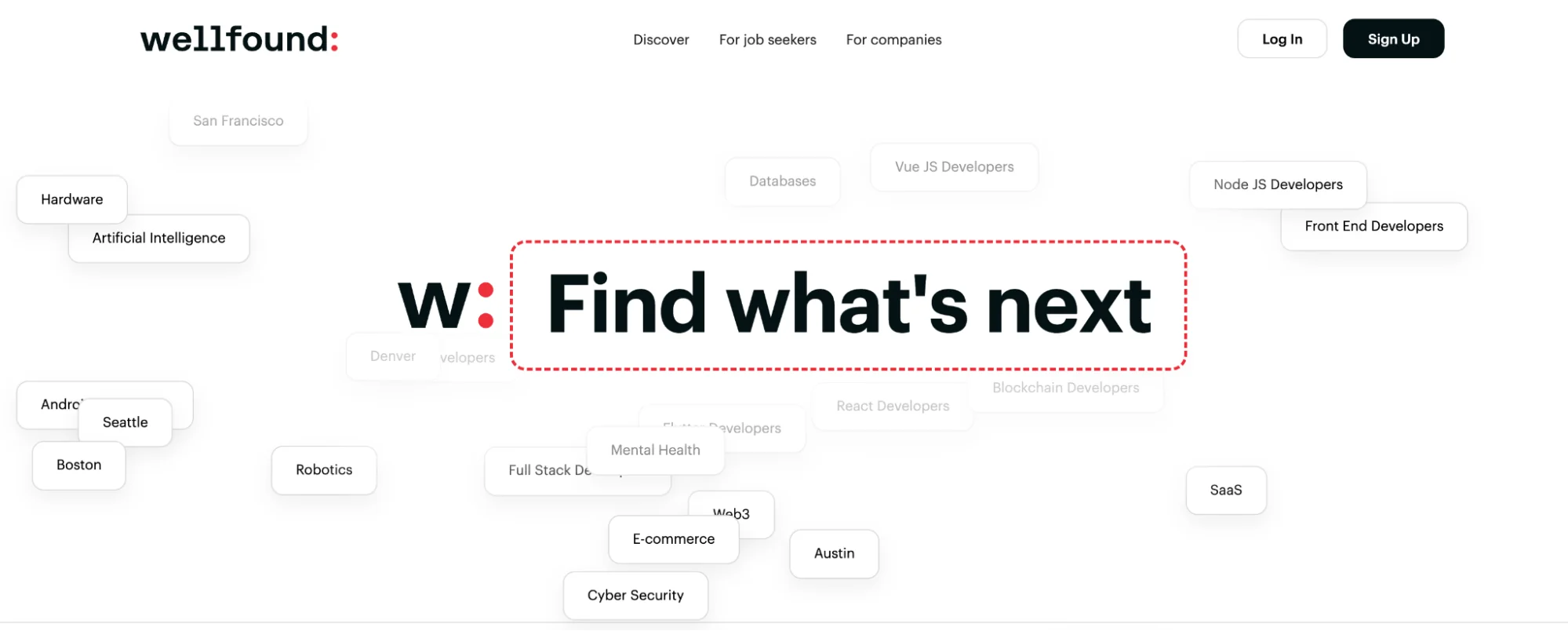
What it is: Startup job board and company database. Shows which startups are hiring, what roles they are filling, funding stage, team size.
Best for: Identifying startups entering growth phases based on hiring patterns.
Why we recommend it. Job postings are intent signals. If a startup is hiring their first VP of Sales, they are about to scale outbound. If they are hiring a Head of Engineering, they are building a new product. These signals tell you exactly what stage they are in.
Pricing: Free for most features. Wellfound has paid recruiter tiers if you need them.
Pro tip: Monitor job posting trends across your TAM. Sudden spikes in hiring mean growth mode, which usually means a buying window.
21. Industry trade associations, news sites, and directories
What it is: Every industry has professional associations that maintain member directories (e.g. National Association of Manufacturers, American Medical Association, National Retail Federation).
Best for: Finding companies in specific verticals that might not be well represented in general databases.
Why we use it. Association directories are often the most complete source for niche industries. If you target specialized verticals like healthcare, manufacturing, construction, or legal services, industry directories beat LinkedIn.
Pricing: Varies. Some are free. Some require association membership.
Pro tip: Do not just look at US associations. International trade associations often list companies that have zero presence in US databases.
Data enrichment, quality, and verification (to keep your data clean and updated)
These tools make sure the contacts you reach out to actually exist and the emails actually deliver. For the deeper version of this, see our piece on data enrichment services and agencies.
22. FullEnrich
What it is: Waterfall enrichment platform that queries 15+ data providers at once to maximize coverage.
Best for: Getting the highest possible match rates on email and phone enrichment.
Why we use it. When tools like LeadMagic and Hunter both miss, FullEnrich usually finds it because it is checking 15+ sources. Worth the higher price when you need maximum coverage.
Pricing: Credit-based, typically 1 to 2 dollars per enrichment.
Pro tip: Reserve FullEnrich for Tier 1 accounts where you actually need the contact. For Tier 2 and 3, cheaper options are fine.
23. BounceBan
What it is: Email verification and bounce prevention tool that checks if an email address is valid before you send.
Best for: Protecting your domain reputation and improving deliverability.
Why we use it. Sending to invalid emails kills your sender reputation fast. BounceBan catches bad addresses, role accounts (info@, support@), and temporary emails before they wreck your deliverability.
Pricing: Credit-based and very affordable, often 0.01 to 0.03 dollars per verification.
Pro tip: Always verify before you send, not after. Prevention is way cheaper than fixing a damaged domain.
24. Clearbit (now part of HubSpot)
What it is: Real-time data enrichment that automatically appends company and contact details to records in your CRM or marketing platform.
Best for: Marketing teams on HubSpot who want automatic, passive enrichment.
Why we recommend it. Set-it-and-forget-it enrichment. Clearbit watches your CRM and enriches records as they come in. Useful for inbound leads.
Pricing: Bundled with HubSpot plans.
Pro tip: Clearbit Reveal (their visitor ID tool) is now RB2B. Use it to identify anonymous traffic and enrich those companies automatically.
Data pipelines and data lineage: How to keep your lead data accurate, actionable, and current
What is a data pipeline, and why does it matter for B2B lead generation
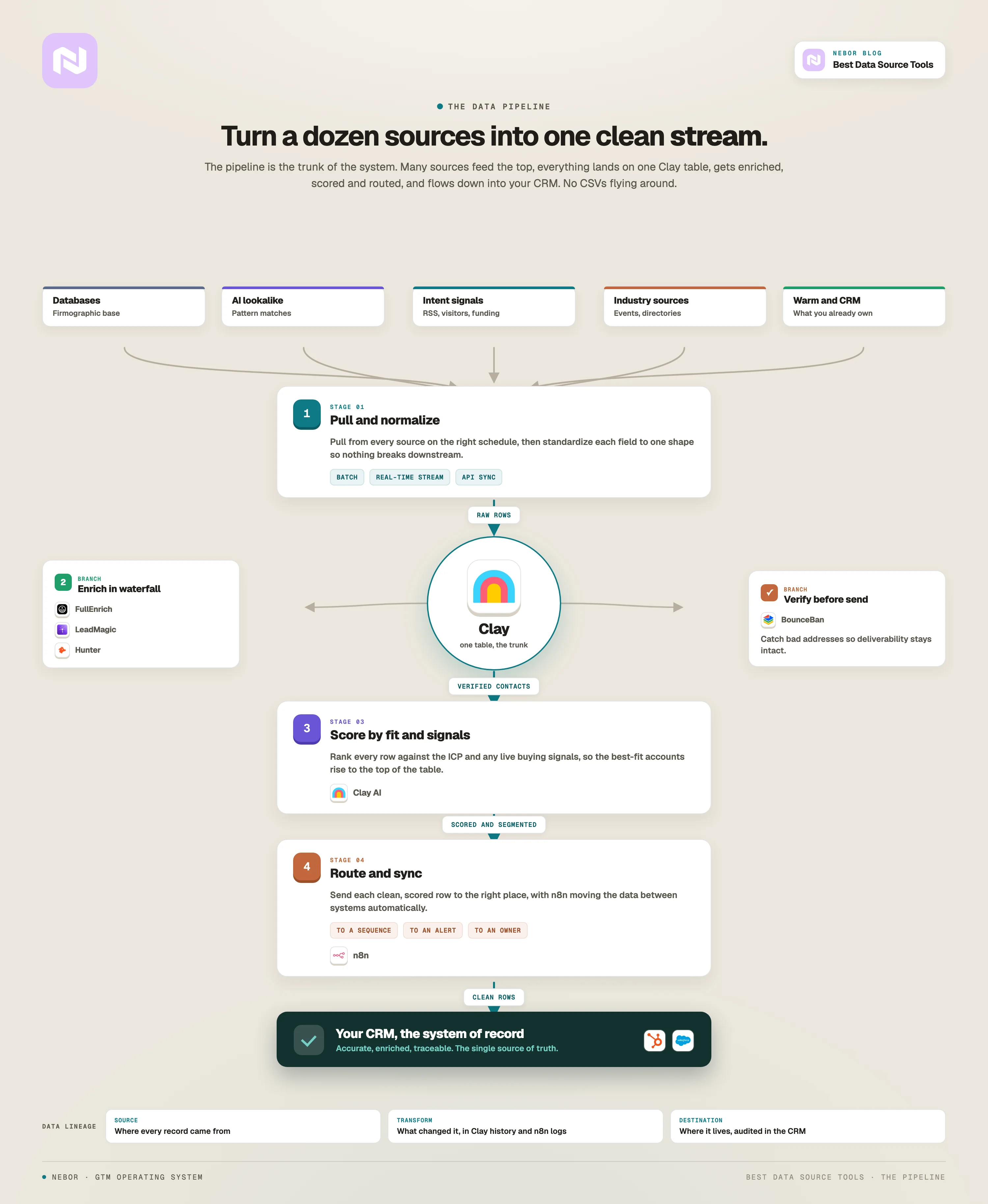
Think of a data pipeline as the backbone of your lead generation engine.
It is the series of steps that takes raw data from a dozen sources (marketing automation platforms, social media, event signups, niche industry directories, signal feeds) and turns it into a clean, single stream that lands in your CRM or Clay workspace.
This matters because if you are serious about building your entire TAM and orchestrating multi-channel outreach, you cannot afford to work off fragmented or stale data.
A working data pipeline keeps your sales team off dead leads and out of the trap of doing the same enrichment three times across three tools.
In our stack we push this through Clay as the orchestrator, with n8n for the workflow glue, HubSpot or Salesforce as the system of record, and a mix of enrichment providers (FullEnrich, LeadMagic, Hunter) hitting the data in waterfall.
The shape of the pipeline depends on the client and the motion, but the pattern is the same. Pull from multiple sources, normalize, enrich, score, route. No CSVs flying around. No SDR pasting names into three tools.
If you want to scale outbound and keep your lead data accurate, you need a working data pipeline that supports your full sales workflow, from first touch to closed deal.
Data lineage: tracking the journey from source to CRM
Ever wonder how a lead's data actually gets from a web form, a trade show list, or a scraped directory into your CRM?
Data lineage is the answer. It is the practice of tracking the journey your data takes from its original source, through every transformation and enrichment step, all the way to its final home in your sales or marketing systems.
You need this because in B2B lead generation, data accuracy is everything. If you cannot trace where a record came from, how it was changed, or who touched it along the way, you are flying blind.
Data lineage gives you the visibility to spot errors, catch inconsistencies, and trust the data your team is acting on. For our clients, that visibility lives inside Clay's table history, the audit trail in HubSpot or Salesforce, and the n8n logs of any workflows that touched the record.
For larger teams, that lineage view also helps enforce data governance. Who can write to which fields, which sources you allow, and how stale a record can get before it is flagged for refresh.
The smaller the team, the simpler this can stay. The point is that someone always knows where the data came from and how it got to where it is.
Best practices for building and maintaining your lead data pipeline
Building a lead data pipeline is not a one-and-done project. It is an ongoing process that needs attention, discipline, and the right tools.
Define clear data governance policies. Set the rules for how data is collected, processed, and used across the team. Good data governance keeps the system consistent and your data quality stable.
Use the right integration tools. Push your enrichment and routing through tools like Clay, n8n, and your CRM's native integrations. Avoid stitching things together with manual exports if you can help it.
Validate and clean data on the way in. Bad data ruins everything downstream. Use validation rules and cleansing routines to catch errors, fill missing fields, and standardize formats before data hits your CRM.
Monitor your pipelines. Set up monitoring so you catch broken syncs, stale records, or failed enrichments before they show up as missed deals. Most of this can live inside Clay views and CRM dashboards.
Train the people using it. Both your technical and non-technical users need to understand how the pipeline works and where to push back if something looks off.
Keep evolving it. Your business changes. Your ICP shifts. Your sources move. Review the pipeline every quarter and update workflows, sources, and enrichment chains as needed.
If you are doing this at enterprise scale and need to push large volumes of lead data through warehouses for analytics, that is its own project (and usually the data team's, not the GTM team's). Most of our clients do not need that. They need a working Clay-and-CRM pipeline that does not break.
The Nebor way: orchestrate all your data sources, do not just subscribe to data source tools
Let us zoom out one more time.
This post is not about tools, not at the core. Most marketing, sales, and data sourcing tools are just instruments.
This post is about changing how you think about B2B prospecting entirely.
Most sales teams treat data sourcing as extracting names from a database. Export, upload, send, repeat.
The problem with extraction is that it is transactional. You get what you pay for, you use it once, and you are back to zero every time.
Pulling intent data and signal-based feeds into the same workflow gives you ongoing, actionable inputs for outbound sales and lead generation instead of the same one-shot list every Monday.
The companies we see dominating B2B lead generation think of data sourcing as cultivating a living ecosystem. They identify their entire market, understand where different segments live, monitor for signals, engage at the right moments, and learn and improve continuously.
The first model is about volume. The second is about systems. The system is what we live for.
When we work with clients at Nebor, we are not trying to send the best cold email campaign. We are trying to build the best-fit lead generation system that handles their top-of-funnel prospecting and lead generation issues automatically.
That includes building a TAM and integrating the right data sources for their business.
We want you to own your TAM. We want you to have monitoring systems that flag opportunities in real time. We want you to engage based on intent, not random cadence schedules. We want you to learn from every interaction and get smarter.
That is what separates good from great in B2B sales right now.
The best data sources are rarely tools packaged as sales software or marketing intelligence platforms. They are industry directories, event platforms, news feeds, or niche websites that nobody in your competitive set has thought to look at yet.
Your job is to figure out where your ICP reveals themselves and build systems to capitalize on that. That is the Nebor way.
Thanks for reading. If you want to talk through how this would work for your own setup book a 15-minute call and we will dig into it together.
Note: Struggling to build a prospect list that converts?
The tools on this list are the same ones everyone else is exporting from. Same filters, same companies, same emails landing in the same inbox.
At Nebor we do GTM engineering and RevOps. We will map your market from the best sources for your business, the niche ones included, then build the data infrastructure that keeps it current and feeds everything downstream, from your outbound to your CRM.
We build everything in your own accounts, so it stays yours.
Book a 15-minute call and we'll show you where your market is hiding.


Related Articles


By clicking Sign Up you're confirming that you agree with our Terms and Conditions.