

Two-way sync that keeps records mirrored between Airtable, Notion, Postgres, Webflow and your CRM, priced by how many records you keep in sync rather than by task.
What is
Whalesync
Whalesync supports nineteen apps and that list is the whole product. Inside it, the tool keeps two databases mirrored in both directions, so a row edited in Airtable updates the matching record in HubSpot and an edit made in HubSpot travels back the other way without anyone wiring a trigger for it. Half the connector list is databases and publishing tools, covering Airtable, Notion, Google Sheets, Postgres, Supabase, Webflow, WordPress, Wix and Stripe. The other half is CRM, with HubSpot, Salesforce, Apollo, Attio, Pipedrive, Close, Copper, Zoho and Affinity. Field direction is set per field, so a column can flow one way while the rest flow both. Speed depends on the app rather than on Whalesync. Where a vendor exposes webhooks the change lands within seconds, and where it does not, Whalesync polls every three hours instead. Turning a sync on starts with matching existing records on a unique field and naming one app as the source of truth. The job worth buying this for is a CRM object and a working table that must stay married in both directions for months, because rebuilding that in n8n means owning creates, updates, deletes, a match key and a record of what already changed. We have not run Whalesync at Nebor and our enrichment writes back through Clay.
Integrations and the modern GTM stack
Whalesync has no integration marketplace and no app store, because the connector list is the product. Nineteen apps are supported today and the tier you buy decides which of them you can touch, so read the plan gating before you read the feature list.
HubSpot | Sixteen object types are supported including deals, tickets, line items, tasks and custom objects. Whalesync uses HubSpot webhooks where they exist and detects everything else by polling every three hours, and custom properties fall on the polling side. Needs the Plus plan or above. |
Salesforce and Affinity | Both sit on the Pro plan, which is the top published tier and carries no public price. Salesforce is the reason most larger teams end up there, and Whalesync offers a security assessment and a custom agreement on that tier for the review your IT team will ask for. |
Attio, Pipedrive, Apollo, Close, Copper and Zoho | The rest of the CRM list. Attio and Pipedrive are named on the Plus tier alongside HubSpot, and Pipedrive also lists Whalesync in its own marketplace. This is a wider spread of modern CRMs than most sync vendors bother to cover. |
Airtable, Notion and Google Sheets | The working-table side of a sync and the reason most people arrive. Syncs handle linked records, images and rich text. Notion is the slowest of the three because Notion's own API needs several calls per page, and its relation fields cap out at 100 items through that API. |
Postgres and Supabase | The route in for anything Whalesync does not connect to natively. If your enrichment lives in a warehouse or a Clay export, landing it in Postgres and syncing that table to the CRM is the only supported path, and it is the pattern we would test first. |
Webflow, WordPress and Wix CMS | The publishing half of the tool, mostly used for programmatic SEO and job boards where a table of rows becomes a set of live pages. Reviewers warn against pointing it at existing blog posts with rich text, images or code, since a sync can overwrite those fields. |
Stripe | Billing records synced into a table or a CRM object, which is how teams get revenue data next to account data without an analytics build. Whalesync treats Stripe as a connector like any other, so the same record counting and plan gating apply. |
What is missing | No Clay, no Instantly, Smartlead or Lemlist, no Slack, no Gmail or Google Workspace, and no public API or Zapier and n8n app to fill the gaps. Whalesync positions itself against Zapier rather than beside it, so a stack that needs branching logic still needs a second tool. |
Pro’s
Every tier includes unlimited mappings and row changes, so a record that gets rewritten forty times a day costs exactly the same as one that never moves.
It absorbs the part you would otherwise build yourself, which is matching records on a key, then creating, updating and deleting in both directions while remembering what it has already seen.
Where the source app offers webhooks the change lands within seconds, so a rep editing a deal in HubSpot sees the table catch up while they are still on the same screen.
The HubSpot connector covers sixteen object types including custom objects, so a sync can reach deals, tickets and line items instead of stopping at contacts and companies.
Billing counts records in active syncs only, paused syncs fall off your count after a full calendar month, and deleting a sync clears them immediately.
Every plan opens with a two-week free trial, which is long enough to run one real sync against production data before anyone signs off on budget.
Cons
Pricing counts records in sync, and Starter at $40 a month carries 1,000 of them with no CRM connector at all, so any GTM use starts on a plan whose price Whalesync will not publish.
Nineteen connectors is the entire universe here while Zapier reaches thousands of apps, so anything outside that list has no route in beyond you writing to Postgres or a sheet yourself.
Properties without webhook support are picked up by polling every three hours, and HubSpot custom properties sit on the polling side, which covers most of the enrichment fields a GTM team cares about.
Past the source of truth you pick during the initial record match, Whalesync publishes no rule for what happens when both apps change the same field at once, so you are trusting undocumented behaviour.
Two-way sync carries mistakes both ways, and Whalesync's own HubSpot documentation points you at third-party backup tools because HubSpot has no restore of its own.
Pricing
Starter
$40/month 1,000 records in sync, 2-week free trial
2-way sync with real-time updates
Airtable, Notion, Google Sheets, Postgres, Supabase
Webflow, WordPress, Wix CMS, Stripe, Memberstack
Unlimited active syncs, mappings and row changes
Automated monitoring and Live Export
Email support
Plus
Talk to us Record tiers of 5,000 to 50,000, no published price
Everything in Starter
Adds HubSpot, Attio and Pipedrive connectors
Bulk update handling
Unlimited users
Email and chat support
Pro
Talk to us Record tiers up to 50,000, no published price
Everything in Plus
All connectors including Salesforce and Affinity
Priority support
Security assessment
Custom agreement
Enterprise
Book a demo For anything above 50,000 records in sync
Volume beyond the published 50,000 ceiling
Same connector coverage as Pro
Pricing agreed directly with the vendor
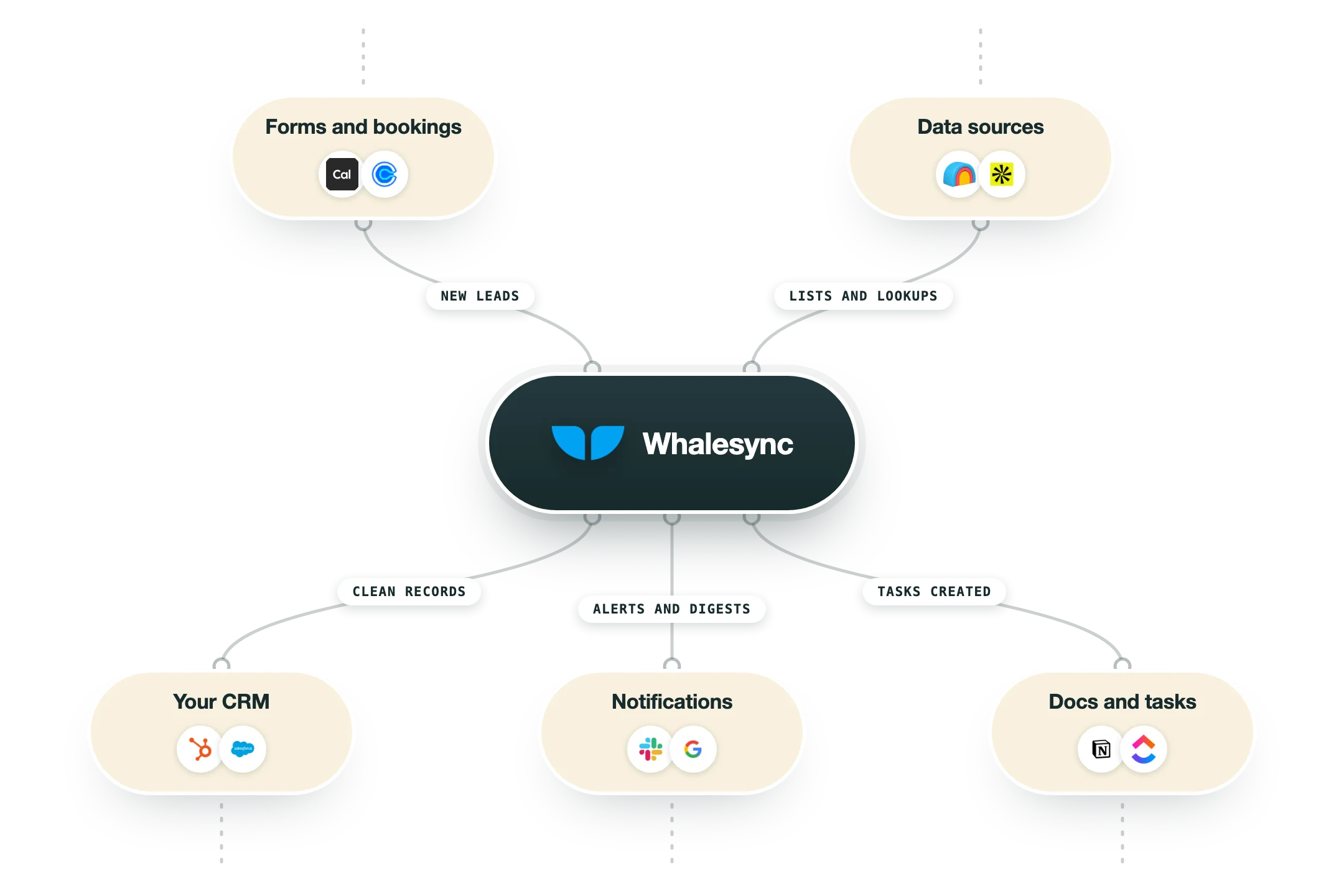
How it fits your stack
Alternatives


At a glance
True two-way sync in both directions
19 connectors across CRM, database and CMS
Airtable, Notion, Google Sheets, Postgres, Supabase
HubSpot, Salesforce, Apollo, Attio, Pipedrive
Webflow, WordPress, Wix CMS and Stripe
Sync direction set per field
Priced by records in sync, from $40/mo
Unlimited mappings, row changes and active syncs
Read some of our client stories





GTM Workflows
Learn how to use GTM tools in workflows
Guides and tutorials to get the most from your workflows











Ready to get started?




By clicking Sign Up you're confirming that you agree with our Terms and Conditions.








