

In this post:
List building is the process of putting together a targeted list of companies and contacts to reach out to, by sourcing, enriching, and verifying records that match who you want to sell to.
It's the foundation of any outbound motion, because you can't do outreach without a list of people to reach.
Most teams treat list building as a quantity problem, trying to gather as many contacts as possible so they have more people to email.
That instinct sabotages the whole motion from underneath, because a big list of poorly-fit, unverified contacts produces worse results than a small list of the right ones.
The truth we've watched experienced teams learn is that a smaller, sharper list almost always wins. Your list determines who your outreach reaches, which means it shapes everything downstream, and getting it right is far more about precision than volume.
TL;DR
List building is the work of creating a targeted list of companies and contacts for outreach, by finding records that fit your profile, enriching them with the details you need, and verifying they're accurate.
The list is the foundation everything else is built on. Great outreach to the wrong list goes nowhere, while a tightly targeted, clean list makes every downstream step work better.
The mistake is chasing size, because big unverified lists are full of bad data and poor fits that waste effort and hurt deliverability.
A smaller list of well-fit, verified contacts beats a huge messy one almost every time, and that makes list building a quality discipline instead of a volume one.
So what is list building exactly, and what work does it involve?
List building is the process of assembling the set of companies and people you'll reach out to. It takes your idea of who you want to sell to and turns it into a concrete, usable list of records, each with the details you need to reach them.
The work breaks into a few distinct parts. You source records that match your target, you enrich them with the information outreach requires, like the right contact, email, and company details, and you verify that information is accurate before you use it.
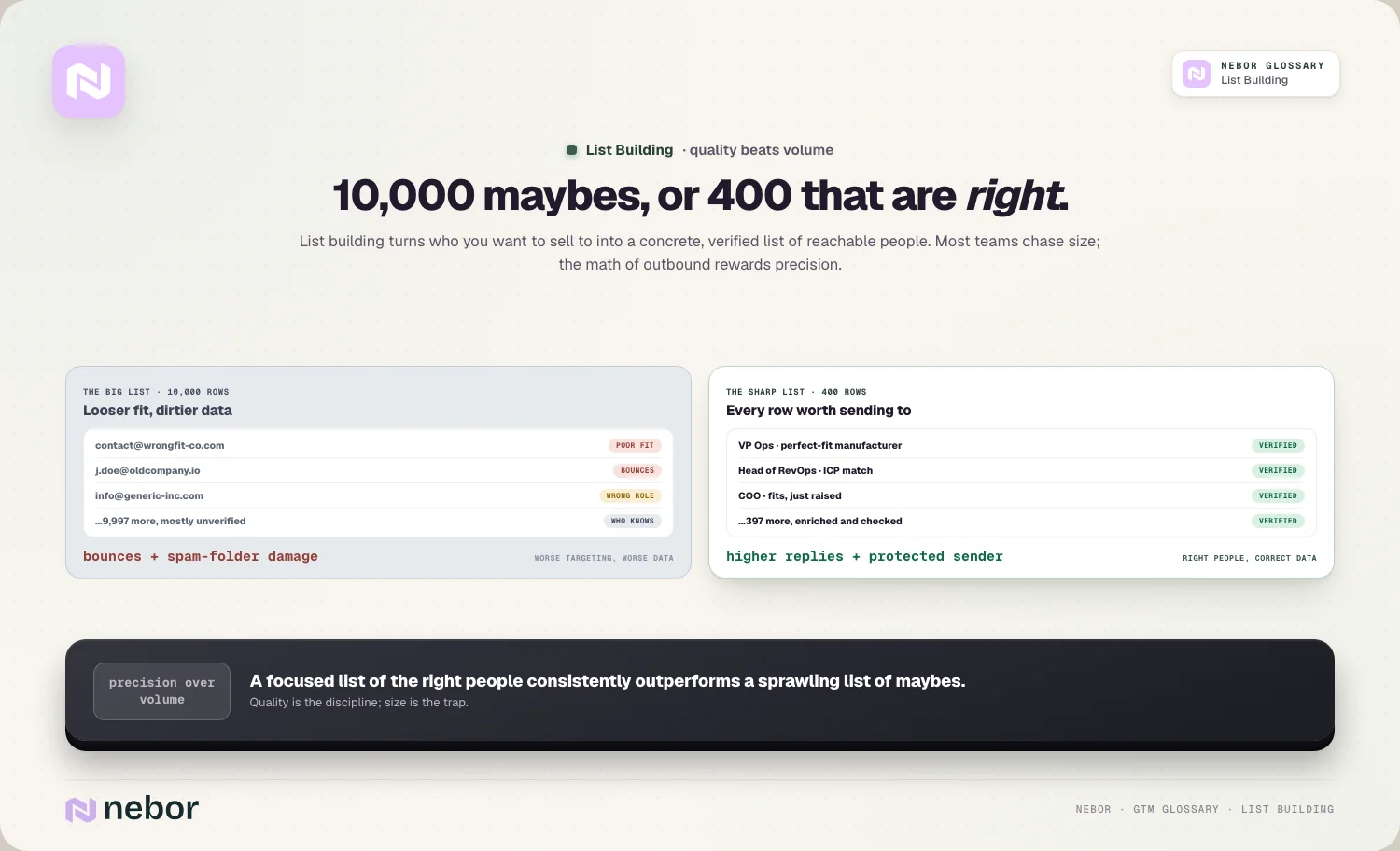
The output is a structured list, where each row is a real, reachable contact at a company worth pursuing, rather than a vague sense of a market.
Think of it as pouring the foundation your outreach will stand on. Before you write a single email or send a single message, you need to know who you're reaching, and list building is how you answer that.
Everything in outbound depends on this list, so how well you build it matters more than almost anything else.
Why is the list the true foundation of your outbound motion?
Let's be clear about just how much the list determines, because teams often treat it as a preliminary chore instead of the decisive step. The quality of your list caps the quality of everything that follows.
If your list is full of the wrong companies, even brilliant outreach lands on people who'll never buy, so the best copy in the world can't rescue a badly-targeted list.
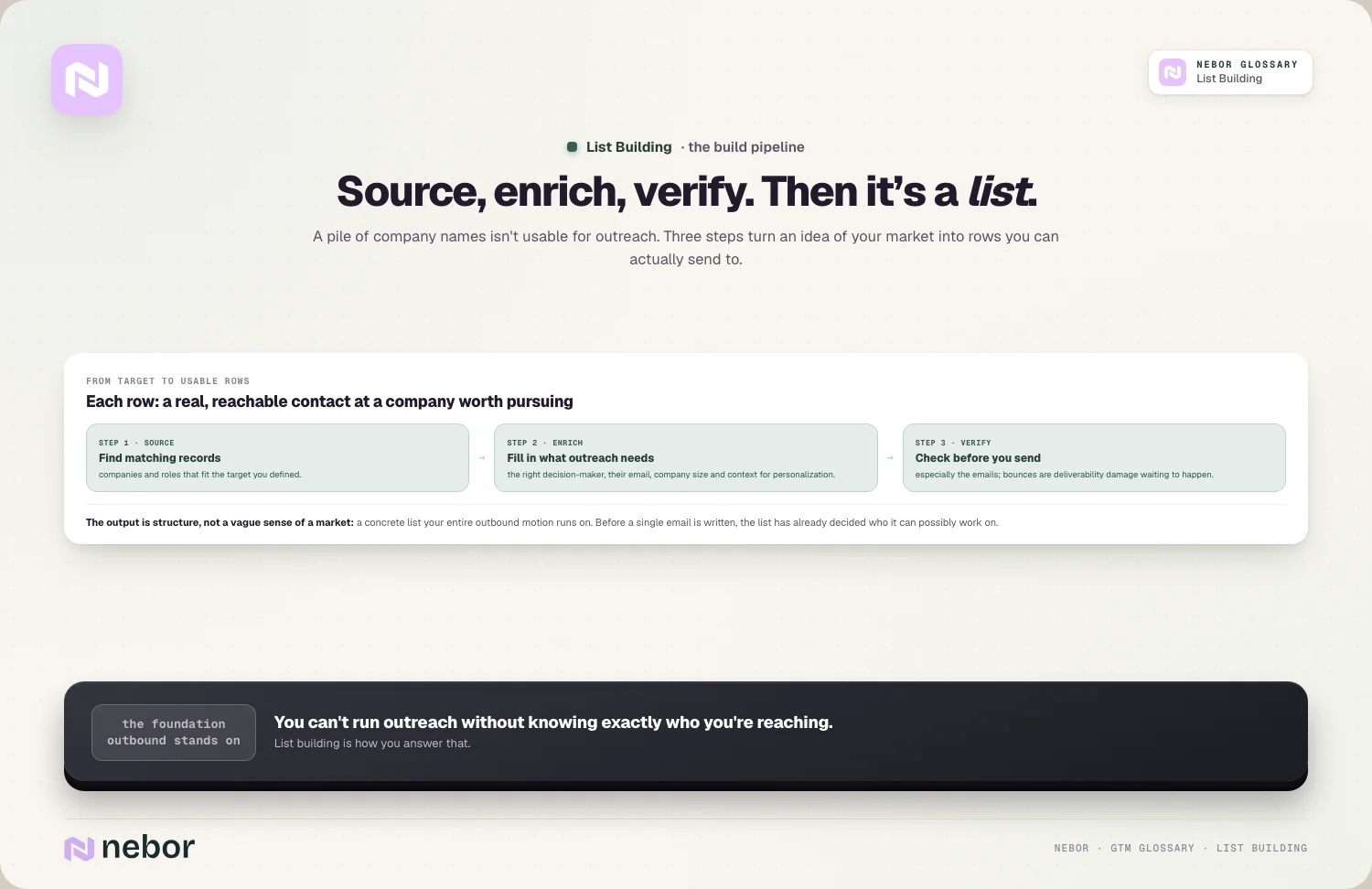
If your list is full of bad data, your emails bounce and your deliverability suffers, dragging down the inboxes you worked hard to set up. The list is upstream of your message, your channels, and your infrastructure, which means its flaws flow into all of them.
This is why list building deserves more care than it usually gets. A team that pours effort into writing and sending while building its list carelessly is optimizing the wrong end of the funnel.
When the list is right, average outreach still works, and when the list is wrong, even great outreach struggles, and that's exactly what makes the list foundation instead of afterthought.
Why does a smaller, sharper list beat a bigger one so reliably?
The instinct to build the biggest list possible feels logical, because more contacts seems like more opportunity. In practice, bigger lists usually perform worse, and understanding why changes how you build.
A large list almost always means a looser fit, because to reach a big number you have to include companies and roles that only sort of match, diluting your outreach with people who were never likely to respond.
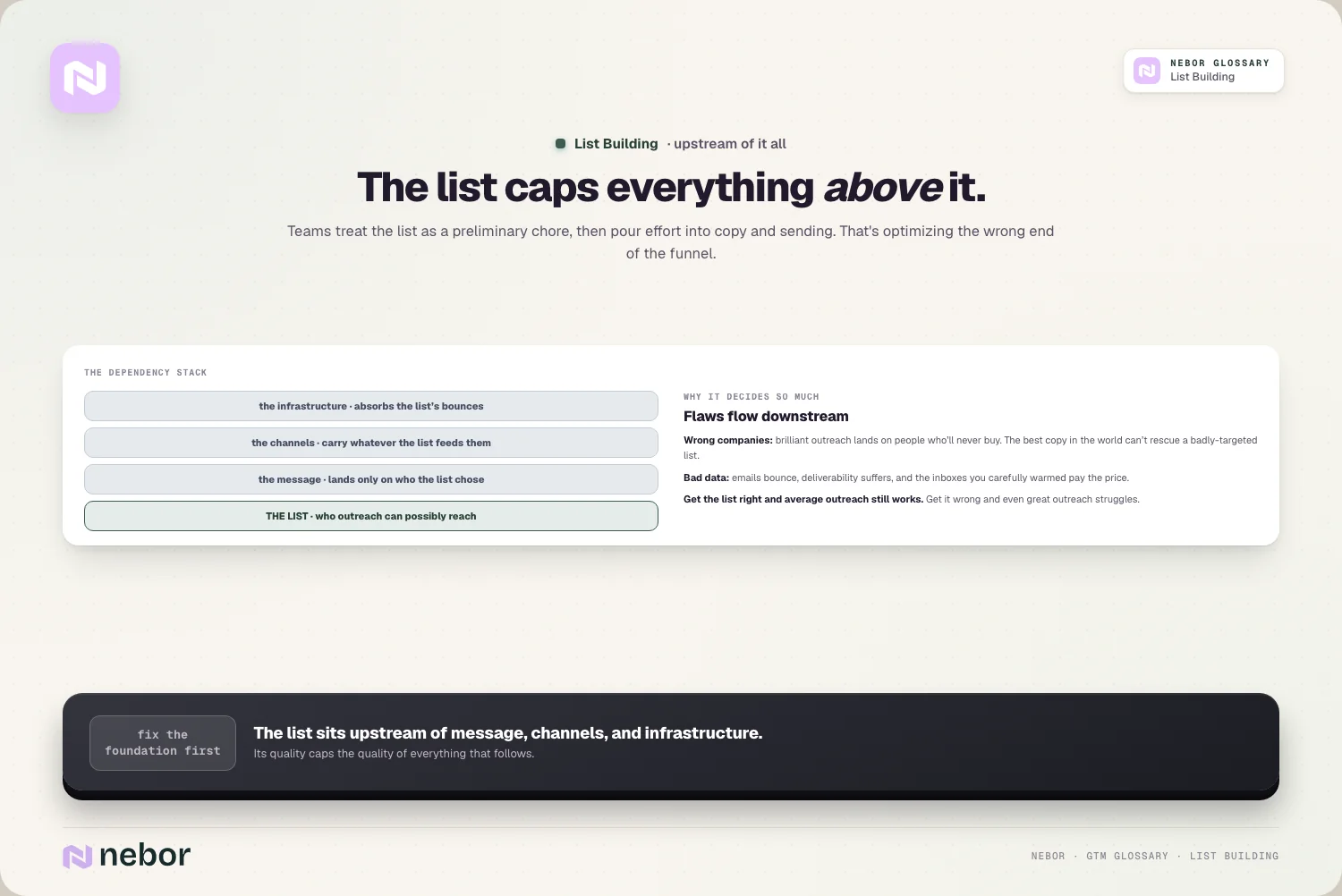
It also means more bad data, because big lists are harder to verify and tend to carry more wrong emails and outdated records. So a huge list combines two problems, worse targeting and worse data, both of which drag down results and can damage your sending reputation.
A smaller, sharper list flips both problems at once. When you focus on a tight set of truly well-fit companies with verified, accurate contacts, every send goes to someone worth reaching with information that's correct, which lifts both response and deliverability.
The math of outbound rewards precision, because a focused list of the right people consistently outperforms a sprawling list of maybes. On lists, quality beats quantity almost every single time.
Why are bought lists usually a trap dressed up as a shortcut?
Buying a ready-made list is tempting, because it promises thousands of contacts instantly with no work. It's one of the most common and costly list-building mistakes, and the reasons deserve a close look.
Purchased lists tend to be stuffed with invalid and outdated records, because the data is often old and was never verified for your use, so a large share of the contacts bounce or don't exist anymore.
They're also rarely targeted to your specific profile, meaning you're paying for volume that includes many companies you'd never want to contact.
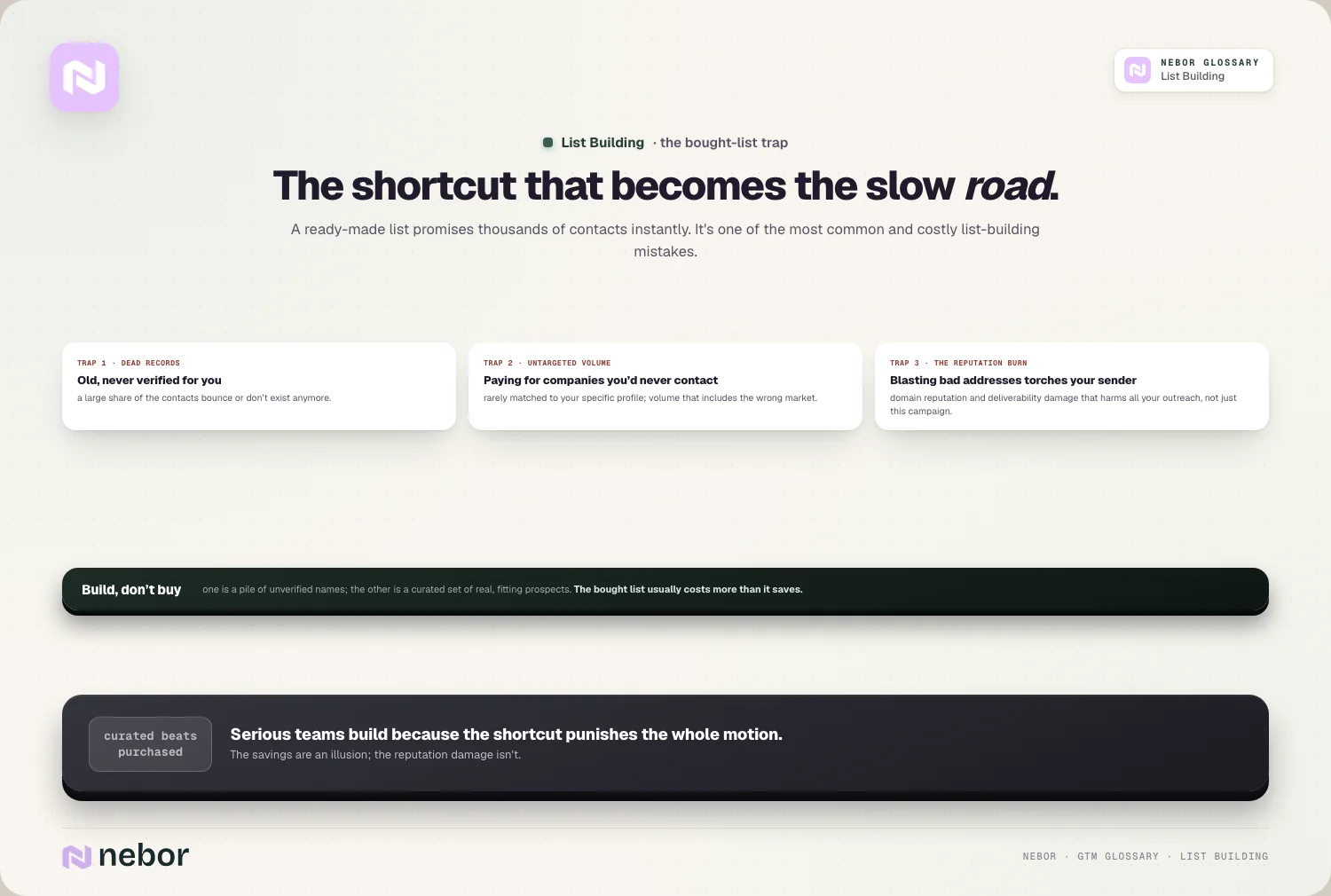
Worst of all, blasting a bought list full of bad addresses damages your domain reputation and deliverability, harming the inboxes you rely on for all your outreach.
So a bought list often costs you more than it saves, by burning your sending reputation and wasting effort on dead records and poor fits.
The contrast with a carefully built list could hardly be bigger, because one is a pile of unverified names and the other is a curated set of real, fitting prospects. The shortcut of buying a list usually ends up being the slow road, and that's the reason serious teams build instead of buying.
How does list building start with your ideal customer profile?
A good list begins not with a tool but with a clear definition of who you're trying to reach. Without that, list building has no target, and the list ends up shaped by whatever's easy to find instead of what deserves finding.
Your ideal customer profile is the starting point, because it defines the kind of company that fits you best, by traits like size, industry, and situation.
That profile becomes the filter for your list, telling you which companies belong on it and which don't, so the list reflects a deliberate choice about your market instead of a random gathering of contacts. The sharper your profile, the sharper the list you can build from it.
This is why list building and targeting are inseparable. A list is really just your ICP made concrete, populated with the actual companies and people that match it, often refined further by an ICP scoring model so the best-fit accounts rise to the top.
Skipping the profile and diving straight into sourcing is how you end up with a big, unfocused list, because you never decided what you were aiming at.
How do enrichment and verification fit into the list building work?
Sourcing names is only the first step, because a list of company names or bare contacts isn't yet usable for outreach. Enrichment and verification are what turn raw records into a list you can actually send to.
Data enrichment fills in the details each record needs, like the right decision-maker, their verified email, the company's size and industry, and other context that lets you target and personalize.
Verification then checks that the key data, especially the email addresses, is actually valid before you use it, which protects your deliverability from bounces. Together they take a thin list of names and make it a rich, accurate list of reachable, well-understood prospects.
This is also where list building connects to data quality over time, because data decay means even a clean list goes stale as people change jobs and companies change.
A list isn't a one-time build, it's something you keep fresh, re-verifying and re-enriching so it stays accurate.
Treating enrichment and verification as core parts of list building, instead of optional extras, is much of what separates a list that performs from one that keeps underdelivering.
How do signals make your list smarter about who to contact first?
Beyond fit and accuracy, the best modern list building adds a layer of timing, by including signals of who's leaning in. This is what turns a static list into a prioritized one.
A plain list tells you who fits, but layering in intent data and other signals tells you which of those companies are showing interest right now, so you can reach out to them first.
This is the foundation of signal-based selling, where the timing of your outreach is driven by real buyer behavior rather than just working a list top to bottom. The list still defines who's worth reaching, and the signals decide the order and the moment.
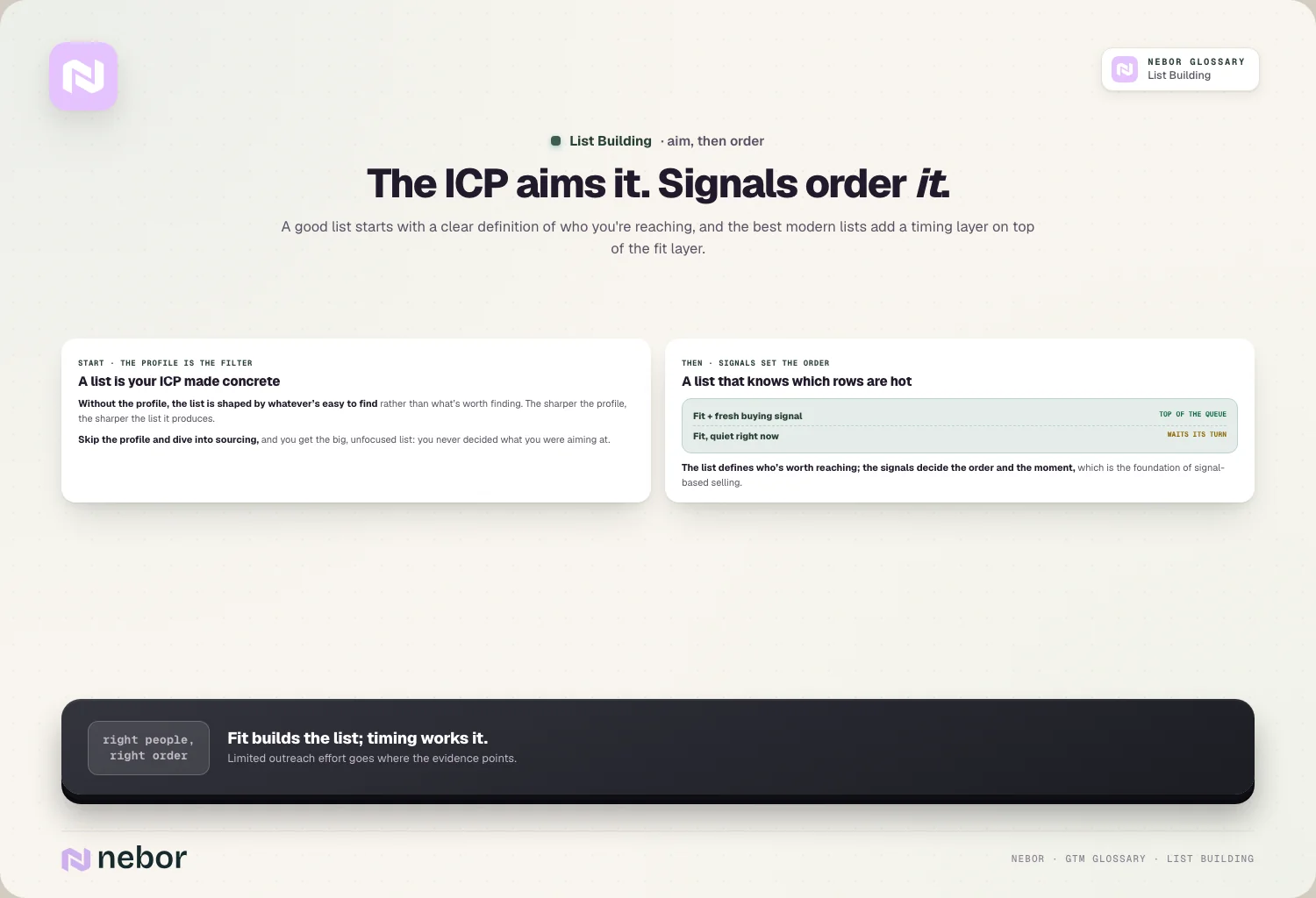
This blends list building with prioritization, because you're not just building a list, you're building a list that knows which entries are hottest.
A well-fit company that just showed a buying signal jumps to the top, while an equally-fit one with no current activity waits.
Adding signals to your list-building process is how you make sure your limited outreach effort goes to the right people at the right time instead of the right people in random order.
How does list building connect to your outreach infrastructure?
List building doesn't end when the list is done, because the list and your sending setup have to work together. The size and pace of your list have to match what your infrastructure can safely handle.
Your cold email infrastructure can only send so much per day across its pool of inboxes, using inbox rotation to stay within safe limits, which means a list isn't something you blast all at once.
It's something you work through at the pace your infrastructure allows, so a large list becomes a queue you send to steadily instead of a single send. Building a list far bigger than you can safely contact just creates a backlog without creating more results.
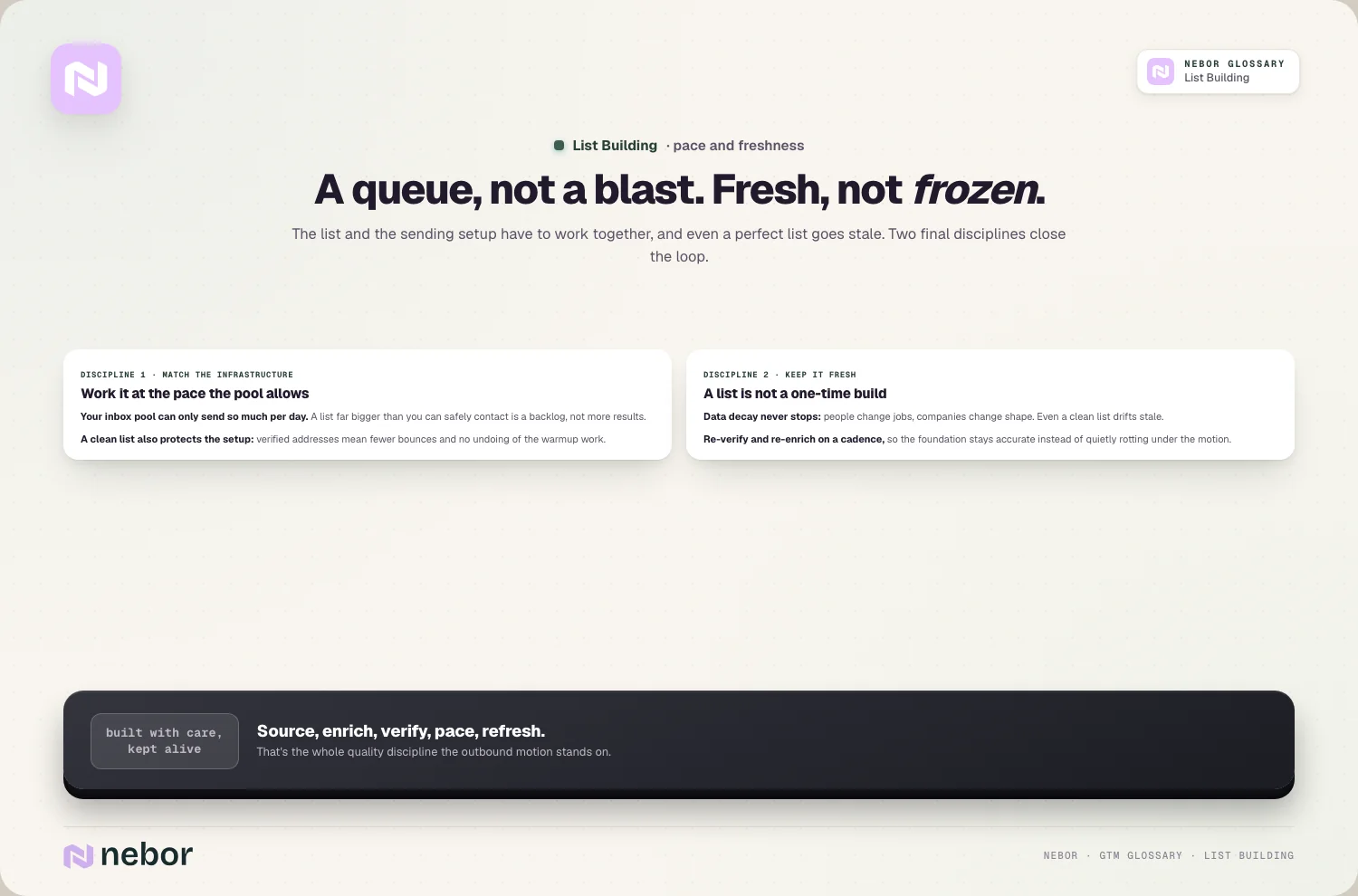
A clean list also protects that infrastructure, because verified addresses mean fewer bounces and less damage to your sending reputation.
A messy list, by contrast, can undo all the careful work of warming up and authenticating your inboxes by triggering bounces and spam complaints.
The list and the infrastructure are two halves of a healthy outbound motion, so building the list well is partly about protecting the system that sends it.
What does good list building look like in practice, step by step?
Pulling the pieces together, it helps to picture what a sound list-building process involves. It works as a sequence of deliberate steps instead of a single bulk download.
In practice, you start from a sharp profile of who you want, source companies and contacts that match it, enrich those records with the details you need, and verify the key data before anything goes out.
You often layer in signals to prioritize who to contact first, and you keep the list fresh over time instead of treating it as finished.
Tools like Clay automate the sourcing and enrichment, and we build in Clay daily, but the thinking, deciding who fits and insisting on accuracy, is what makes the list good.
The thread through all of it is care over volume. Good list building looks like a focused, verified, prioritized list of genuinely well-fit prospects, built and maintained deliberately, which is the opposite of dumping a giant unverified export into your sending tool.
This is also the foundation of automating your prospecting without losing quality, because automation amplifies whatever process you give it.
What are the common list building mistakes that sink campaigns?
A handful of mistakes show up across nearly every list-building effort we've audited, and most come from prioritizing size over quality. Naming them helps you build lists that perform.
The biggest is chasing volume, building the largest list possible at the cost of fit and accuracy. Close behind is buying lists, importing unverified records that bounce and burn your reputation.
Then there's skipping verification, sending to addresses you never checked, and building from a fuzzy or missing profile, so the list has no real focus. There's also letting lists rot, with nobody re-verifying as the data decays.
There's the deeper mistake of treating list building as a quick preliminary step instead of the foundation it is, with everyone rushing it to get to the sending.
The counter to every one of them looks the same. You start from a sharp profile, source for fit over volume, enrich and verify every record, layer in signals to prioritize, and keep the list fresh.
List building rewards being treated as the careful, ongoing discipline it really is.
Why list building is really a quality discipline instead of a volume one
List building, in the end, is the work of deciding exactly who your outreach will reach, and then making sure those records are accurate enough to reach them.
Because the list comes upstream of everything, its quality sets a ceiling on your whole motion, and that's the reason precision matters far more than size.
The teams that get it right start from a sharp profile, build for fit instead of volume, enrich and verify every record, layer in signals to reach the interested first, and keep their lists fresh as data decays.
They understand that a smaller, cleaner, well-targeted list beats a sprawling unverified one, and they protect their sending reputation by never blasting junk.
The mindset that works is to stop asking how many contacts you can gather and start asking how well each one fits and how sure you are it's accurate.
When you build the list as the foundation it is, with care and precision instead of a rush for volume, the rest of your outbound has a real chance to work, because no amount of clever sending can fix a list that was wrong from the start.
Share this post
Prospecting
Data
Glossary
Related glossary items
Understanding the core GTM concepts




Ready to build your pipeline











