

In this post:
DKIM, short for DomainKeys Identified Mail, is an email authentication method that adds a digital signature to every message you send. That signature lets the receiving server check two things, that the email really came from your domain and that nobody changed it on the way.
It's one of the three records that prove your mail is really yours, alongside SPF and DMARC. Without it, mailbox providers treat your email with suspicion, because they can't confirm it's really from you.
For anyone sending cold outreach or any volume of email, DKIM stopped being optional a while ago. If you skip it, a lot of your mail gets filtered or rejected before a single person reads the subject line.
TL;DR
DKIM attaches a cryptographic signature to your outgoing email, so the receiving server can verify your domain sent it and that the message wasn't tampered with in transit. It's a core part of email authentication.
It works with a pair of keys. A private key signs your mail, and a matching public key lives in your DNS so receivers can check the signature. If the check passes, your email looks trustworthy, and if it's missing, your email looks suspicious.
So what is DKIM, and what does it actually prove about your email?
DKIM is a way for a receiving mail server to confirm that an email is authentic. When your domain sends a message, DKIM adds a signature, and the receiver uses that signature to check the message against a key you've published.
It proves two separate things at once. First, that the message truly came from the domain it claims to be from, so a scammer can't easily pretend to be you. Second, that the content of the message wasn't altered between sending and delivery, so nobody tampered with it in transit.
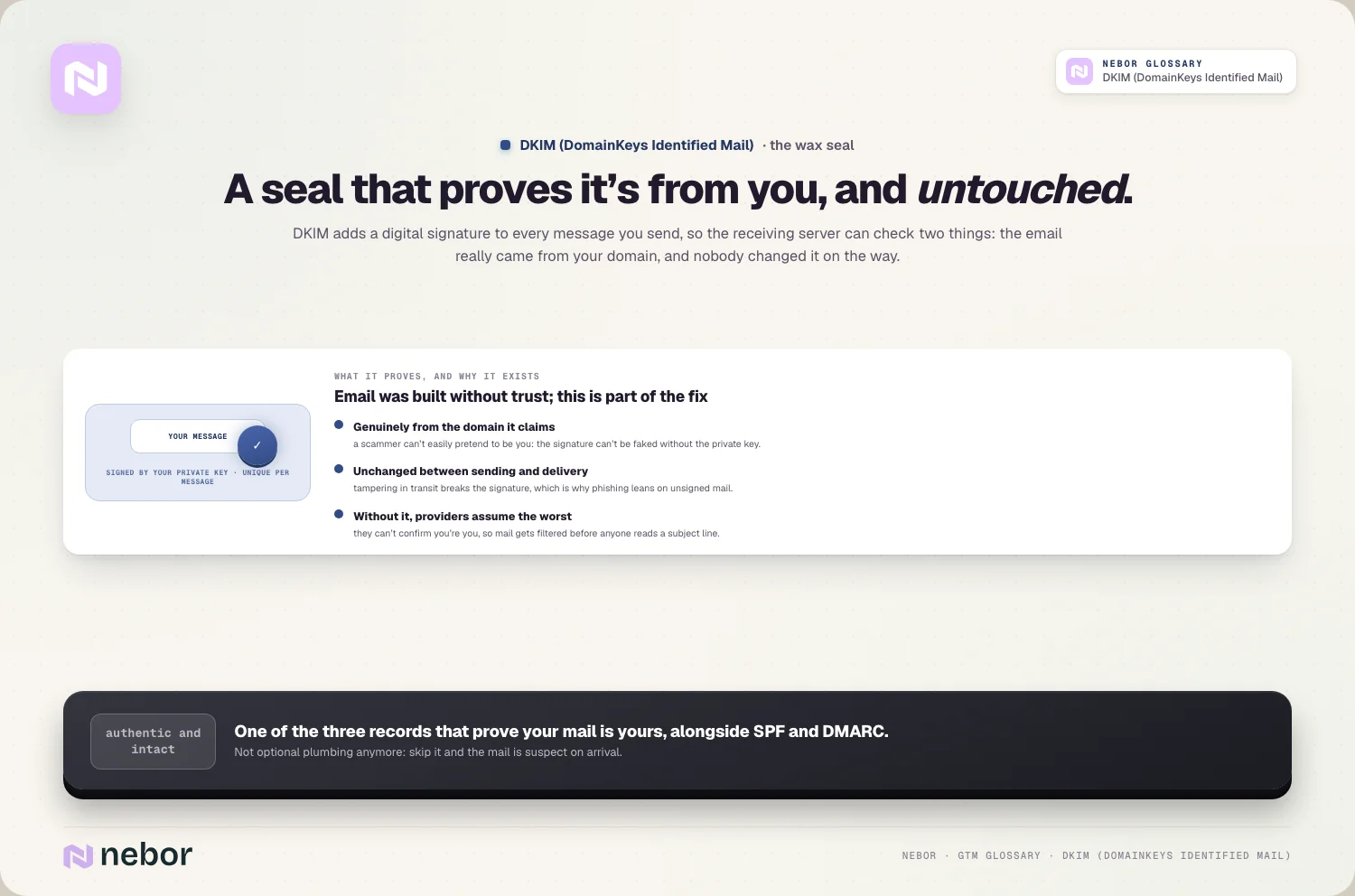
That's a big deal for trust on the open internet. Email was built without any of this, and that gap made spoofing and phishing easy for decades. DKIM is part of the fix, giving receivers a reliable way to separate real senders from impostors.
How does DKIM actually work when you follow a message step by step?
The mechanics sound technical, but the idea is simple once you see it. DKIM uses a pair of keys, a private one you keep secret and a public one you publish for anyone to read.
When you send an email, your mail server uses the private key to create a signature based on the message, and it adds that signature to the email's headers. The signature is unique to that message, so it can't be reused or faked without the private key.
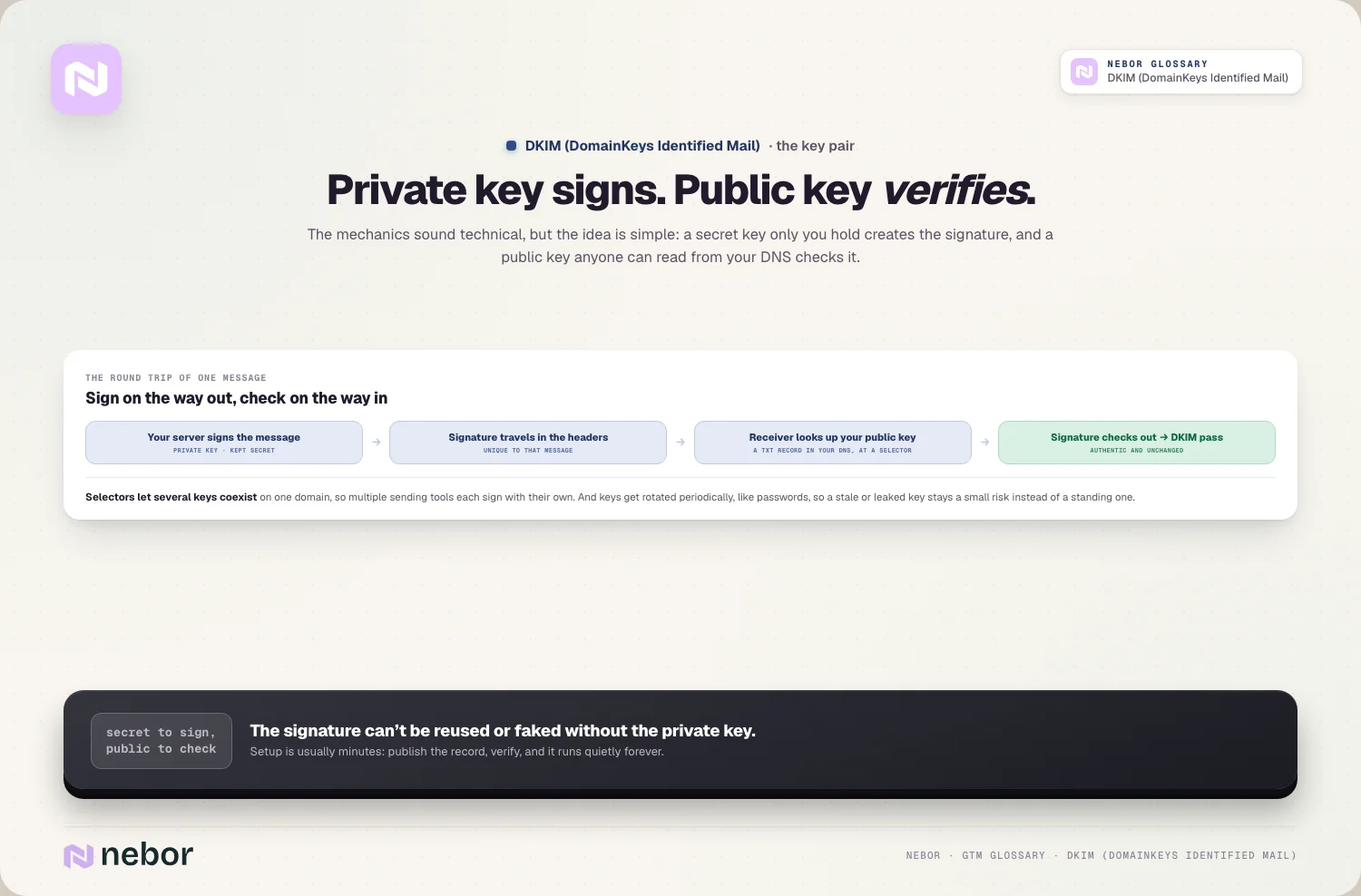
On the other end, the receiving server reads the signature, then looks up your public key, which you've published as a record in your domain's DNS. It uses that public key to check the signature. If everything matches, the email passes DKIM, and the receiver knows it's authentic and unchanged.
What does DKIM protect you against, and where does it stop helping?
Being clear about what DKIM does and doesn't do saves disappointment, because people often expect too much of it. DKIM covers authenticity and integrity, and it leaves secrecy and spam filtering to other layers.
It protects against spoofing, where someone sends email pretending to be your domain, and against tampering, where a message gets altered in transit. Both of those are common in phishing, so DKIM is a real security win on top of a deliverability requirement.
What it doesn't do is encrypt your email, so DKIM is not about hiding the contents from prying eyes. It also doesn't guarantee your mail reaches the inbox by itself, because deliverability depends on your whole domain reputation and sending behavior. DKIM is one important signal among several rather than a magic pass.
How does DKIM fit together with SPF and DMARC in the bigger picture?
DKIM rarely works alone, and understanding the trio matters. It's one of three pillars of DNS authentication, each doing a different job.
SPF, the Sender Policy Framework, checks that the server sending your mail is authorized to do so. DKIM checks that the message itself is authentic and unaltered. The two answer different questions, one about the sender, one about the message.
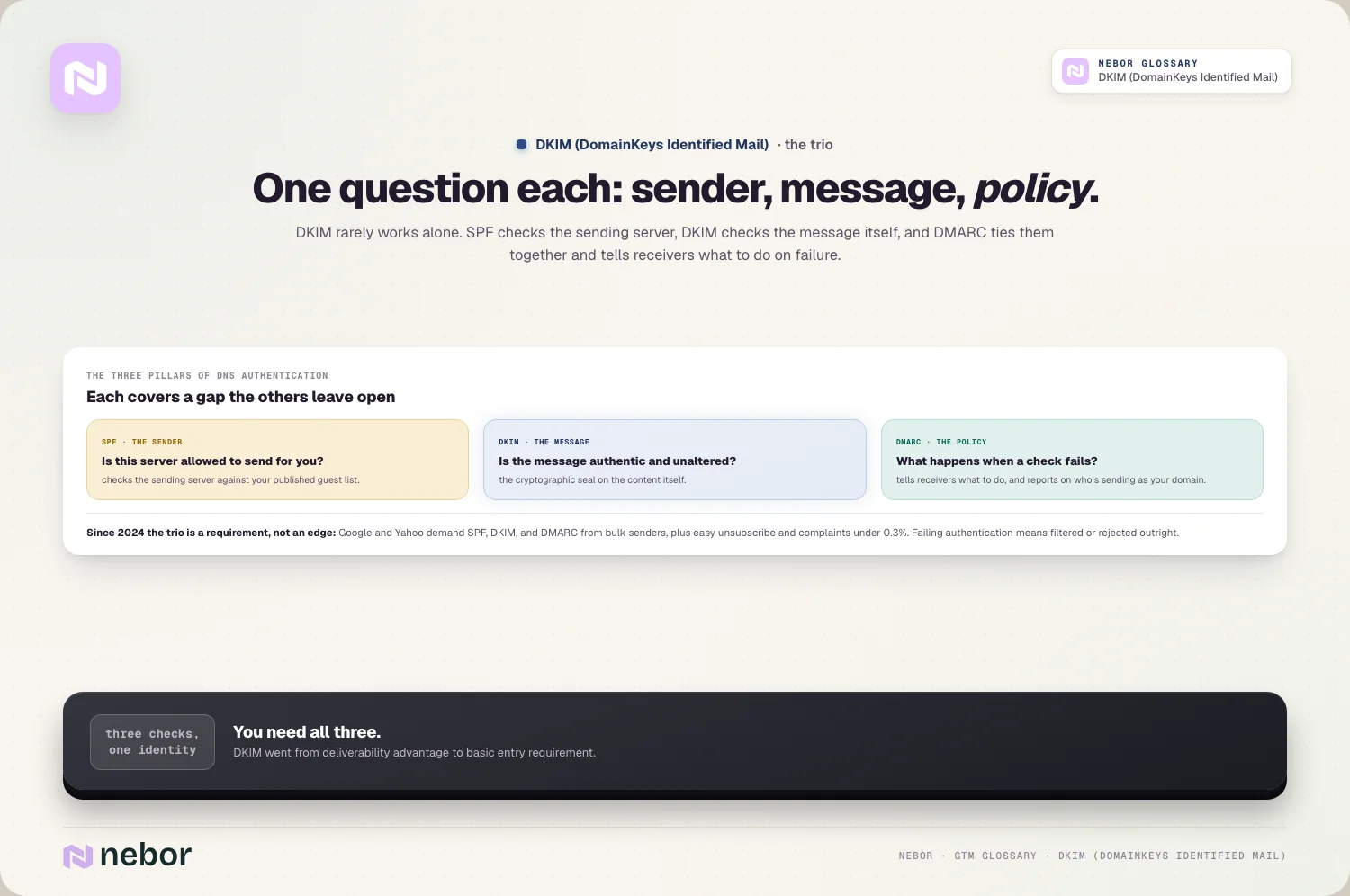
Then DMARC layers on top and ties them together. It tells receiving servers what to do when SPF or DKIM fails, and it sends you reports on who's sending email as your domain. You really need all three, because each covers a gap the others leave open.
Why is DKIM no longer optional for anyone sending real volume in 2025?
There was a time when DKIM was a nice-to-have, but that time is over. The big mailbox providers have made it a requirement, and ignoring it now actively hurts you.
In 2024, Google and Yahoo set new rules for bulk senders, requiring SPF, DKIM, and DMARC, along with easy unsubscribe and a spam complaint rate under 0.3%. A message that fails authentication is far more likely to be filtered or rejected outright.
So DKIM has gone from a deliverability advantage to a basic entry requirement. If you're sending any real volume without it, you're not just missing an edge, you're failing a check the providers now expect everyone to pass. In our experience, setting it up is one of the highest-return things you can do for your sending.
How do you set up DKIM on your own domain without getting lost?
Setting up DKIM is usually a one-time job, and most sending platforms make it straightforward. The exact steps vary by provider, but the shape is always the same.
Your email platform generates a key pair for you, then gives you a DNS record to publish, usually a TXT record at a specific selector on your domain. You add that record through your DNS provider, and once it propagates, your platform starts signing your outgoing mail with the matching private key.
After that, you verify it's working, either through your platform's checker or by sending a test email and inspecting the headers. The whole thing often takes minutes, though DNS changes can take a little while to take effect. Once it's live, it keeps working in the background without any day-to-day effort.
What are the common DKIM mistakes that quietly break your email?
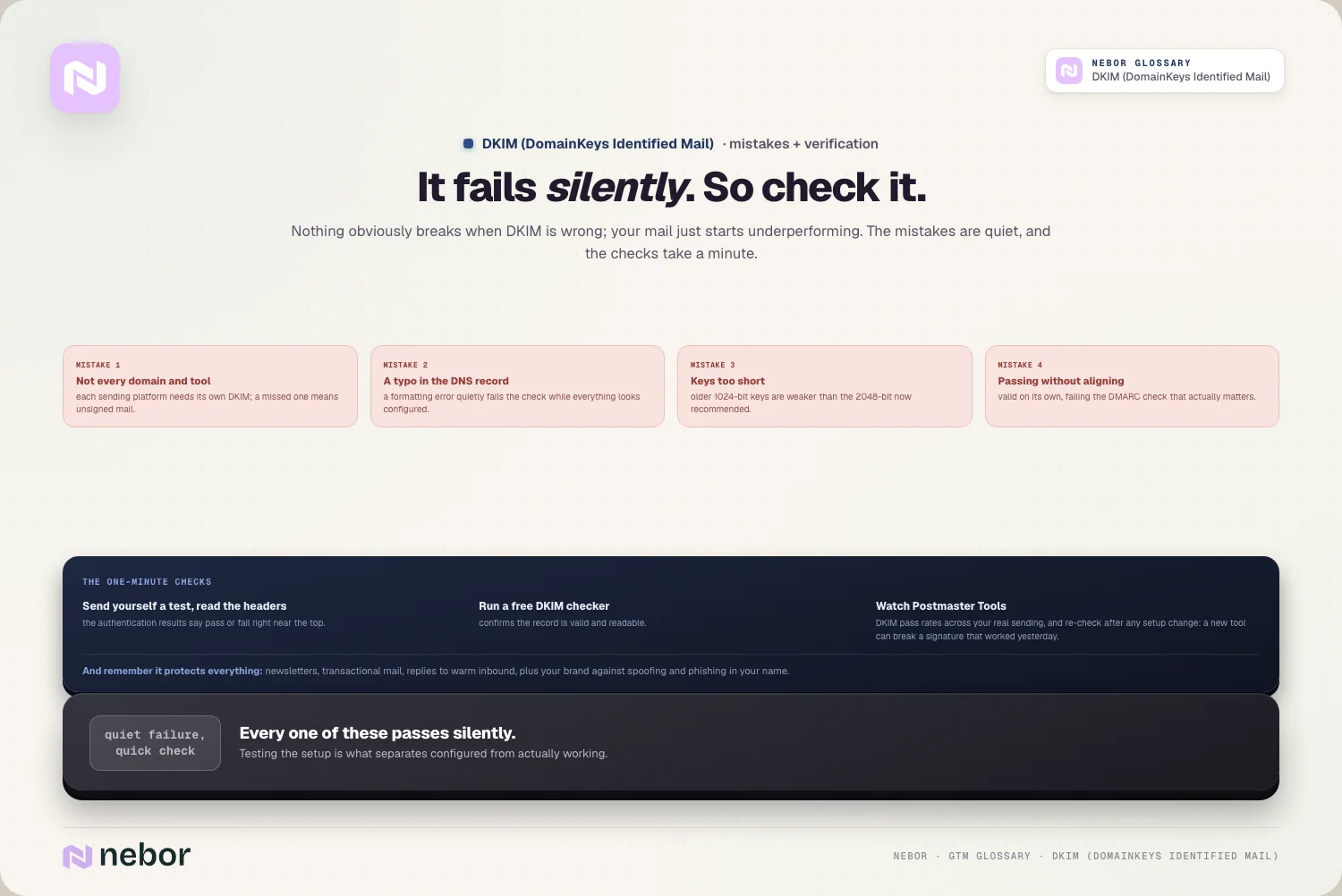
DKIM is reliable once it's right, but there are a few ways it goes wrong, and they're easy to miss because nothing obviously breaks, your mail just starts underperforming.
The most common mistake we see is simply not setting it up on every domain and platform you send from. If you send through several tools, each one needs its own DKIM setup, and a missed one means unsigned mail.
Another is publishing the DNS record incorrectly, with a typo or a formatting error that fails the check without telling you.
A subtler issue is a key that's too short, since older 1024-bit keys are weaker than the 2048-bit keys now recommended. And if your DKIM isn't aligned with your domain the way DMARC expects, it can pass on its own but still fail the wider check. Each of these passes silently, which is why testing your setup matters.
Why does DKIM matter for every email you send, well beyond cold outreach?
It's tempting to think of DKIM as a cold email concern, but it protects every message your domain sends. The same authentication that helps your outbound land also helps your inbound replies, your newsletters, and your transactional email.
On the inbound side, when a prospect fills in a form and you send a confirmation or a nurture sequence, DKIM helps those reach the inbox instead of spam. Unauthenticated mail to your warmest contacts can vanish, and you'd never know they didn't get it.
There's a brand-protection angle in it too. DKIM makes it harder for anyone to spoof your domain and send phishing email in your name, which protects your customers and your reputation. So set it up properly across your whole sending setup, and go beyond the domains you use for cold outreach.
How do DKIM selectors and key rotation keep you protected over time?
A couple of details make DKIM more flexible and more secure over time. The first is the selector, and the second is key rotation.
A selector is a label in your DKIM record that lets you keep more than one DKIM key on the same domain. That's how you can send through several platforms at once, each with its own selector and key, without them clashing. It's a small detail that makes a multi-tool setup possible.
Key rotation is the practice of periodically replacing your DKIM keys with new ones. Like changing a password, rotating keys limits the damage if one is ever exposed, and it keeps your setup current as standards move toward stronger keys.
Most managed platforms handle rotation for you, but it's good to know it's happening, because a stale or leaked key is a quiet risk.
How does DKIM connect to the rest of your sending infrastructure?
DKIM doesn't live in isolation, it's one part of a healthy sending infrastructure where every piece supports the others. On its own it proves authenticity, but its real value shows up alongside the rest of your setup.
It pairs with warmup and clean lists to build trust, since authenticated mail from a warmed domain sending to real people is exactly what providers want to see.
It also underpins your email deliverability more broadly, because authentication is one of the first things a receiver checks before it even weighs your reputation.
For cold outreach specifically, DKIM is a non-negotiable part of your cold email infrastructure. You can warm domains and clean lists all you like, but if your mail isn't signed, you've left the front door of authentication wide open, and the providers notice immediately.
How can you tell whether your DKIM is set up correctly right now?
Since DKIM fails silently, you shouldn't assume it's working just because you added a record. Checking it takes a minute and saves a lot of confusion later.
The simplest check is to send yourself an email and look at the message headers, where you'll see a DKIM result that says pass or fail. Most email clients let you view the original message, and the authentication results are right there near the top.
You can also use any of the free DKIM checkers online, which look up your record and confirm it's valid and readable. Google's Postmaster Tools will show you DKIM pass rates across your real sending too.
We re-check it after any change to a setup, because a new tool or a tweaked DNS record can break a signature that was working fine yesterday.
What's the difference between DKIM passing and DKIM aligning?
This is a subtle point that trips up even experienced senders, and it matters for DMARC. DKIM can technically pass while still failing the wider authentication check, because of something called alignment.
DKIM passing just means the signature is valid. Alignment means the domain in that signature matches the domain your email claims to be from in the visible from address.
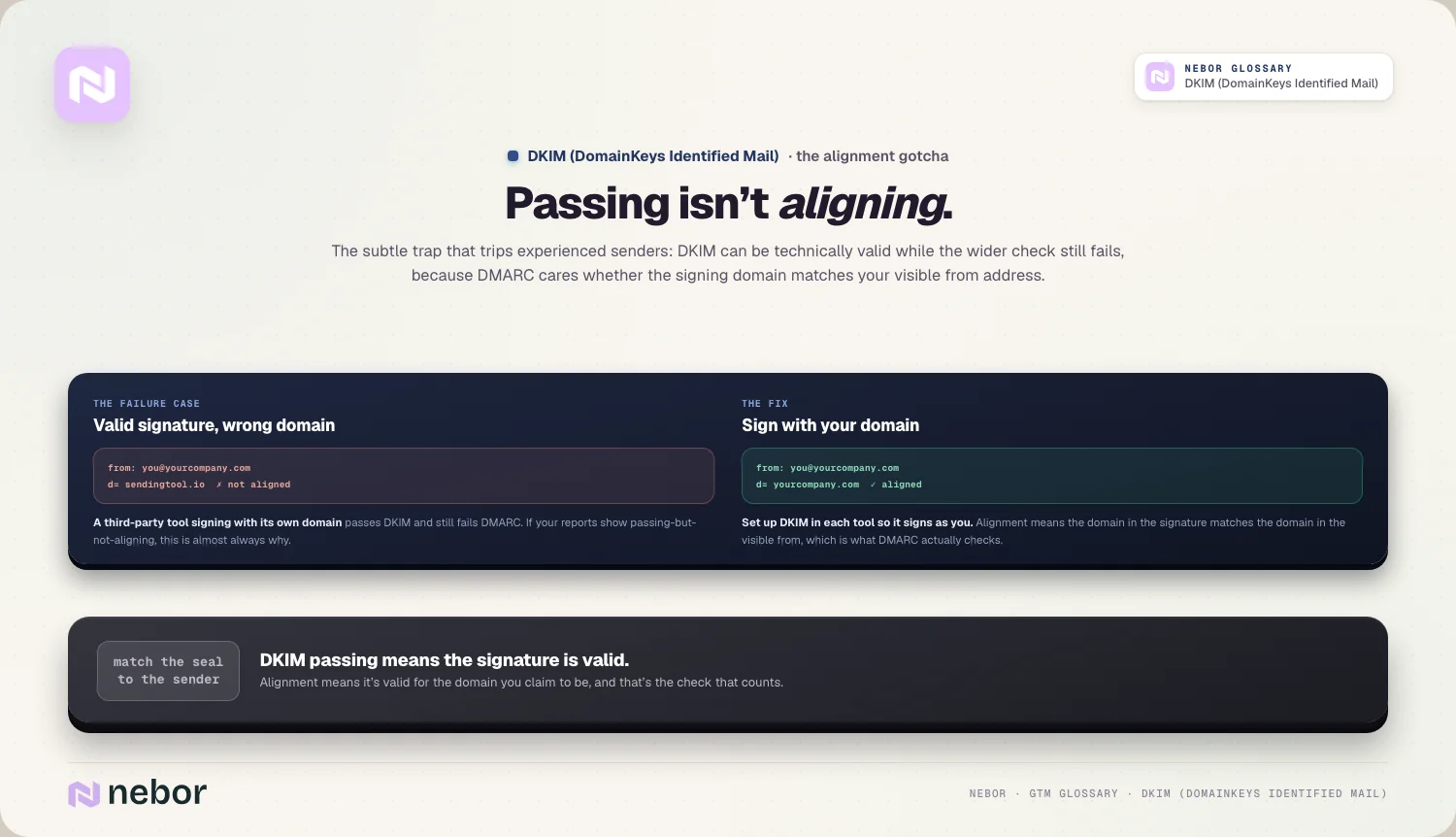
DMARC cares about alignment beyond a valid signature, so a message can have good DKIM and still fail DMARC if the domains don't line up.
In practice this comes up when you send through a third-party tool that signs with its own domain rather than yours. The fix is to set up DKIM so it signs with your domain, which keeps it aligned. If your DMARC reports show DKIM passing but not aligning, this is almost always why.
Does DKIM on its own get you into the inbox, or is there more to it?
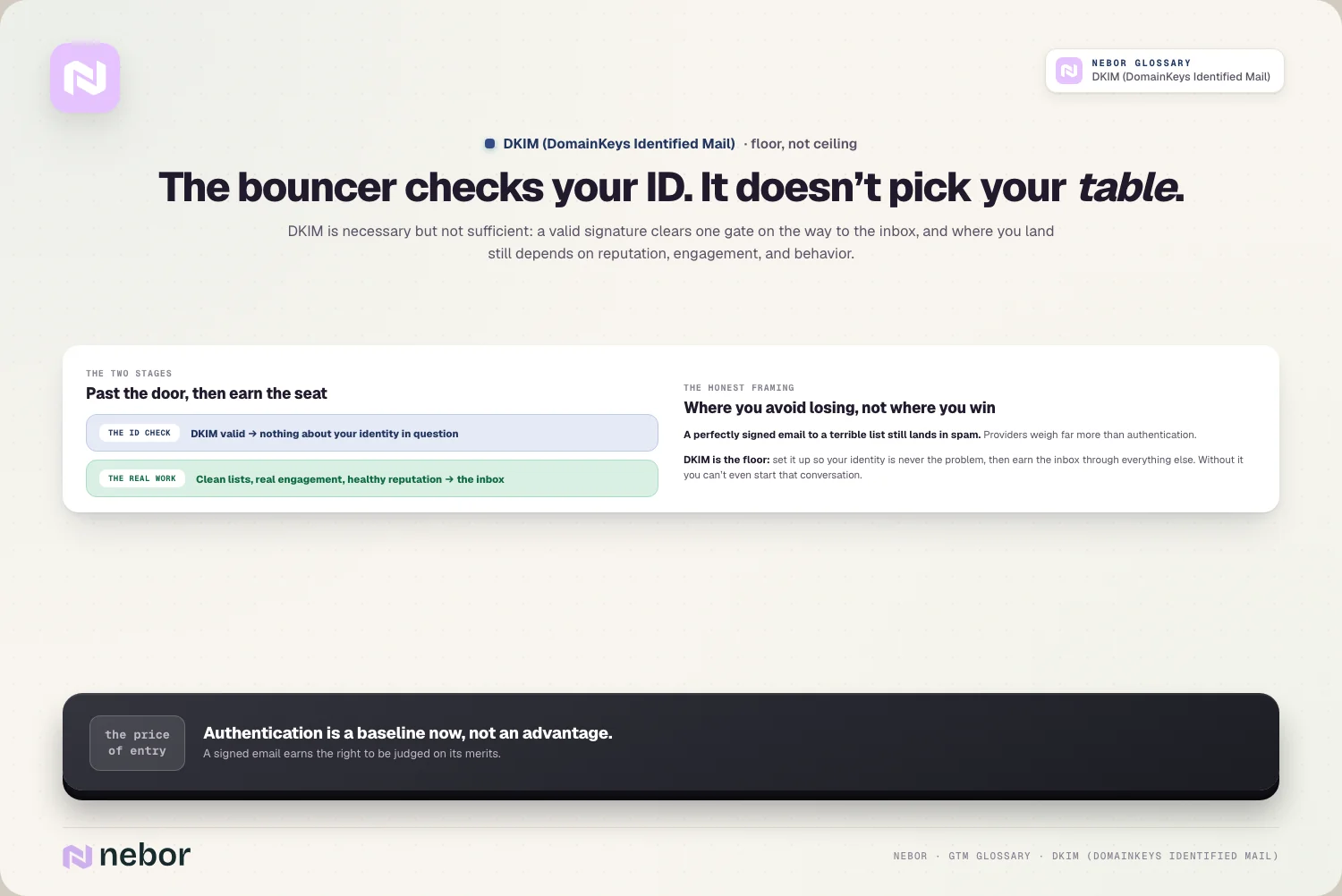
Expectations need setting here, because DKIM is necessary and nowhere near sufficient. Passing DKIM doesn't guarantee the inbox, it just clears one of the gates on the way there.
Authentication works like the bouncer checking your ID. A valid signature gets you past the door, but where you end up inside still depends on your reputation, your engagement, and your sending behavior.
A perfectly signed email to a terrible list still lands in spam, because the providers weigh far more than authentication.
So DKIM is the floor rather than the ceiling. You set it up so that nothing about your identity is in question, then you earn the inbox through everything else, like clean lists, real engagement, and a healthy sender reputation.
Without DKIM you can't even start that conversation, and with it, the real work of deliverability begins.
Why DKIM is the quiet signature that earns your email the right to be read
Behind the cryptography, DKIM is really about trust. It's the way your domain says, in a form the receiving server can verify, that a message is genuinely yours and exactly as you sent it.
That trust is the price of entry now. The mailbox providers have made authentication a baseline, so DKIM isn't where you win deliverability, it's where you avoid losing it before you've started. A signed email earns the chance to be judged on its merits, while an unsigned one is suspect from the first byte.
The good news is that it's a one-time setup that pays off for as long as you send. Get DKIM right across your domains, keep it aligned with SPF and DMARC, and you've laid one of the three foundations every other deliverability effort stands on.
It's quiet, unglamorous work, and it's exactly the kind that separates senders who reach the inbox from those who wonder why they don't.
Share this post
Deliverability
Infrastructure
Glossary
Related glossary items
Understanding the core GTM concepts


Ready to build your pipeline











