

In this post:
DNS authentication is the set of records you publish in your domain's DNS that prove your email is genuinely yours. It's the umbrella term for the three checks that mailbox providers apply to every message, SPF, DKIM, and DMARC, working together.
When those records are in place and aligned, the receiving servers can confirm that an email came from you and wasn't forged or tampered with. When they're missing, your mail looks suspicious, and a lot of it never reaches the inbox.
For any kind of email at volume, and cold outreach especially, DNS authentication is the foundation everything else stands on. You can have perfect copy and a clean list, but without it, you're sending from a domain the providers don't trust.
TL;DR
DNS authentication is how you prove, through records in your DNS, that your email is legitimate. It's made of three parts, SPF, DKIM, and DMARC, each doing a different job.
SPF says which servers are allowed to send for you, DKIM signs your messages so they can't be faked or altered, and DMARC decides what happens when those checks fail and reports who's sending as you. Together they tell the mailbox providers your mail is real.
Since 2024, Google and Yahoo require all three for bulk senders, so the full set is now required before the big providers will take your volume. It's a one-time setup that quietly protects your deliverability for as long as you send.
So what does DNS authentication actually mean for your email?
DNS authentication is the practice of proving your email's legitimacy using your domain's DNS, the same system that points your domain to your website. You publish a few special records there, and the mailbox providers read them to verify your mail.
Everything in this corner of email comes back to trust. The original email protocols gave receivers no built-in way to confirm a sender's identity, so anyone could forge a from address for decades.
DNS authentication is the layer the industry bolted on to fix that, giving receivers a way to check that a message is really from who it claims to be.
So when people talk about authenticating your domain, this is what they mean. It isn't one setting, it's a small system of records that, together, let a receiving server trust your email instead of guessing about it.
Why does email even need authentication bolted on in the first place?
The problem authentication solves explains why the providers care so much about it. Email shipped with a glaring weakness, because anyone could put any address in the from field and send mail as anyone else.
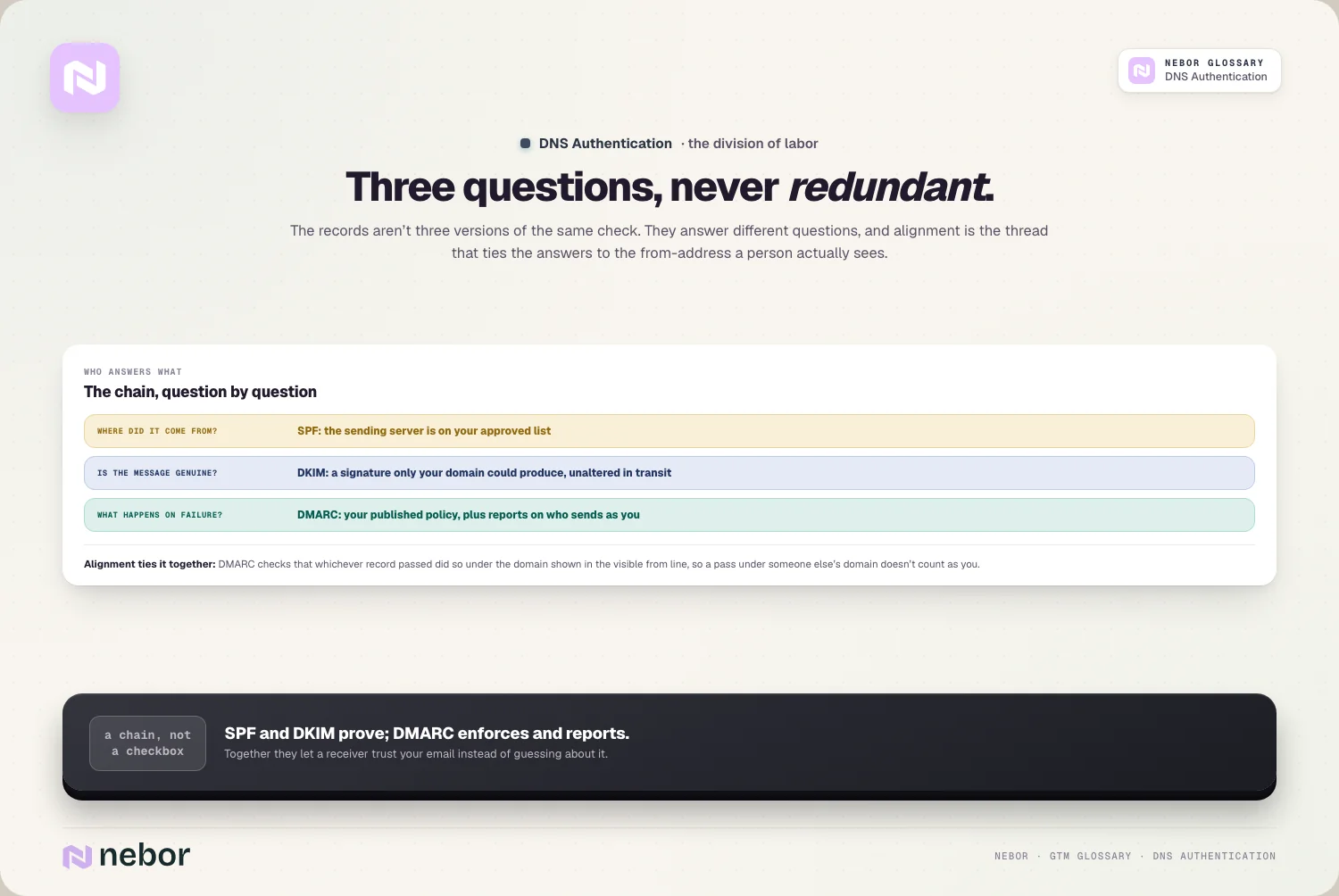
That weakness is the root of phishing and spoofing. A scammer could send an email that looked exactly like it came from your bank, your boss, or your favorite brand, and nothing in the system stopped them. Mailbox providers were left guessing which mail was real and which was a forgery.
DNS authentication closes that hole by letting senders publish records that prove their identity, which gives receivers a reliable test. Mail that passes is far more likely to be genuine, and mail that fails can be treated with suspicion, and that clean split is exactly the outcome the providers were after.
What are the three DNS records that together make up email authentication?
DNS authentication takes three separate records, and each one handles a different piece of the puzzle. You need all of them working together for the full picture.
The first is SPF, the Sender Policy Framework, which lists the servers allowed to send email for your domain. The second is DKIM, which adds a cryptographic signature so receivers can confirm a message is authentic and unaltered.
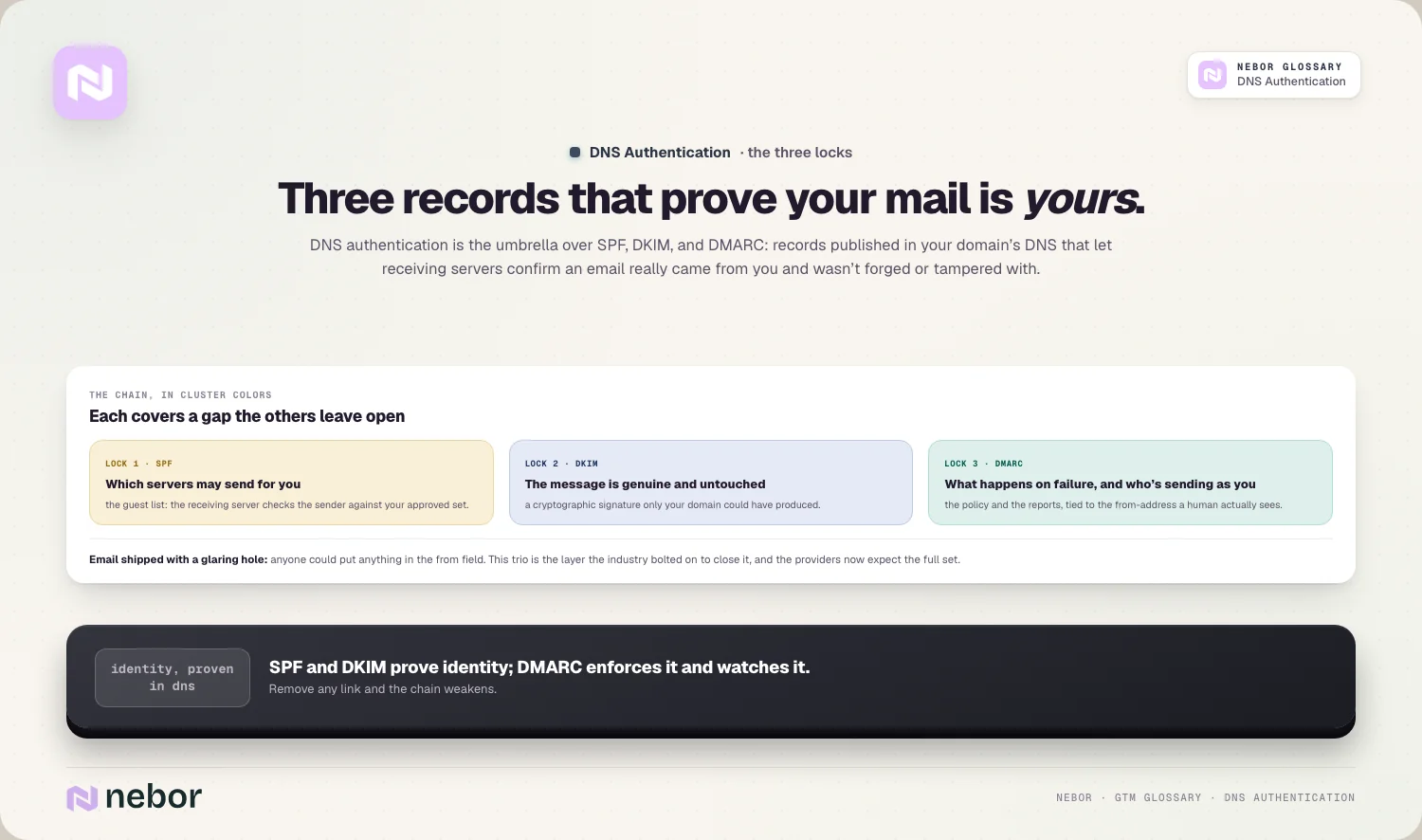
The third is DMARC, which layers on top of the other two, tells receivers what to do when a message fails, and reports back to you on who's sending email as your domain. Each one covers a gap the others leave open, and that's the reason the providers expect to see the full set instead of just one.
How do SPF, DKIM, and DMARC actually divide the job between them?
The clearest way to understand DNS authentication is to see how the three records split the work. There's no overlap between them, because each record answers its own question.
SPF answers where the mail came from, confirming the sending server is on your approved list. DKIM answers whether the message is genuine and untouched, by checking a signature only your domain could have produced. Neither one, on its own, tells a receiver what to do if the check fails.
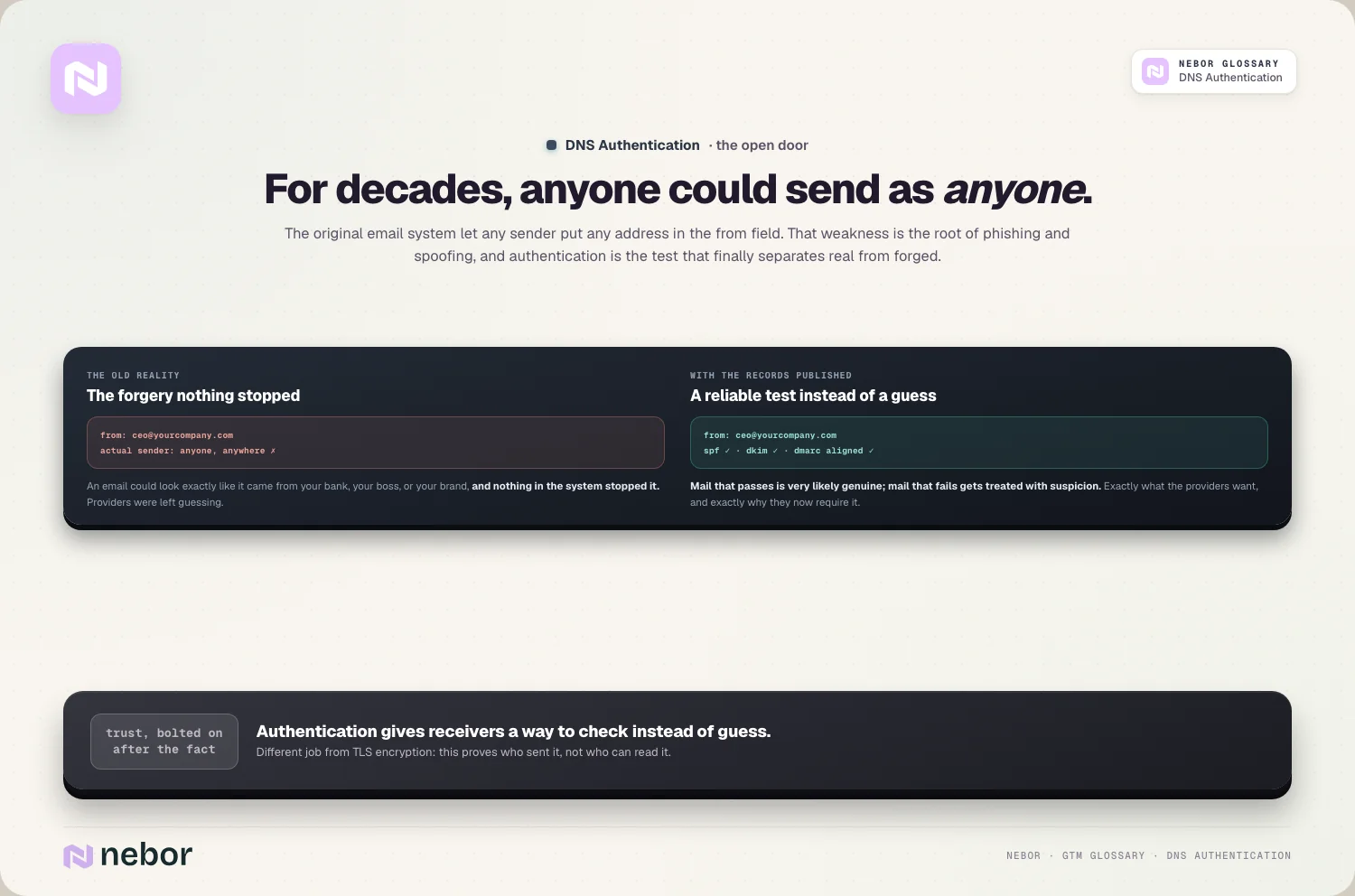
That third question is DMARC's job to answer. It decides what should happen on a failure, and it ties the other two to the domain a person sees in the from line, which is the concept called alignment.
Together they form a chain where SPF and DKIM prove your identity and DMARC enforces it, and if you remove any link, the whole chain weakens.
What happens to your email if you skip DNS authentication entirely?
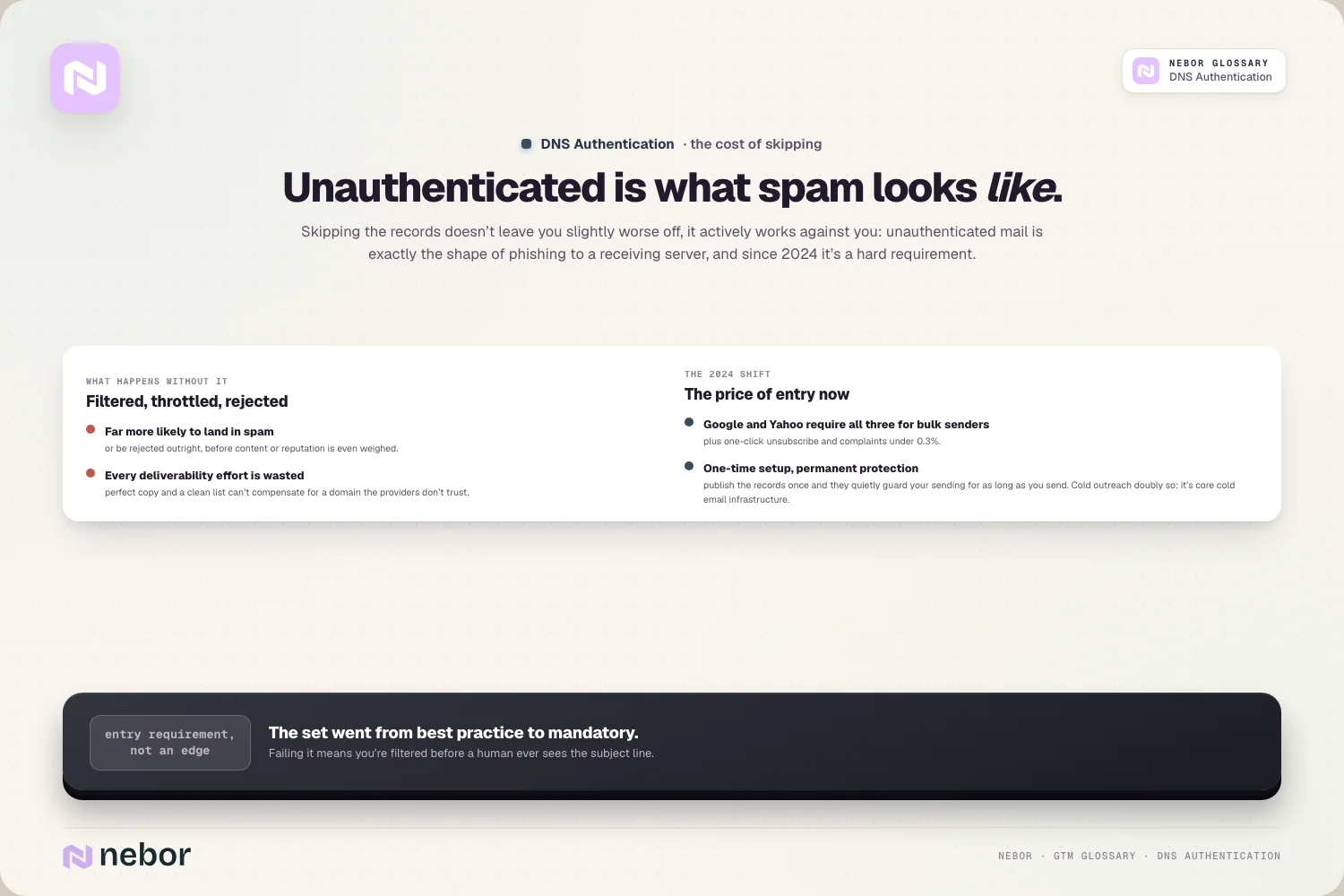
Skipping authentication costs you more than a small disadvantage, because the providers treat missing records as a red flag in themselves. Unauthenticated mail is exactly what spam and phishing look like to a receiving server, so it gets treated that way.
In practice, mail from an unauthenticated domain is far more likely to land in spam, get throttled, or be rejected outright. The providers have no way to tell your legitimate email from a forgery, so they err on the side of caution and filter it. Your best campaign dies in spam folders that nobody ever checks.
There's a security cost hiding in there too. Without authentication, especially without DMARC at enforcement, anyone can spoof your domain and send phishing in your name, damaging your domain reputation and your brand. So skipping it hurts both your deliverability and your protection at the same time.
Why is DNS authentication now mandatory for anyone sending at volume?
Authentication used to be a best practice that careful senders adopted, but it's crossed a line into a hard requirement. The major mailbox providers now expect it from anyone sending at volume.
In 2024, Google and Yahoo introduced rules for bulk senders that require SPF, DKIM, and DMARC together, along with easy unsubscribe and a spam complaint rate under 0.3%. A sender missing these isn't just at a disadvantage, they can have their mail rejected rather than merely filtered.
So DNS authentication has become the admission ticket to the inbox. If you send real volume without the full set, you're walking into a filter the providers now apply to everyone, which puts your email deliverability at risk before your message is even read.
The upside is that it's a one-time setup with an outsized payoff.
How do you set up DNS authentication from scratch without missing a step?
Setting up the full stack is a finite project, and most of it is publishing records your email platform hands you. The order we follow on every client build is the same, because the three records build on each other.
You start with SPF, publishing a record that lists every service allowed to send for your domain, and the careful part is hunting down all your real senders. Then you set up DKIM on each sending platform, publishing the keys they generate so your mail gets signed.
With both of those in place and passing, you add DMARC, starting in monitor mode so you can watch without blocking anything.
From there you read your DMARC reports, confirm every legitimate sender is authenticated and aligned, and gradually tighten your DMARC policy toward enforcement. The whole thing can take a few weeks for a simple setup, and longer if you send through many tools, but each step adds protection as you go.
Why does DNS authentication matter for cold outreach specifically?
For cold email, authentication carries even more weight than usual, because cold senders start with zero benefit of the doubt. A new outreach domain has no history, so the providers lean hard on its authentication to decide whether to trust it at all.
That's why DNS authentication is a core part of any real cold email infrastructure. The separate sending domains you use for outreach each need their own SPF, DKIM, and DMARC, set up correctly and aligned, before you send a single campaign from them.
It works alongside the rest of the setup instead of replacing any of it. A warmed domain, a clean list, and full authentication reinforce each other, and the providers score you on the combination. If the authentication is wrong, all the warming and list hygiene in the world still won't earn you the inbox.
What are the common DNS authentication mistakes that keep costing you?
Because a broken record never throws an error you'd see, a few common mistakes can hurt you for months without an obvious symptom. The same handful shows up in almost every setup we audit, so here they are.
The one we fix most often is an incomplete SPF record that misses one of your sending tools, so that tool's mail fails authentication even though everything else passes. Another is setting up DKIM on some platforms but not all, leaving a gap every time you add a new tool.
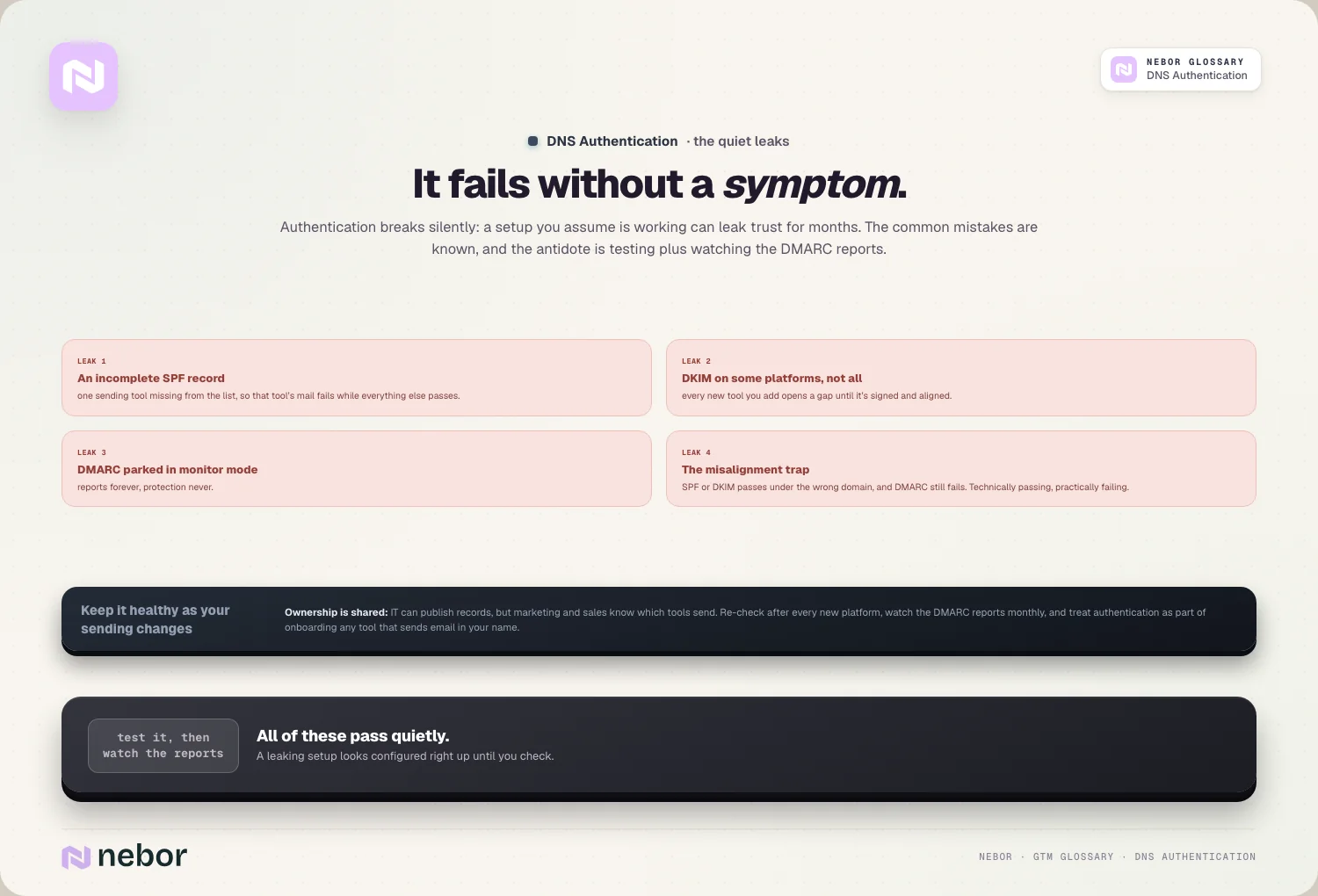
A third is publishing DMARC and then never moving it past monitor mode, so you get reports but no real protection.
The subtlest is misalignment, where SPF or DKIM technically passes but under the wrong domain, so DMARC still fails. All of these failures hide in plain sight, which is why testing your setup and watching your DMARC reports matters. A setup you assume is working can be leaking trust the whole time.
Does DNS authentication guarantee your email will reach the inbox?
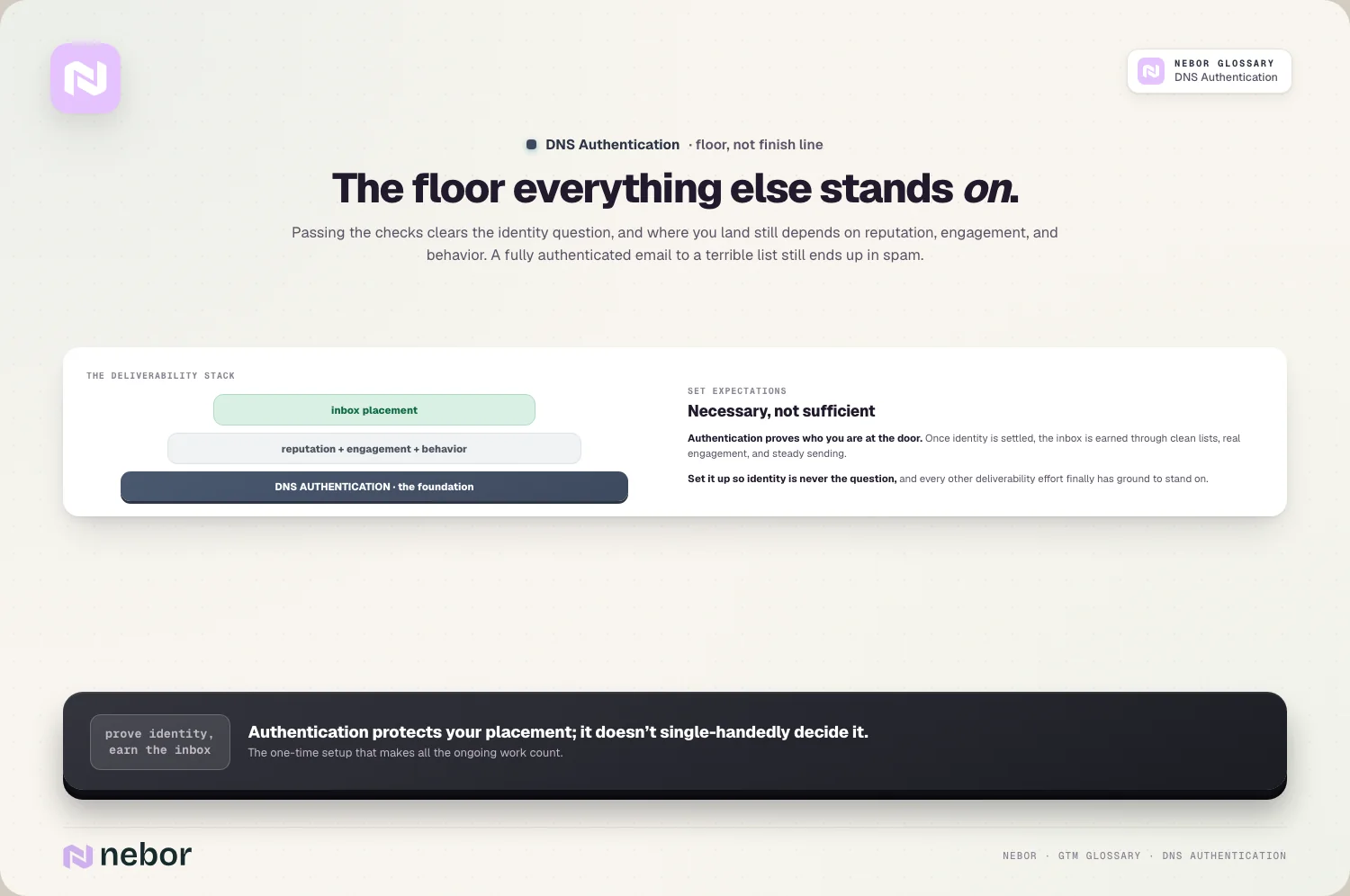
Let's set expectations honestly, because authentication is necessary and still only part of the story. Passing SPF, DKIM, and DMARC clears the identity check, but it doesn't promise the inbox on its own.
Authentication settles the question of who you are, and nothing more. Once the providers know your mail is really yours, where it lands still depends on your behavior, your sender reputation, and how people engage with what you send.
We've seen fully authenticated domains land in spam for months because the list underneath was junk.
So treat authentication as the ground you build on instead of the finish line. You set it up once so the identity question goes away for good, and from there the inbox gets won through clean lists, real engagement, and steady sending.
It shows up most clearly in your inbox placement rate, which authentication protects without single-handedly deciding.
How is DNS authentication different from encryption like TLS?
People sometimes lump authentication together with email encryption, but they're separate things doing separate jobs. The two are easy to mix up and useful to keep straight.
Encryption, usually TLS, protects the contents of an email while it travels between servers, so nobody can read it in transit. DNS authentication makes no attempt to hide anything, because its job is proving who sent the message and that nobody altered it, which is a matter of identity rather than secrecy.
You want both, and they don't replace each other. TLS keeps the conversation private, and authentication keeps it honest. When people talk about authenticating your domain, they almost always mean the identity side, meaning SPF, DKIM, and DMARC, with the encryption layer working separately underneath.
Who should own DNS authentication when IT and marketing both touch it?
This one causes real friction inside companies, because the records live in a place marketing usually can't touch. DNS is often controlled by IT or a technical team, while the people who feel the deliverability pain are in marketing and sales.
That split is exactly why authentication gets neglected, and we've watched it play out inside client companies more times than we can count.
Marketing knows the mail isn't landing but can't publish the records, and IT can publish them but doesn't always feel the urgency. The mail stalls and suffers in the gap between the two.
The fix is to treat it as a shared job with clear coordination. Whoever owns deliverability needs to drive the requirements, and whoever controls DNS needs to publish and maintain the records, with both watching the DMARC reports together. Naming that handoff explicitly saves a lot of finger-pointing later.
How do you keep your DNS authentication healthy as your sending changes?
Authentication is never fully finished, because your sending setup keeps changing, and every change can affect it. A record that was perfect last year can drift out of date as you add tools, without a single error to warn you.
The main rule is that every new sending tool needs to be added to your authentication. A new marketing platform or outreach tool has to be included in SPF and set up with its own DKIM, or its mail will fail.
There's a technical limit in play too, since SPF only allows a fixed number of DNS lookups, and stuffing too many services into it can break the record entirely.
So the habit is to review your authentication whenever your sending changes, and to keep reading your DMARC reports for anything failing or unaligned. We bake that review into every sending infrastructure we hand over, because a small drift caught early never turns into a real deliverability problem.
Why DNS authentication is the foundation every other deliverability effort stands on
When you zoom out, DNS authentication is simply how a stranger's server learns to trust you. It's the system that answers the most basic question a receiver asks, is this mail really from who it says it's from.
Until you can answer that cleanly, nothing else you do for deliverability fully counts. Warmup, reputation, and clean lists all assume the providers already trust your identity, and authentication is what earns that trust. It's the first thing to get right and the last thing you'd want to get wrong.
The reassuring part is that it's a finite, one-time foundation. Once you've published the three records, aligned them, pushed DMARC to enforcement, and kept an eye on the reports, you've built the base layer that every other part of your sending relies on.
None of this work is glamorous, and none of it will ever show up in a campaign report. But every reply you'll ever get starts with a receiving server deciding your mail deserved the inbox, and these three records are where that decision begins.
Share this post
Deliverability
Infrastructure
Glossary
Related glossary items
Understanding the core GTM concepts


Ready to build your pipeline











